Build a source-change radar in Lovable with Firecrawl
Build a review-first source-change radar with Lovable and Firecrawl. Learn connection modes, costs, limits, and how to verify changes before publishing.

Başlıklar
Build a source-change radar in Lovable with Firecrawl
Suppose a tool updates its documentation on Friday, but your Monday tutorial still recommends the old behavior. Publishing faster will not fix that. You need to notice which source changed, inspect the original, and decide whether a reader should act differently. Firecrawl inside Lovable can support that workflow, provided you keep a human review step.
What you will build: a private app with a short list of official pages, extracted snapshots, change signals, and an editorial review queue. Lovable's Firecrawl connector documentation says the connector can scrape URLs into Markdown or structured JSON, crawl and map sites, and re-check pages. This guide is an implementation recipe based on documentation reviewed October 25, 2026. SoyJB has not measured the workflow in a live Lovable workspace.
Start with a decision, not a crawl
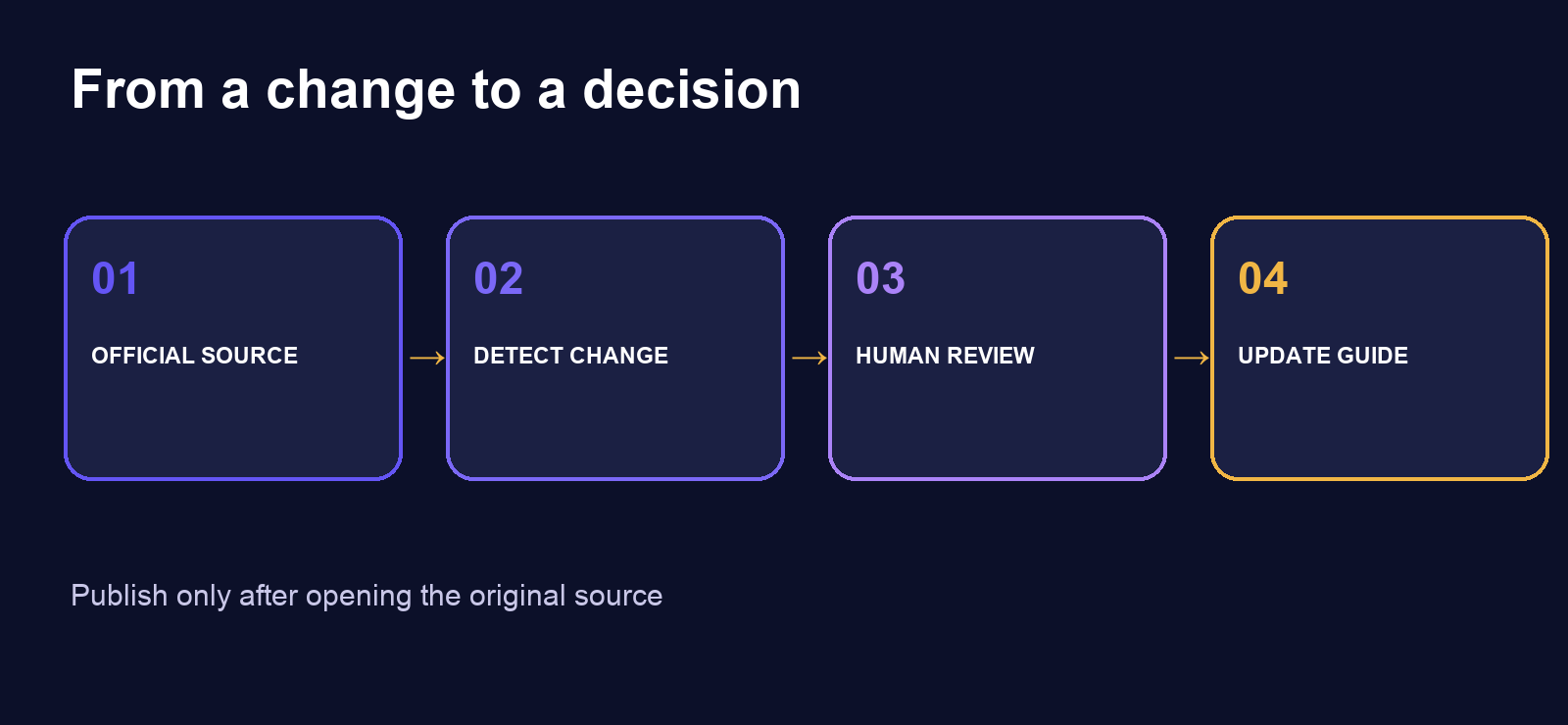
Pick five high-value URLs: a product changelog, pricing page, feature documentation, availability page, and official announcement feed. For each source, store its canonical URL, topic, last review date, and owner. Crawling an entire domain on day one usually adds noise and credit usage before you know which changes matter.
For an applied-AI publication, a useful question is: “Did availability or a limit change for a feature I recommended this week?” That signal can lead to a retest or an update of an existing article. A menu redesign or a footer edit should not become a news story.
Choose the connection mode deliberately
In Lovable, go to Connectors → Firecrawl → Add connection, then choose an App + chat connector. With Managed by Lovable, the workspace uses Lovable-managed credentials and spends workspace credits. With Use your own credentials, you bring a Firecrawl API key and Firecrawl handles billing. Lovable says app + chat connectors are enabled by default on Free, Pro, and Business; Enterprise requires an administrator to enable connection creation. Only one managed Firecrawl connection is allowed per workspace. Check your own plan before scheduling frequent requests.
One limitation can change your architecture: Firecrawl Monitor is unavailable through a Lovable-managed connection. You can build a periodic URL re-check with your own app logic and connector capabilities, but that is not the same as claiming access to Firecrawl Monitor. If you specifically need Monitor, use your own Firecrawl key and review its terms. An HTTP 402 may mean depleted credits rather than “no changes.”
Give Lovable a review-first specification
Paste this into an internal Lovable project, then replace example URLs with sources you are allowed to fetch:
Build a private editorial source radar. Sources: name, canonical_url,
topic, active, checked_at. Snapshots: source_id, fetched_at,
content_hash, excerpt, source_url, status. Signals: source_id,
detected_at, old_excerpt, new_excerpt, claim, editorial_status.

Use Firecrawl only for active URLs I have registered. Hash normalized
source text and create a signal only when relevant content changes.
Never auto-publish. The review screen must show the original link,
previous and new excerpts, fetch time, and Confirm, Dismiss, and
Verify manually actions. If fetching fails or a site blocks access,
record the error; do not infer that nothing changed. Do not scrape
personal data or login-protected content.
This design avoids comparing two AI summaries as if they were source evidence. Summaries can vary when the underlying page is unchanged. Normalize whitespace, strip recurring navigation, and retain the exact excerpt a reviewer can inspect. If the publisher offers an official RSS feed or API, compare it too; that may be more stable and cheaper than scraping.
Run one falsifiable check
Take two snapshots of one official page at different times. When the hash changes, open the original page and find the exact sentence. Record the announcement date separately from your fetch time. Then ask whether the change affects access, price, a usage limit, or product behavior for builders or creators this week. If it does not, archive the signal.
Before publishing, verify the claim against the primary announcement, changelog, or docs. Firecrawl can surface a difference; it cannot certify that a claim is current. Some sites block automated access or return incomplete content, so label those signals unverified. Set a spend limit, honor site terms, and keep sensitive personal data out of the pipeline.
Which mode should you choose? Start managed if you want to test a small radar without handling credentials. Bring your own key if billing control or Firecrawl Monitor matters. Either way, the useful loop is signal → original source → manual test → update an existing URL when appropriate. That is more valuable than creating another article for the same intent.
Primary source: Lovable's Firecrawl connector documentation, reviewed October 25, 2026. Recheck pricing and limits before budgeting a production workflow.