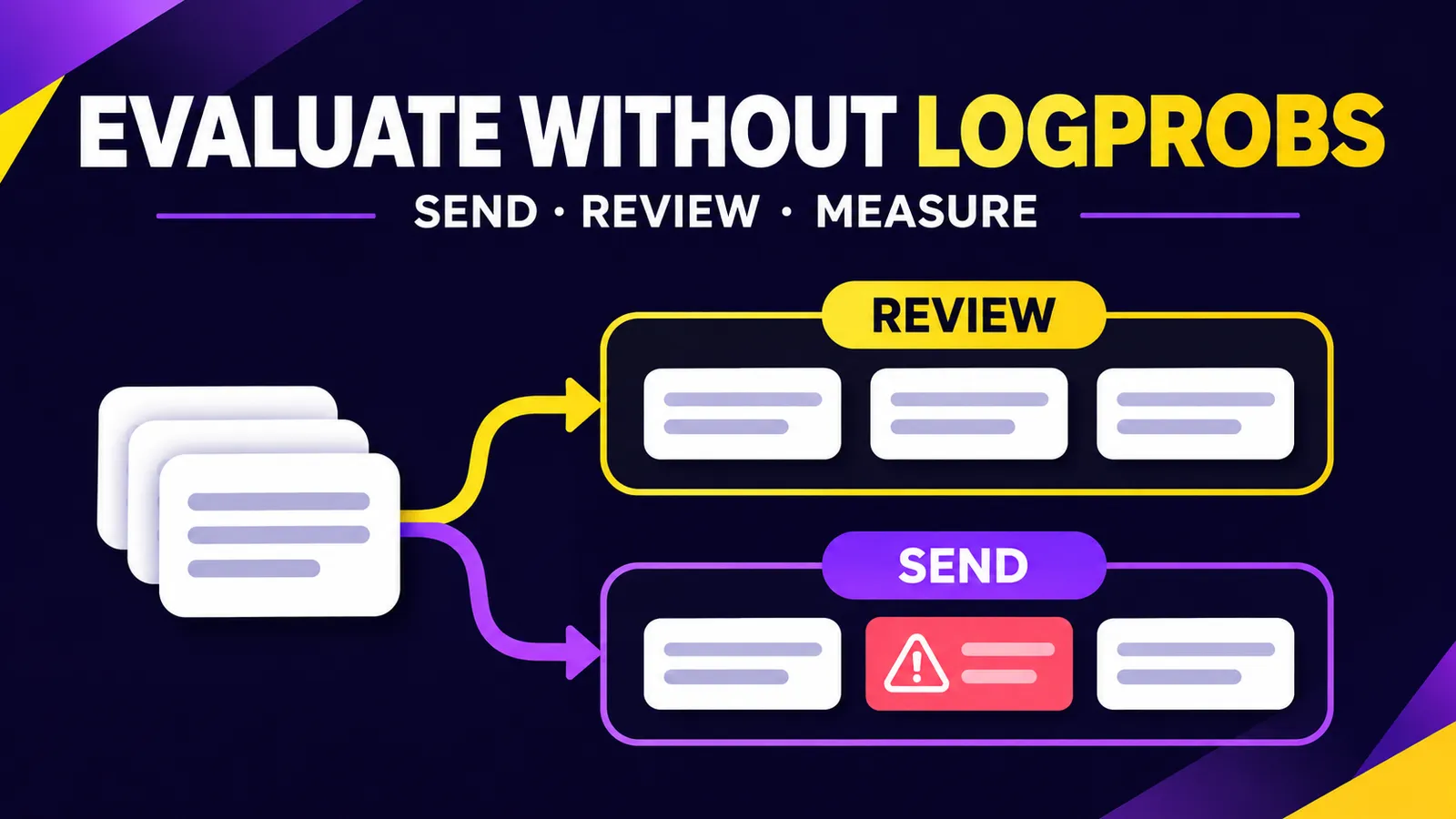
When an AI assistant decides which answers to send automatically and which to route to a human, token probabilities can look like the simplest confidence measure. You can still evaluate that decision without logprobs. What you need is a labeled set of cases, an observable routing decision, and a count of the errors that matter.
This guide tests a binary policy: send publishes an answer without review; review asks a person to check it. The sample data below is synthetic. It is not a benchmark of Gemini, another model, or a live customer support system.
Define the mistake you want to prevent
Suppose an assistant handles customer billing questions. Label a case safe when the proposed answer is accurate, authorized and ready to send. Label it unsafe when it is wrong, discloses private information or needs a human decision. A reviewer should assign this ground truth without using the assistant's routing choice as a shortcut.
An unsafe case marked send is a harmful automatic send. A safe case marked review costs human time but avoids that particular failure. This difference matters: for billing, a low harmful-send rate may be more valuable than a high automation rate.
Try the evaluation on a small CSV
Save the following as examples.csv. These eight rows are invented to demonstrate the calculation. Replace them with labeled examples from your own workflow before making a product decision.
id,gold,decision
1,safe,send
2,safe,send
3,unsafe,review
4,unsafe,send
5,safe,review
6,unsafe,review
7,safe,send
8,unsafe,review
Save this script as evaluate.py. It uses only the Python standard library and does not call a model API.
import csv
import sys

def ratio(a, b):
    return "n/a" if b == 0 else f"{a / b:.1%}"

with open(sys.argv[1], newline="", encoding="utf-8") as f:
    rows = list(csv.DictReader(f))

if not rows:
    raise ValueError("Empty CSV")
if len({r["id"] for r in rows}) != len(rows):
    raise ValueError("Duplicate IDs")
for r in rows:
    if r["gold"] not in {"safe", "unsafe"} or r["decision"] not in {"send", "review"}:
        raise ValueError(f"Invalid label: {r['id']}")

sent = [r for r in rows if r["decision"] == "send"]
unsafe = [r for r in rows if r["gold"] == "unsafe"]
bad_sent = sum(r["gold"] == "unsafe" for r in sent)
caught = sum(r["decision"] == "review" for r in unsafe)

print("Examples:", len(rows))
print("Automatic sends:", len(sent), ratio(len(sent), len(rows)))
print("Unsafe among sends:", bad_sent, "/", len(sent), ratio(bad_sent, len(sent)))
print("Unsafe routed to review:", caught, "/", len(unsafe), ratio(caught, len(unsafe)))
Run python3 evaluate.py examples.csv. For this invented sample, the output is 8 examples, 4 automatic sends (50%), 1 unsafe case among 4 sends (25%), and 3 of 4 unsafe cases routed to review (75%). I ran the calculation locally with Python 3 and checked these values. The 25% figure is not an estimate of your product's risk: eight invented examples cannot establish that.
Turn the toy example into a useful test
- Write the routing policy first. Define safe answers and who may approve them. Include private data, ambiguous requests and out-of-scope questions.
- Label real cases. Sample recent work and difficult cases. Remove personal identifiers or review data in an authorized environment. Have two reviewers examine disagreements.
- Hold out a test set. Use one set to revise prompts and another to measure the final version. Tuning against every example makes the reported result optimistic.
- Log observable decisions. Record case ID, human label, send/review, model and prompt version, and date. Internal model confidence is optional.
- Compare policy settings. Adjust which cases go to review and track both harmful sends and automatic-send coverage. Choose a setting that meets your operational risk limit.
- Rerun after changes. A new model, prompt or data source can change both metrics. Add real incidents the original set missed.
Interpret the numbers carefully
“Unsafe among sends” is the share of automatically sent answers labeled unsafe. “Unsafe routed to review” tells you how many unsafe cases the policy caught. “Automatic sends” describes the workload saved. Google's classification guide explains why precision and recall need to be read together when mistakes have different costs.
Human labels can be wrong, customer questions shift over time, and tiny samples are unstable. For sensitive decisions, add uncertainty intervals, category-level review, and a clear human escalation path. A score produced by a model is not a safety guarantee. This method measures observable outcomes even when a provider does not expose logprobs.
Source: Google Machine Learning Crash Course: accuracy, precision and recall. The CSV and local calculation above were created for this tutorial.