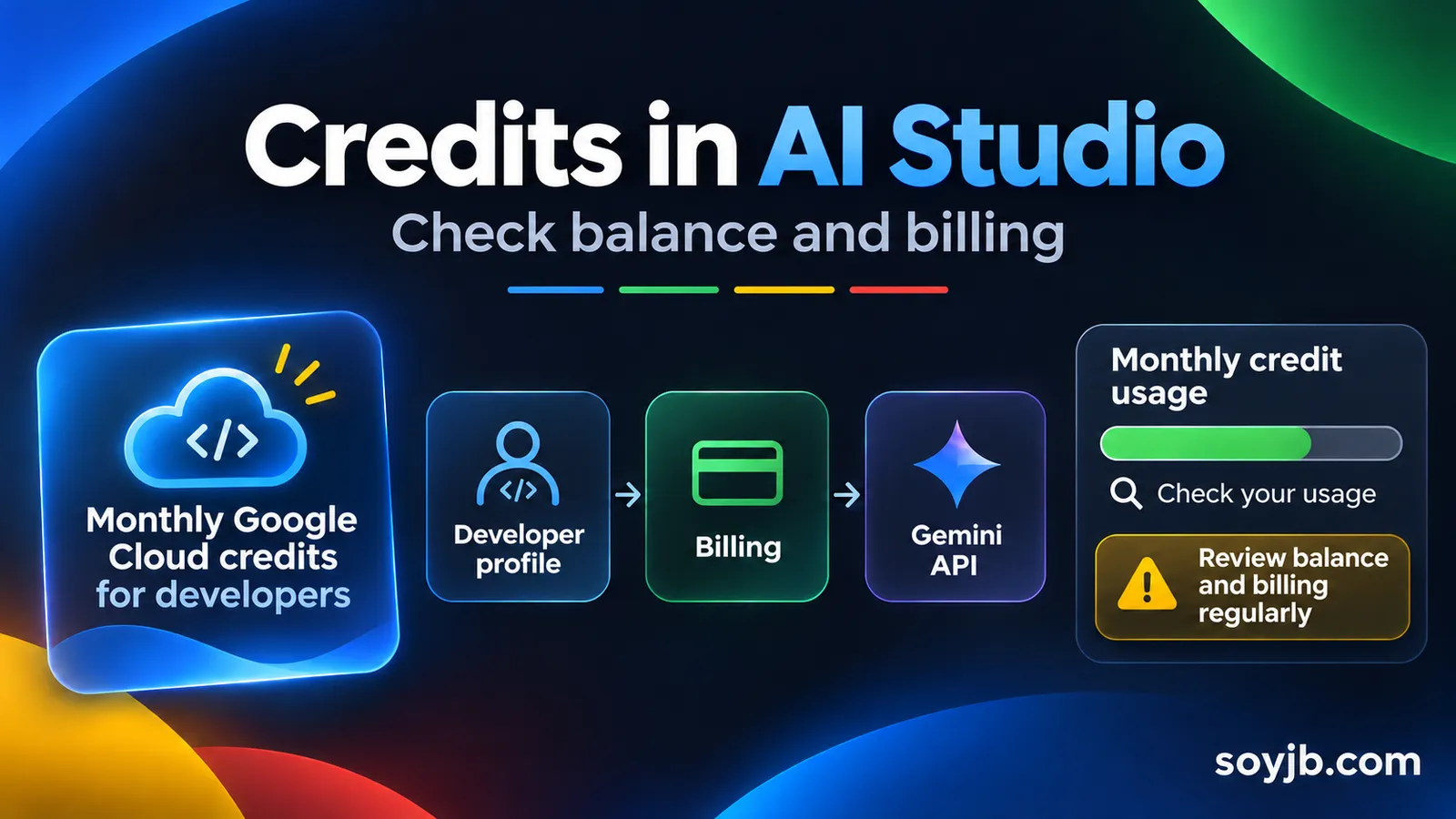
You are testing Gemini in AI Studio and hit a limit. Before buying more capacity or cutting experiments, check whether your plan already includes developer credits you never claimed. Since November 13, 2026, Google has let eligible subscribers view and claim Google Developer Program monthly Cloud credits inside AI Studio. For someone building with the API, the useful move is to check the balance and billing path before forecasting more usage.
The change concerns primary subscribers to Google AI Pro and Google AI Ultra; it does not give every free account the same credit. Google says the monthly grant depends on your plan tier and can support eligible Gemini API usage. This guide follows Google's announcement. We have not accessed Joseph's account or verified his plan, balance, or eligibility.
What changed in AI Studio
Claiming developer benefits previously meant moving between the Developer Program, Cloud Billing, and AI Studio. AI Studio now surfaces unclaimed-credit alerts, can create a Google Developer Program profile, lets you redeem a grant, and links a billing account in the same flow. You can then attach paid-tier API keys and inspect balance and usage in AI Studio Billing. Google says future monthly grants apply automatically and the earliest-expiring credits are used first.
Claim credits without mistaking them for unrestricted free usage
- Check your plan and account owner. Confirm that you are the primary Pro or Ultra subscriber. Google says these developer benefits cannot be shared with family plan members.
- Open AI Studio. Look for an unclaimed-credit alert or balance in the left navigation. If nothing appears, do not assume you have a grant; check your profile and current terms.
- Redeem the benefit. Complete the Google Developer Program dialog. Membership itself is free, but an active profile is required for the developer benefits.
- Inspect billing. Before attaching a paid-tier API key, confirm the Cloud Billing account and who controls the project.
- Check the prepayment rule. Google says Gemini API usage with Cloud Billing needs a minimum $5 prepayment and a balance before promotional credits can be drawn down. The grant does not remove that step.
- Set your own operating limit. Record your starting balance, test budget, and review date. Check usage and balance in AI Studio Billing after a small call.
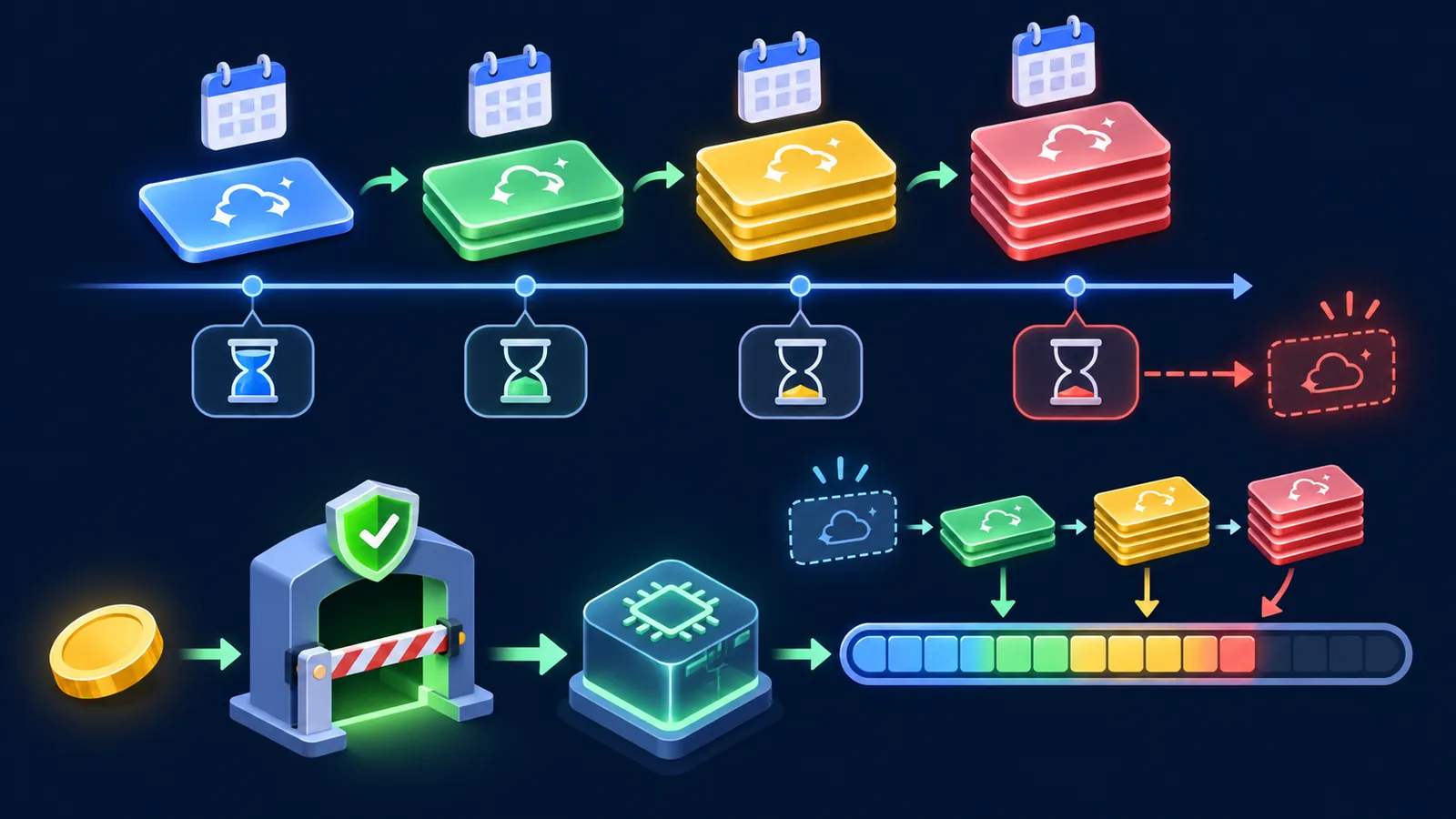
Google says each monthly grant remains valid for twelve months after issue and grants roll over across months. Rollover does not mean they last forever. If you have subscribed for several months and kept a Developer Program profile, you might have grants waiting, but your account panel is the only place to verify the amount and expiry. The announcement is no promise that production usage will cost nothing.
One small spend test
Choose a short, repeatable task from your app, such as summarizing a 300-word note with the Gemini API. Record project, model, date, and call count. Make one call, allow the usage panel to update, and check which balance was charged. Scale to a controlled batch only after that. If the charge differs from what you expected, stop and check the project, API key, billing account, model prices, and limits. A “credits included” banner is not a budget.
For a vibe coder, the decision is straightforward: if you already pay for AI Pro or Ultra, inspect the benefit before buying additional capacity. If you do not, compare the full plan price, required prepayment, and expected usage. Do not subscribe solely for a grant you have not verified in your region and account. Google says the credits can support Gemini API and other eligible Cloud usage, but actual charges depend on your project configuration.
What still needs verification
Google lists the tier amounts in its guide and account interface; check the current value in your own account before making a financial choice. We have not measured actual savings, account-specific access, or production app behavior. The first verifiable outcome is the claimed balance in AI Studio and the drawdown from a small test.
Primary source: Google's official announcement, November 13, 2026. Checked November 14, 2026.