Replit Monitoring Agent: choose three switches before AI fixes your app
Choose Replit Monitoring alerts, Auto-fix, and Auto-republish in stages, with a practical incident prompt and clear production boundaries.

Başlıklar
Replit Monitoring Agent: choose three switches before AI fixes your app
You ship an app built with Replit Agent. The next morning it returns HTTP 500 errors, but nobody opens the logs until a customer complains. Turning on every “AI fix” option is not the only response. Replit separates alerts, attempted fixes, and automatic republishing. Choosing those controls in stages can protect a live product from an unreviewed change.
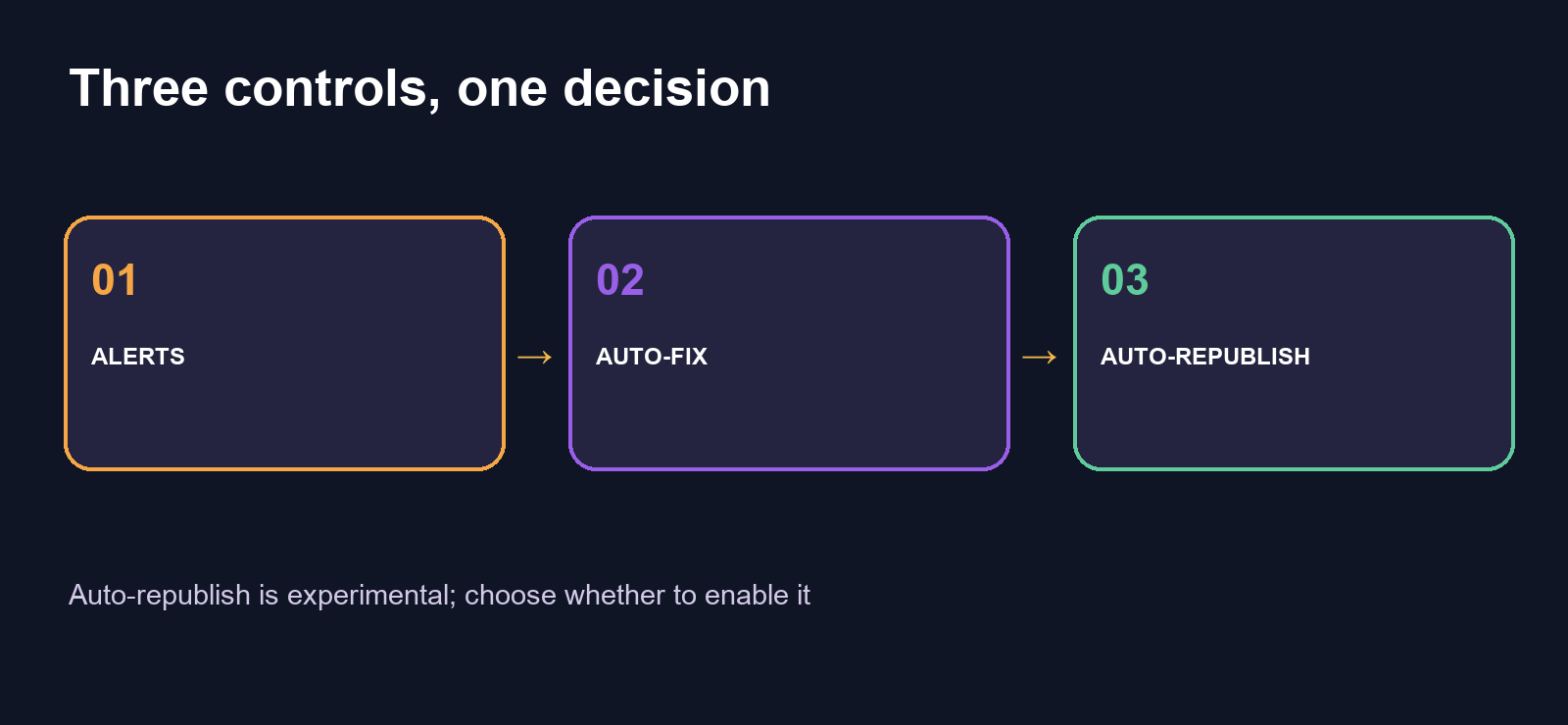
Replit's official Monitoring Agent documentation names the three settings Monitoring alerts, Auto-fix, and Auto-republish. It says Auto-republish is experimental and requires Auto-fix. This guide is based on official pages reviewed October 25, 2026. SoyJB has not enabled the settings or observed a real incident in its own Replit app.
First inspect the available signals
Open Monitoring under Replit Cloud after your app is published. Replit's monitoring guide describes uptime, request volume, HTTP status codes, response duration, CPU, memory, and production logs. A graph tells you where to investigate, not the underlying business cause. A 500 spike after a release points you toward that revision; rising latency may come from traffic or a third-party dependency.
Monitoring starts after publication. Replit says uptime checks require a paid plan and are unavailable for Scheduled Deployments. The current docs say deployment logs are retained for 30 days. If your audit needs longer retention, plan a separate export or critical-event store using services available to your team.
Switch 1: alerts without automatic code changes
Enable Monitoring alerts in publish settings. Replit's automatic checks watch application error logs, HTTP errors, and request latency. They do not cover every metric you can ask Agent about. For a newly launched app, this is a useful first setting: you receive a signal while retaining control of code and releases.
Test a known failure in a development or staging environment, not by breaking a live app with users. In the Monitoring table, distinguish Active, Resolved, and Cannot measure. The last status means Replit could not evaluate a signal; it does not mean the app is healthy. Tune notification severity so the inbox remains actionable.
Switch 2: Auto-fix, with human review
With Auto-fix, Monitoring Agent can inspect metrics, runtime logs, and code, attempt a change, and validate it. Replit says an alert does not guarantee a fix: a third-party outage may have no code solution inside your app. If Auto-republish stays off, the attempted fix does not automatically go live. Review it in Agent chat and republish yourself.
That is a reasonable stage for a product with real users. Before accepting a fix, ask which error was reproduced, which files changed, what tests ran, and what behavior could break. Recheck your core login, payment, or signup flow after each change. Replit explicitly cautions that migrations and index operations may be risky, so those deserve extra technical review.
Use a precise investigation request:
Investigate HTTP 500 errors on /api/signup since 14:00 UTC
after the last publish. Compare the previous revision, show relevant
logs without secrets, explain the likely cause, propose the smallest
fix, list tests run and rollback risk. Do not republish the app.
Replit recommends including approximate time, time zone, and affected endpoint. That context helps the agent focus on the right incident. You can also ask about p50 or p99 latency, per-endpoint errors, CPU and memory, or logs for a specific deployment without waiting for an alert.
Switch 3: Auto-republish only with a clear boundary
Auto-republish allows Agent to publish a validated fix. Replit labels it experimental and requires Auto-fix. Enable it only if your team accepts generated code reaching production without prior human review. For an app that charges customers, handles private data, or runs database migrations, leave it off until you have tests, rollback, and ownership defined. “Validated by Agent” is not the same as “approved for your business.”
If you do automate publication, document critical endpoints, alert recipients, how to disable Auto-fix, and how to restore a prior release. Watch spend as well: Replit says Monitoring Agent runs can incur usage charges. Check your plan and budget before enabling it across many apps.
A practical starting configuration for a solo founder: alerts on, Auto-fix only after you understand real failure patterns, Auto-republish off. Review a week of errors and latency, then decide whether faster recovery warrants more autonomy.
Sources: Replit Docs, Monitoring Agent and Monitoring your app, reviewed October 25, 2026.