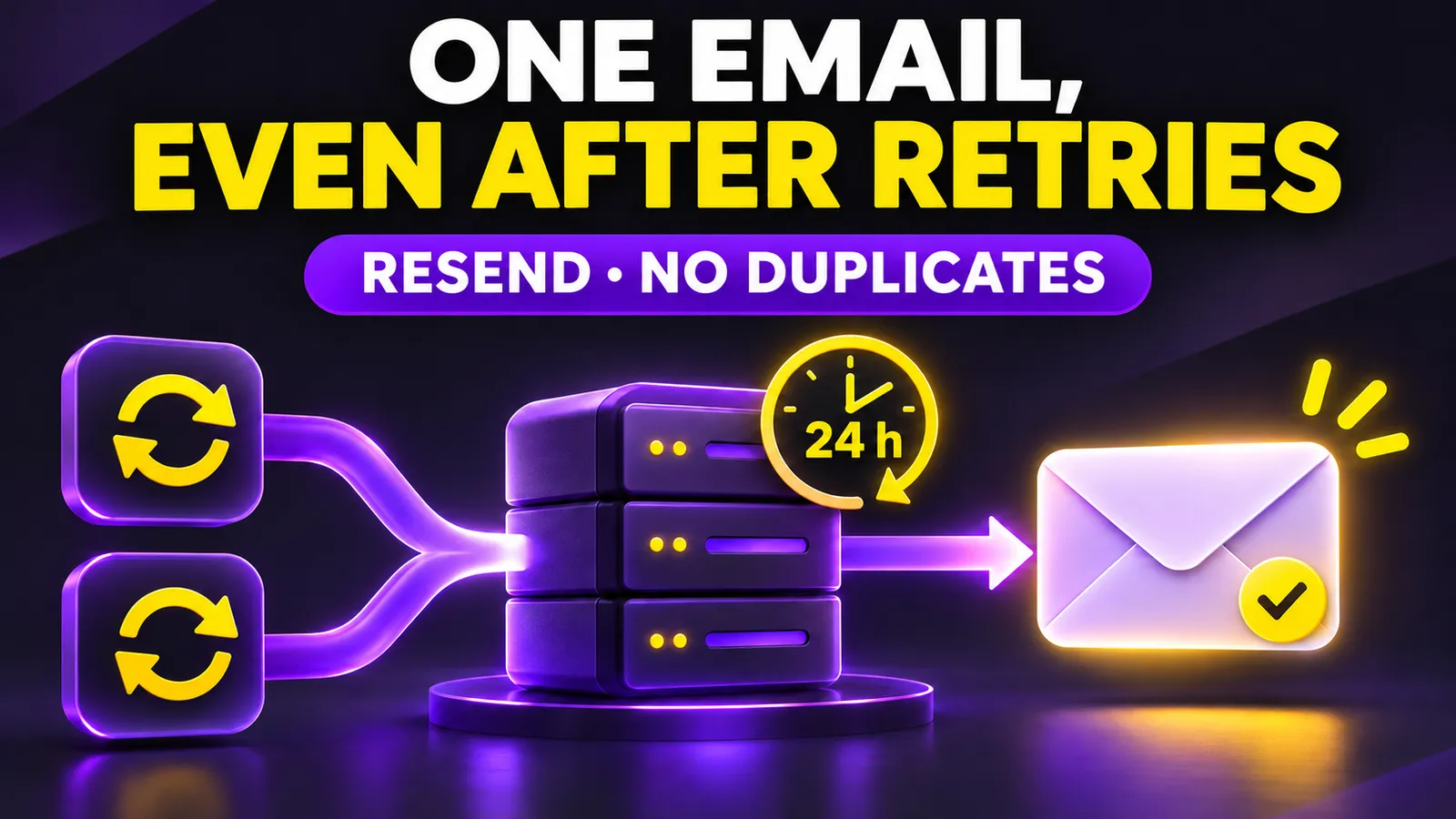
A new user signs up. Your app asks Resend to send a welcome email, but the network drops before your server receives the response. The worker retries and the user gets two copies. A stable idempotency key lets repeated attempts for that one logical email share a single send.
This is an available workflow, not a new announcement. Resend introduced idempotency keys on May 1, 2025; its current documentation supports them for single and batch email sends. They matter to founders wiring sign-up forms, payment webhooks and background jobs where timeouts and retries are ordinary events.
Pick a key for the email, not for the HTTP attempt
For one user's welcome message, welcome-user/123 can identify user 123. For a receipt, derive the key from a stable order or payment identifier, such as receipt/order-456. Generating a fresh UUID on every retry defeats the protection because the provider sees different operations. Reusing one key for every user creates conflicts or suppresses legitimate sends.
Resend remembers the key, payload and response for 24 hours. The same request in that window returns the same email ID without sending another email. If you keep the key but change the recipient, subject or HTML, the API returns 409 invalid_idempotent_request. That conflict tells you the two requests were not actually the same email.
Decide what happens if a user changes their address between attempts. Do not quietly edit the payload of an already queued job. Keep the original event data so the retry is identical, or cancel that job and create a new event with its own key. The right choice depends on whether this is a welcome message, a receipt or a security alert. Record that rule in the workflow.
A Node.js welcome-email example
You need a Resend API key and a verified sending domain. Run npm install resend, put RESEND_API_KEY in your server environment and never expose it to the browser. Call the function only after your database confirms the account exists. The userId must be your stable account ID, not arbitrary text copied from a form.
import { Resend } from 'resend';

const resend = new Resend(process.env.RESEND_API_KEY);

export async function sendWelcome({ userId, email }) {
  const message = {
    from: 'Team <hello@your-domain.com>',
    to: [email],
    subject: 'Welcome to your account',
    html: '<p>Your account is ready.</p>',
  };

  const { data, error } = await resend.emails.send(message, {
    idempotencyKey: `welcome-user/${userId}`,
  });

  if (error) throw error;
  return data.id;
}
On a retry of the same event, use the same userId, address and message. Save the returned email ID against the welcome event in your database. The SDK call follows Resend's documented API. I did not send a live email while preparing this guide because this environment has no configured Resend account or verified domain.
Test the failure paths deliberately
- With your verified test domain, send to an inbox you own and note the returned email ID.
- Repeat the exact request with the same key within 24 hours. Compare IDs and check that only one email arrived.
- Change the subject while keeping the key. Expect
409 invalid_idempotent_request. Do not loop on this error: either restore the original payload or treat the revised email as a new logical message with its own key. - Issue two requests concurrently. Resend documents
409 concurrent_idempotent_requestswhile the first is in progress; wait and retry the same request.
Provider-side idempotency is a short-window safety net, not a permanent history. A replay after 24 hours could send another email. Keep a durable event record and provider email ID in your own database; for critical flows use an outbox or job queue with a unique event constraint. Also distinguish API acceptance from delivery: use provider status and webhooks to investigate bounces rather than assuming every accepted message reached the inbox.
If the message follows a payment, derive the event from your internal order and verify the payment provider's webhook signature and status first. Email idempotency does not prove a payment happened, and it will not stop your app from creating two orders. Treat each side effect, such as issuing access or generating a receipt, as a separate operation with its own durable state.
Check current plan limits before enabling a high-volume workflow, and test with your own address first. The practical win is predictable retries when the first network response is uncertain.