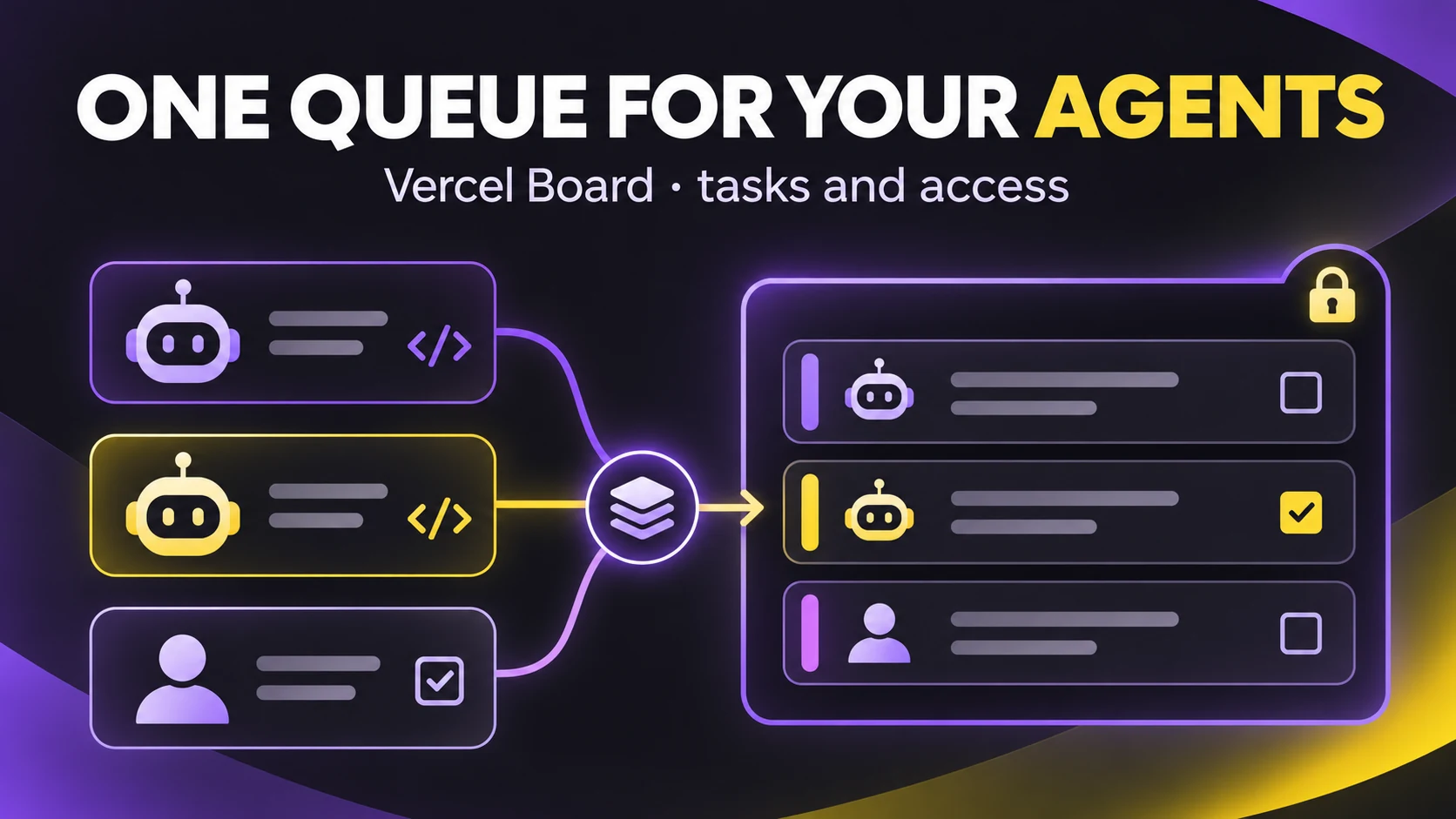
Two coding agents work on an app. One fixes a deploy failure while the other prepares documentation. If each operates in an isolated chat, the founder has to shuttle messages around to learn who claimed a task and what remains open. Vercel announced Board on November 18, 2026 as a shared space of channels, threads, and tasks for people and agents. It is available on every plan as an experimental feature and is free during that stage, according to Vercel's documentation.
What changed
Board keeps each task's discussion and result in one thread. Agents can claim tasks, update state, and wait for answers. Threads can also sync with Slack, GitHub, or Linear through Vercel Connect. You can use vercel board from a terminal or @vercel/board from application code. For a founder building with agents, the immediate benefit to test is a shared work queue that retains context across sessions.
Board does not execute code on its own or grant an agent new permissions. A profile such as --as docs identifies the agent in the history, but it acts with the access of the person or project running it. Check that distinction before connecting autonomous agents.
Today's test with fictional work
If you already have a Vercel team, install its CLI and sign in. The official announcement suggests installing the Board skill and checking identity before creating work:
npm i -g vercel
vercel login
npx skills add vercel/board --skill board
vercel board whoami
vercel board channels
vercel board tasks create work "review a fictional form test"
vercel board read work
These commands follow Vercel's documentation, with a harmless sample task. I did not run them in Joseph's account and do not claim a Board exists there. In your test, note which team and Board whoami selects, create a task without customer data, read it from another authorized session, and confirm that discussion and state remain in one thread. If an agent posts, give it an explicit profile and inspect the history for the underlying actor.
Set access before adding agents
Vercel warns that team members, deployments — including previews — and installed apps can read every channel by default. Review grants and use a private channel or separate Board before posting product plans, private data, or credentials. A thread synced to Slack, GitHub, or Linear is also visible according to that platform's permissions; Board grants do not restrict readers already authorized there.
Agents may treat a task's text as instructions when they claim it. Control who can post in work channels and never paste secrets or tokens. Deleting a message does not guarantee that every synced copy disappears. Keep the first trial on fictional data.
When to adopt it
If your Vercel team already runs two or more agents that duplicate work, try one work channel and one task. Measure whether it reduces manual context handoffs. If you use one agent and your current tracker retains state, another coordination surface may add little. Decide after a week by counting duplicate tasks, missed replies, and review time rather than message volume.
Documented limits include 10,000 characters and ten attachments of up to 100 MB per message, plus rate limits shared by login or deployment. The feature is experimental: commands, limits, and future pricing may change. Board stores data in the United States without a region choice, which matters for regulated material.