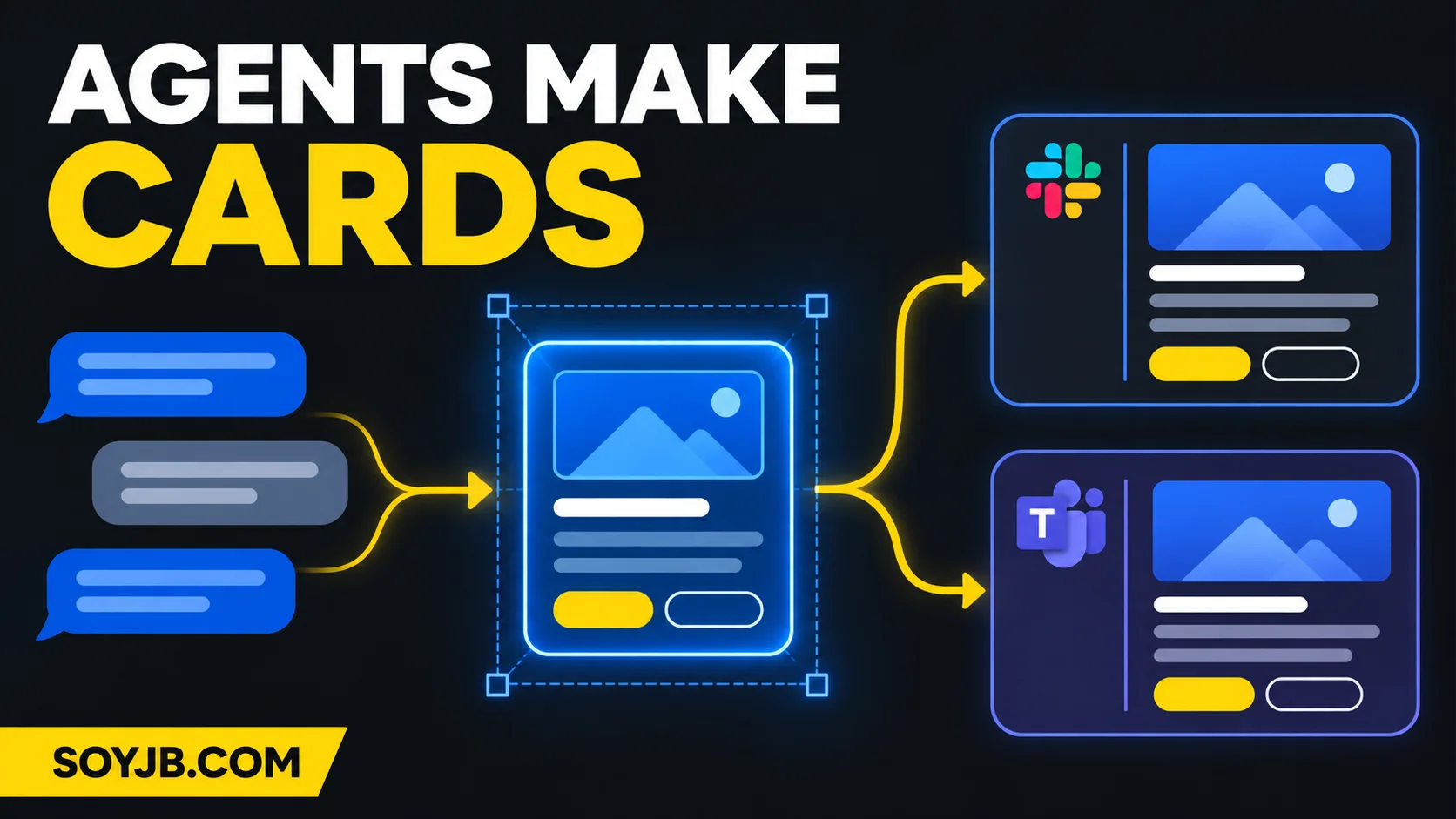
A customer asks about an order in Slack, and your agent replies with one dense paragraph: order number, status, date, and links. The customer has to reread it to find the answer. A Vercel release dated November 6, 2026 offers a different output: the agent writes a card specification, and Chat SDK renders it in Slack or Teams' native format. For a founder, the opportunity is to make repeatable answers scannable. The risk is giving invented data the appearance of an official status card.
What the release actually changes
The @json-render/chat integration uses a typed component catalog. The model writes a JSON specification from the allowed components; json-render converts it to a card, and the platform adapter displays it as, for example, Slack Block Kit or a Teams Adaptive Card. The standard catalog includes tables, charts, and buttons. Vercel also documents streamCard, which posts a card once it has content and updates it as more elements arrive. You do not have to handcraft a different layout for each channel, but you still need a working bot and configured adapters.
This is a developer capability, not a new switch inside Slack. You need a Chat SDK bot, a model capable of producing the specification, and the messaging platform's permissions. The official Chat SDK setup shows a Slack adapter and persistent state. Model and infrastructure costs depend on your configuration; the release does not specify one flat price for generative cards.
Try a read-only order status card first
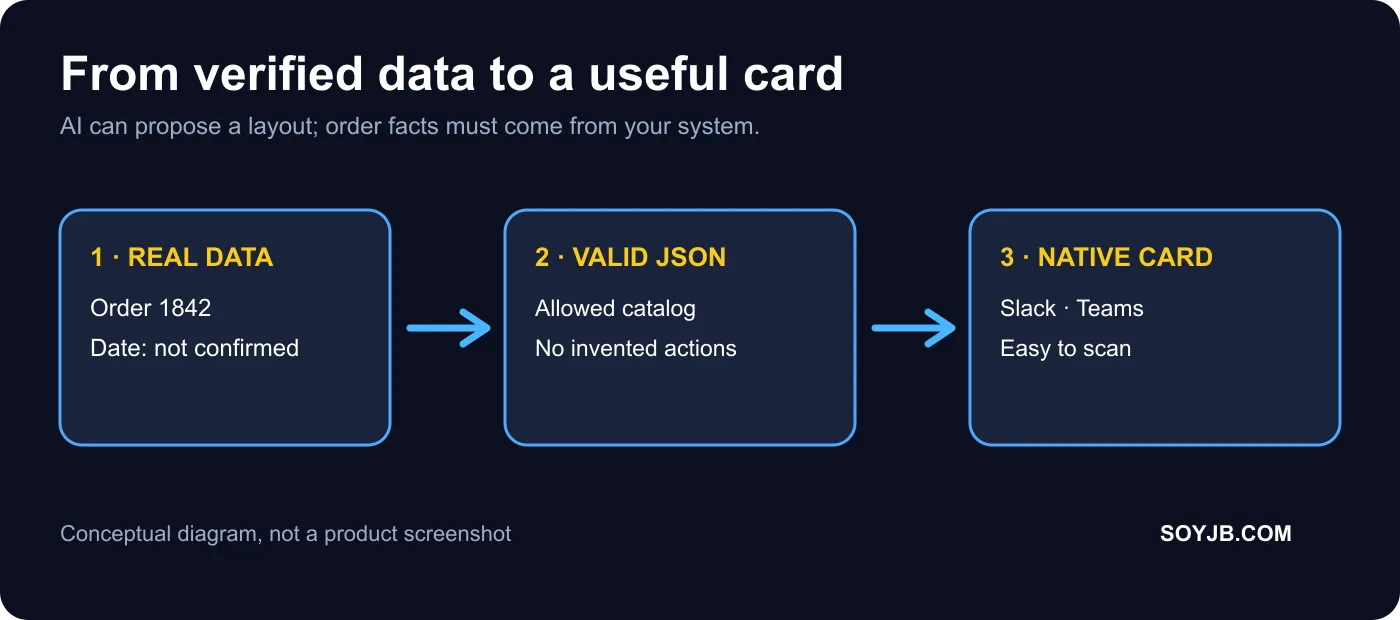
Start where there is no irreversible action. A customer asks, “Where is order 1842?” The bot fetches an object containing id, status, promised_date, and url. For the first version, allow text and one compact table. Do not let the model invent a refund button when you have not implemented and authorized that action. Make missing data explicit.
System data (the only source of truth):
{"id":"1842","status":"Preparing","promised_date":null,"url":"https://example.com/orders/1842"}

Agent instruction:
Build an order status card using only the data above.
Show the ID and status. If promised_date is null, write “Not confirmed”.
Do not invent dates, prices, or links. Do not offer cancellation or refunds.
If the order is missing, say it is unavailable; do not simulate a successful card.
This is an example input and instruction, not an output from a live test. A correct illustrative result would show “1842,” “Preparing,” and “Not confirmed.” The benefit is that the customer sees a trustworthy status at a glance and can open the right link. Decorative charts would add little to this question.
Move from a demo to a reliable bot
In a bot that already works, create the catalog with defineCatalog and components from @json-render/chat. Pass catalog.prompt() as the system instruction to streamText, then pass its textStream to streamCard(thread, ...). The official release includes the code pattern. To explore without deploying a bot, use the playground linked by Vercel. After that, connect fake order data and inspect the same case in Slack and Teams. I have not run this integration in a live account, so this is a reproducible plan rather than a claim of my own compatibility test.
Before production, validate specifications with toCard and catch CardSpecError so malformed cards can be corrected or replaced with safe text. Test missing fields, wrong links, and long tables. Vercel notes that adapters may degrade content past platform limits: on Slack, a second table may become a code block. Use limits if rejection is better for your application. A visual button does not implement an action by itself; connect and authorize its handler before exposing it.
For an agent that answers occasional simple questions, a short sentence may still be enough. Cards earn their complexity when people repeatedly need to compare, decide, or act on structured data. The first useful measure is whether a customer can understand an incomplete order status faster without the bot making anything up. Add actions only after you have a separate authorization path.