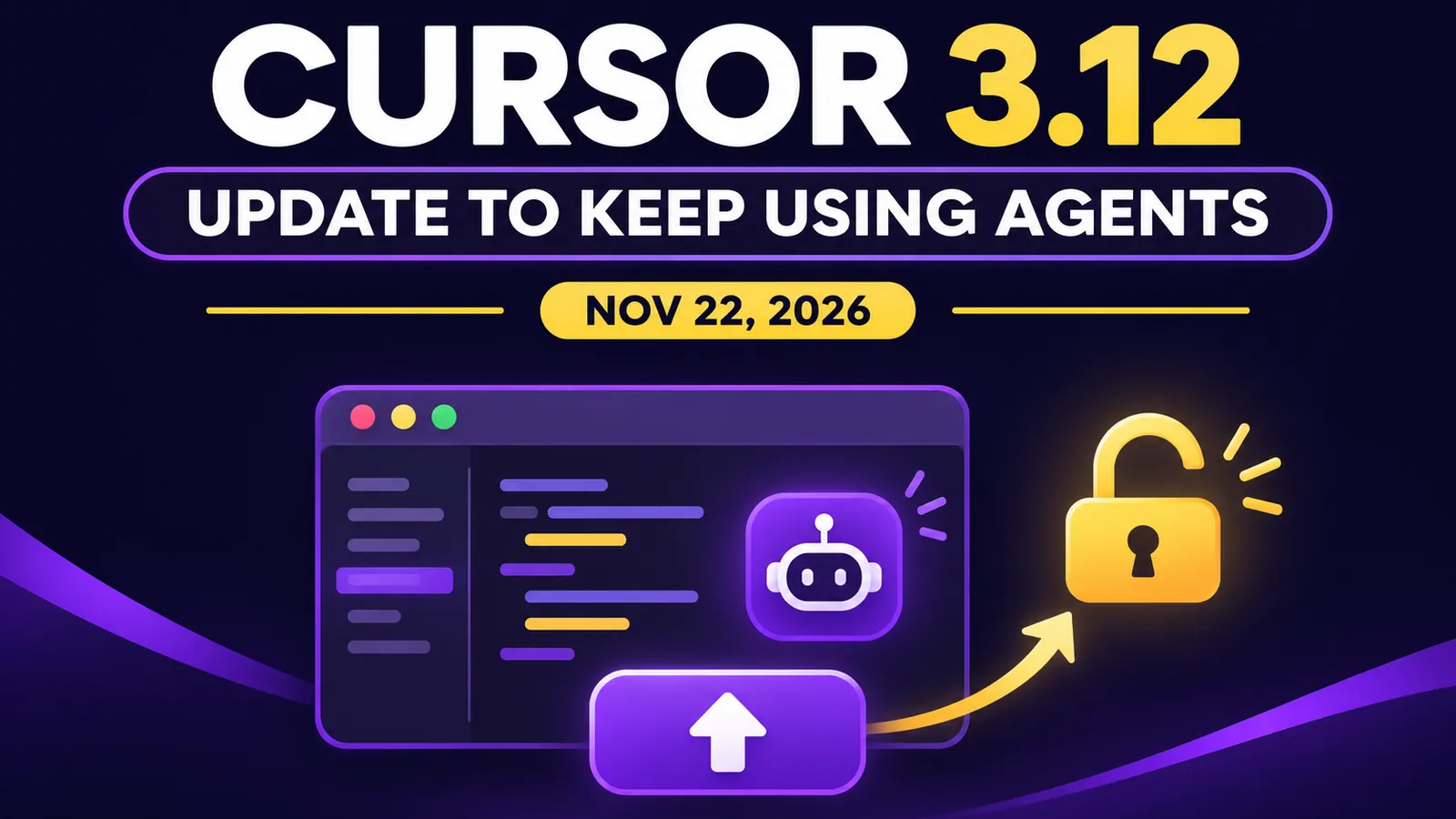
If Cursor opens but its agent returns “Update Required”, check the editor version before debugging your prompt or API credentials. Cursor's official minimum-version policy, with a schedule dated October 26, 2026, says that versions older than 3.12 are scheduled to lose agent access on November 22, 2026. Cursor also says those dates may change. This is a timely maintenance decision, not a new product launch.
Understand the two thresholds
Cursor has a minimum supported version and a minimum allowed version. An older build below the supported threshold can keep working while showing an update recommendation. A build below the allowed threshold still opens, but agent requests fail with “Update Required” until you update. Cursor says chat history, settings and other saved data remain available after an update. That explains why your repository and editor may look fine while your AI coding workflow stops.
The published schedule says the allowed threshold was 3.6 on October 26, while the supported threshold was 3.18. For November 22, it plans to raise the allowed threshold to 3.12. The next dated milestone is December 14, 2026, when builds older than 3.18 are scheduled to stop working with the agent. Check the live policy page when reading this later; Cursor explicitly warns that dates can move.
A practical check before your next coding session
- Identify the symptom. If the editor starts but agent requests return “Update Required,” inspect your installed version in the app menu. Do not mistake the editor opening successfully for agent compatibility.
- Update from Cursor. Use the Update button in the notice. Alternatively open the Command Palette with
Cmd/Ctrl+Shift+P, runAttempt Update, then restart. You can also install the current build over the existing one from cursor.com/download. - Check why updates were skipped. Open
Preferences: Open Settings (UI)and search forupdate.mode. Valuesnoneandmanualstop or limit automatic updates. If the mode isnone, Cursor says to use the official installer. - Retest a harmless agent task. After restarting, ask the agent to explain a file without editing it. A successful request separates version enforcement from another network or account problem.
If your team manages laptops centrally, the administrator's UpdateMode MDM policy can override each developer's setting. Ask IT to deploy a recent build instead of repeatedly retrying the in-app updater. Cursor documents MDM rollout through tools such as Jamf, Kandji and Intune. A founder planning a demo should check the machines that will actually be used, not only the build on their own laptop.
Choose the next action
On a build older than 3.12, update before relying on the agent for the next task. If your organization pins editor versions, schedule a tested rollout before the next published threshold. If you are already on 3.12 or later but still see a warning, remember that the supported threshold may be higher than the allowed one. A warning alone does not prove that agent access is blocked today.
What is unverified: I did not have a local Cursor installation or an affected account to reproduce the failure. The dates and version numbers come from Cursor's official schedule, which may change; this article does not claim that enforcement reached every account at one exact hour. Cursor recommends updating the editor. There is no need to bypass a policy or use an unofficial installer.
Sources: Cursor Minimum version policy and the official Cursor download page.