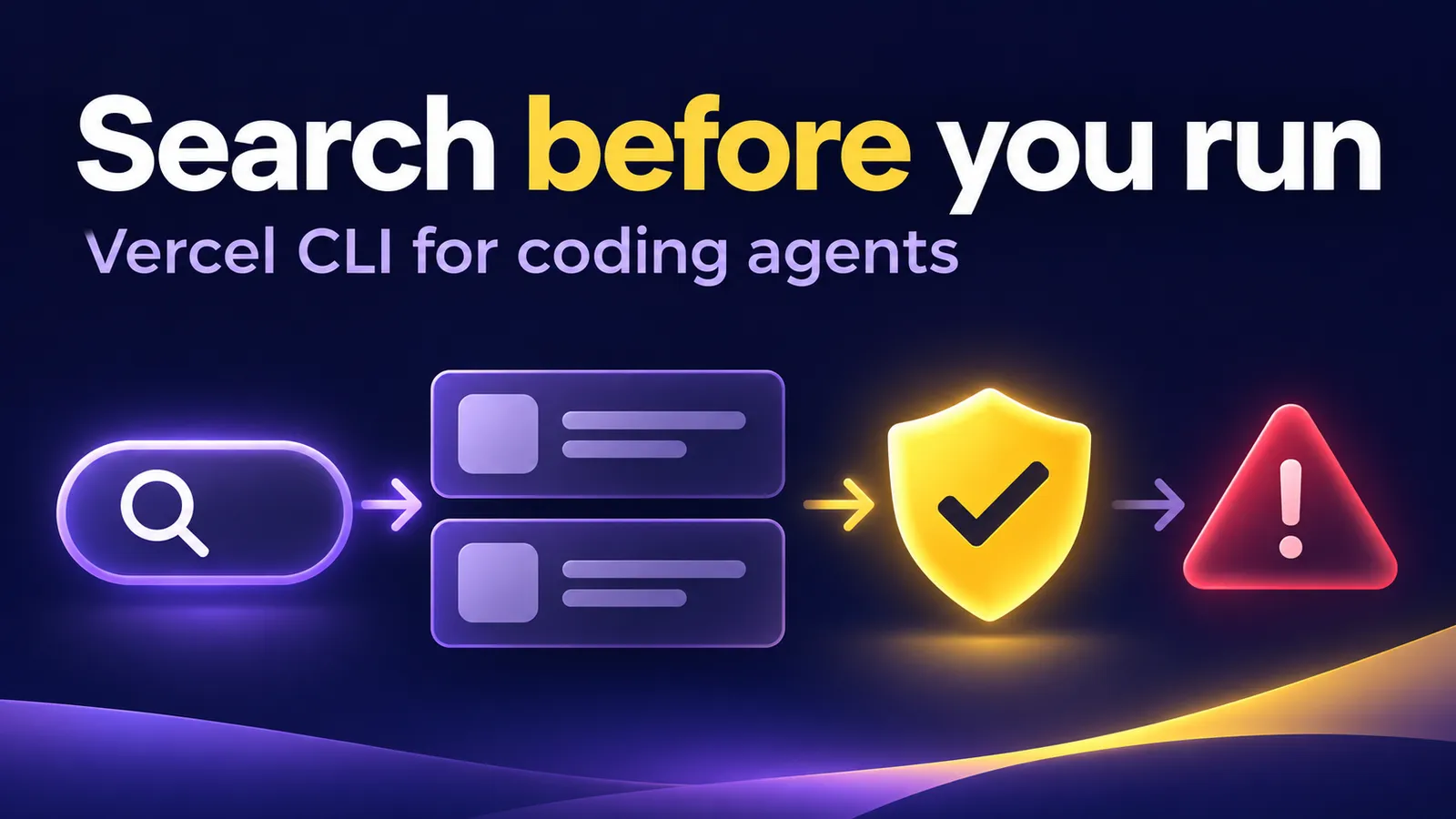
You ask a coding agent to investigate a production error. It half-remembers a Vercel command and proposes an operation that does not fit the incident. Since November 19, 2026, the CLI has offered vercel help search: describe a task in plain language to find relevant commands and optionally return structured JSON. For a small product team, the useful workflow is to make the agent consult the help first and review any action that changes production.
What the new search does
Vercel's official changelog says the search returns CLI commands and, where relevant, API paths with required placeholders. Add --with-help for the first result's full help text and --json for a machine-readable list. Vercel also ships an agent skill that points coding agents to this command.
Finding syntax is only the first step. A result can be vercel rollback or a POST API route that changes production traffic. Before running it, identify the account, project, target deployment, incident state, and permissions. Vercel's rollback documentation also notes that Hobby users can roll back only to the previous production deployment.
Run a read-only discovery test
With Node and npm installed, call the current CLI without adding it to your app's dependencies:
npx --yes vercel@latest --version
npx --yes vercel@latest help search 'show project logs' --json
npx --yes vercel@latest help search 'roll back production' --with-help --json
In a local test with Vercel CLI 66.6.0, “show project logs” returned logs runtime, ci logs, and logs as the leading results. The search did not decide which log stream an incident needed. For “roll back production,” it returned rollback with help text and also a POST API route. No Vercel account was signed in and no rollback happened. This tests command discovery, not application recovery.
If an agent or script consumes the JSON, this command prints the first three paths and descriptions. It requires jq:
npx --yes vercel@latest help search 'show project logs' --json \
  | jq -r '.commands[:3][] | [(.path | join(" ")), .summary] | @tsv'
The pipeline was also tested locally and returned one line per candidate. Search ranking may change with CLI versions. If your team pins the CLI in CI, test that version and record it rather than assuming @latest will stay the same.
A rule you can give a coding agent
Use this in the current task, your AGENTS.md, or the rules file your coding tool reads:
Before proposing a Vercel command, run
vercel help search "<task>" --with-help --json.
Show the first two candidates, their syntax, and the source.
You may run help and read-only queries.
For any command that changes deployments, domains, environment
variables, data, or permissions, stop and present the project,
environment, expected effect, alternative, and verification step.
Wait for my explicit approval before executing it.
A prompt does not replace account permissions or repository controls. Its purpose is to make the agent show what it found before acting. For a repeated workflow, wrap command search in a read-only tool that returns candidate commands. Do not hand an agent a production write token merely so it can search help.
Keep a second boundary at execution time. A candidate returned by search is data, not an instruction to run. Avoid piping its path directly into a shell, and do not add automatic confirmation flags to a production-changing command. Review the exact command with its arguments, then use a separate authenticated session with the narrowest available permissions. This matters even when the first search result looks plausible.
Test the workflow before an incident
- Ask “check the project's logs” and see whether the agent distinguishes runtime logs, CDN requests, and CI logs.
- Ask “roll back production” and check that it offers
rollbackfor review without running it. Verify the target deployment and plan restrictions from current docs. - Switch to a read-only task, such as inspecting a deployment. Check that it consults subcommand help instead of inventing options.
- Save the CLI version and relevant search output in the incident record. If a command fails, revisit help before trying another mutating operation.
This article's test is limited to local help search and JSON parsing. It did not connect to a Vercel account, read private logs, or change a live deployment. The immediate benefit is fewer invented commands and a visible decision before execution. For an actual outage, follow your team's incident procedure and Vercel's official recovery guide.