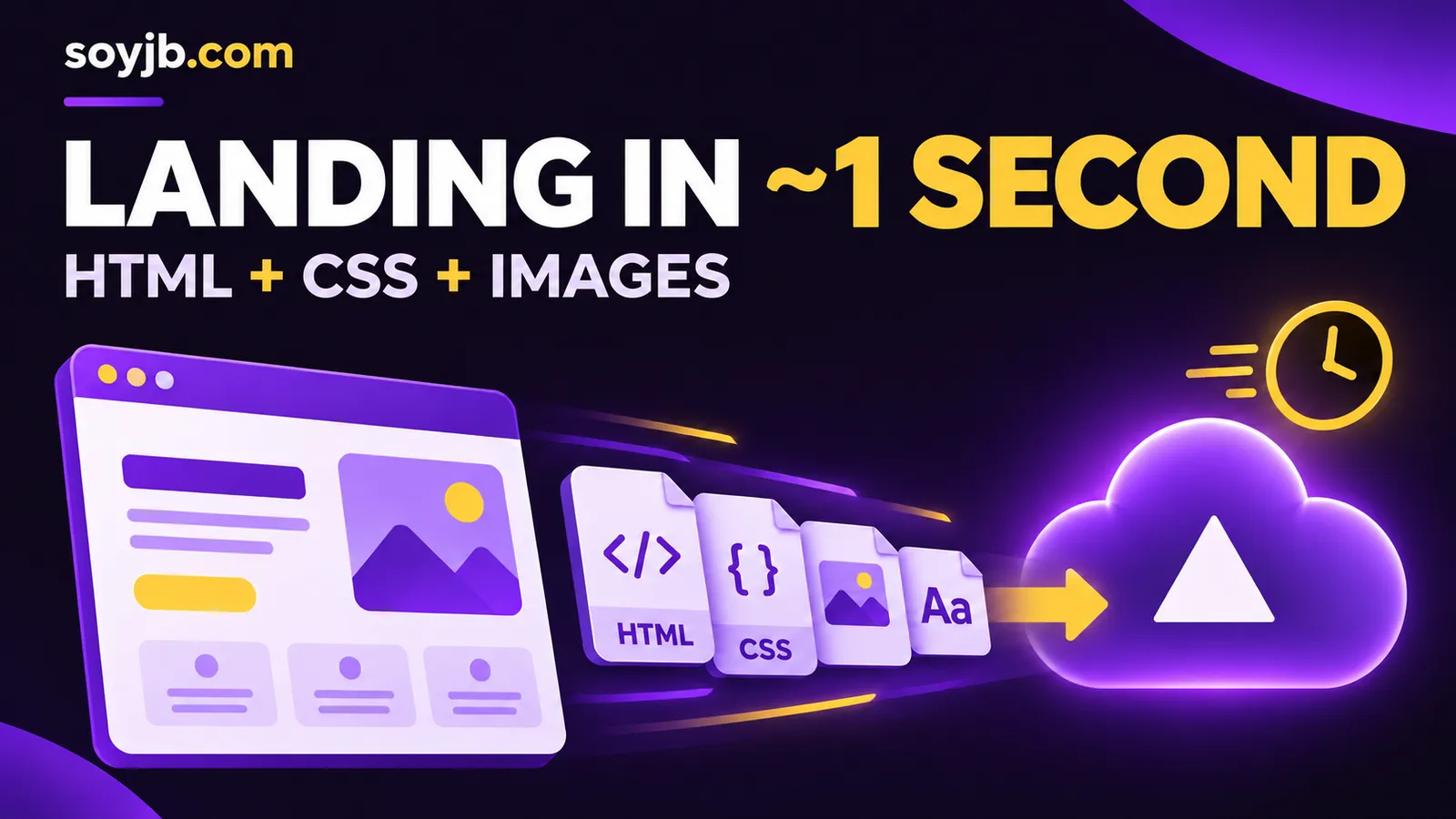
A founder wants to share a waitlist landing page today, with a stylesheet and a product illustration. On November 16, 2026, Vercel expanded its instant static deployment path to support CSS, images, fonts, data files, and selected media alongside HTML and Markdown. Vercel says an eligible site can deploy in about a second without a build. That is useful for testing campaign messaging quickly. It is a provider claim about qualifying static folders, not a one-second guarantee for every project.
Check eligibility before you deploy
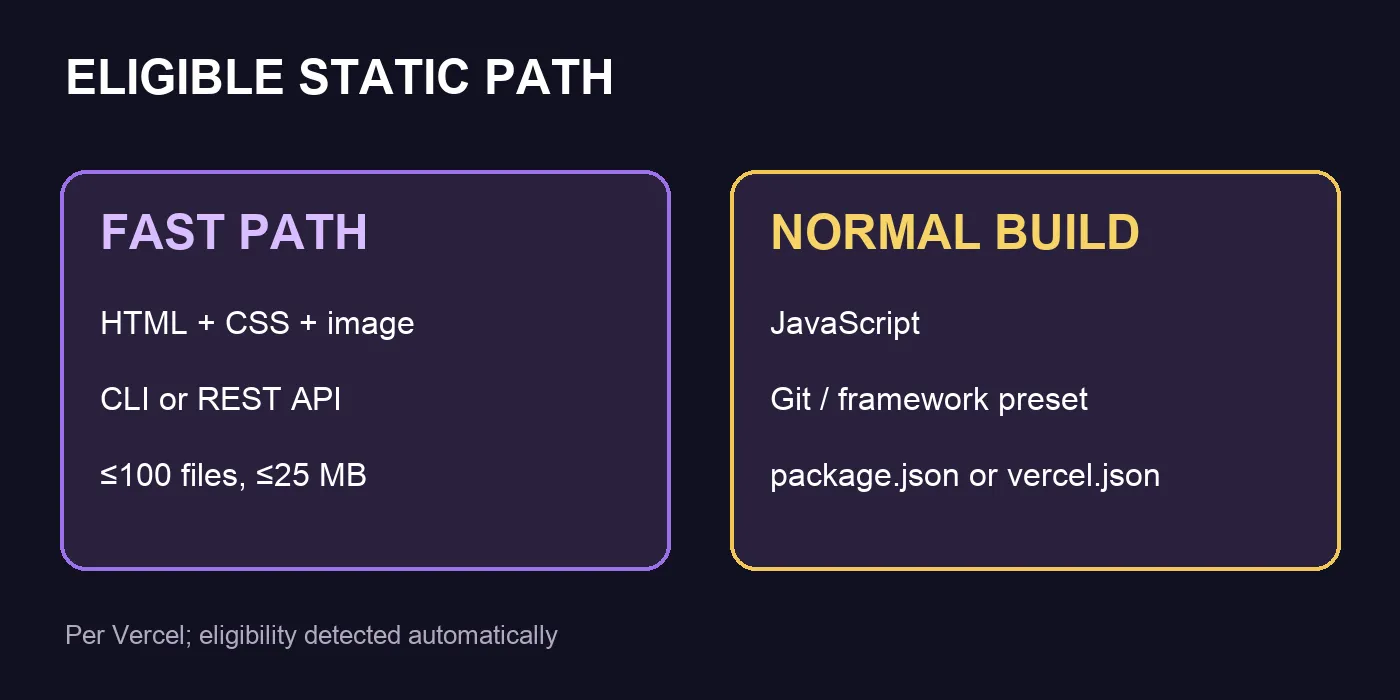
The supported additions include CSS, JSON, XML, text, manifests; SVG, PNG, JPEG, GIF, WebP, AVIF, and ICO; common web fonts; and PDF, video, and audio formats. A deployment must contain no more than 100 files and total 25 MB or less. Vercel detects eligible CLI or REST API deployments automatically and says the update is rolling out across all plans. JavaScript, unsupported files, or a deployment triggered by Git use the ordinary build path.
A framework preset, custom build settings, a root package.json or vercel.json, or a public/ directory also prevents the instant path. This matters when an AI coding tool generates a package file even for a simple-looking page. Do not remove project configuration from an existing application just to chase a faster deploy. Create a separate static folder for the experiment.
Build a useful three-file test
Put index.html, styles.css, and your own hero.svg in my-static-site. Make it a real message test: who the product helps, what it does, and a working contact link. Do not add a form that implies signup is working without a backend. A minimal starting point looks like this:
<!-- index.html -->
<!doctype html>
<html lang="en">
<meta charset="utf-8">
<meta name="viewport" content="width=device-width,initial-scale=1">
<title>Waitlist</title>
<link rel="stylesheet" href="/styles.css">
<main>
  <img src="/hero.svg" alt="Product illustration" width="320">
  <h1>A clear outcome for your customer</h1>
  <p>Explain the benefit and intended audience.</p>
  <a href="mailto:hello@example.com?subject=Waitlist">Get in touch</a>
</main>
</html>

/* styles.css */
body { font: 1.1rem system-ui; margin: 0; background: #171326; color: white; }
main { max-width: 700px; margin: 8vh auto; padding: 2rem; }
a { color: #ffdb65; }
Use artwork you own or are licensed to publish. Once the Vercel CLI is installed and you are signed in, run vercel deploy ./my-static-site. Inspect the preview URL and deployment time in the CLI output. Open the page on a phone, confirm the CSS and image load, and test the contact link. Promoting to a production domain is a separate review step.
When this shortcut is the right tool
Use it for a genuinely static landing page, microsite, or agent-generated report. If you need JavaScript interaction, authentication, APIs, or a framework, stay with the normal build workflow. A fast deployment says nothing about accessibility, search visibility, consent, or whether the copy is accurate. For this article I built a small local folder and checked its file count and size. I did not deploy through a Vercel account or measure its wall-clock time. The “about a second” figure is Vercel's statement for eligible sites.
Source: Vercel, “Single-second static deployments now support more assets,” Nov 16, 2026.