Imagine pitching your product to a potential customer tomorrow. You have interview notes, a prototype screenshot, and a spreadsheet with three numbers. You ask AI for a pitch deck and get a polished story, but the conversion rate on slide four was never measured. That slide can undermine your credibility at the first question.
ChatGPT Slides can create and edit presentations in Space from a conversation, files, or an outline. OpenAI announced it on October 16, 2026, and says it is rolling out to eligible Pro, Business, and Enterprise accounts with Space access. If the feature is missing from your account, do not assume you can use it yet. This guide follows OpenAI's documented capabilities; it does not claim a hands-on Slides test in an eligible account.
A six-slide deck that supports a decision
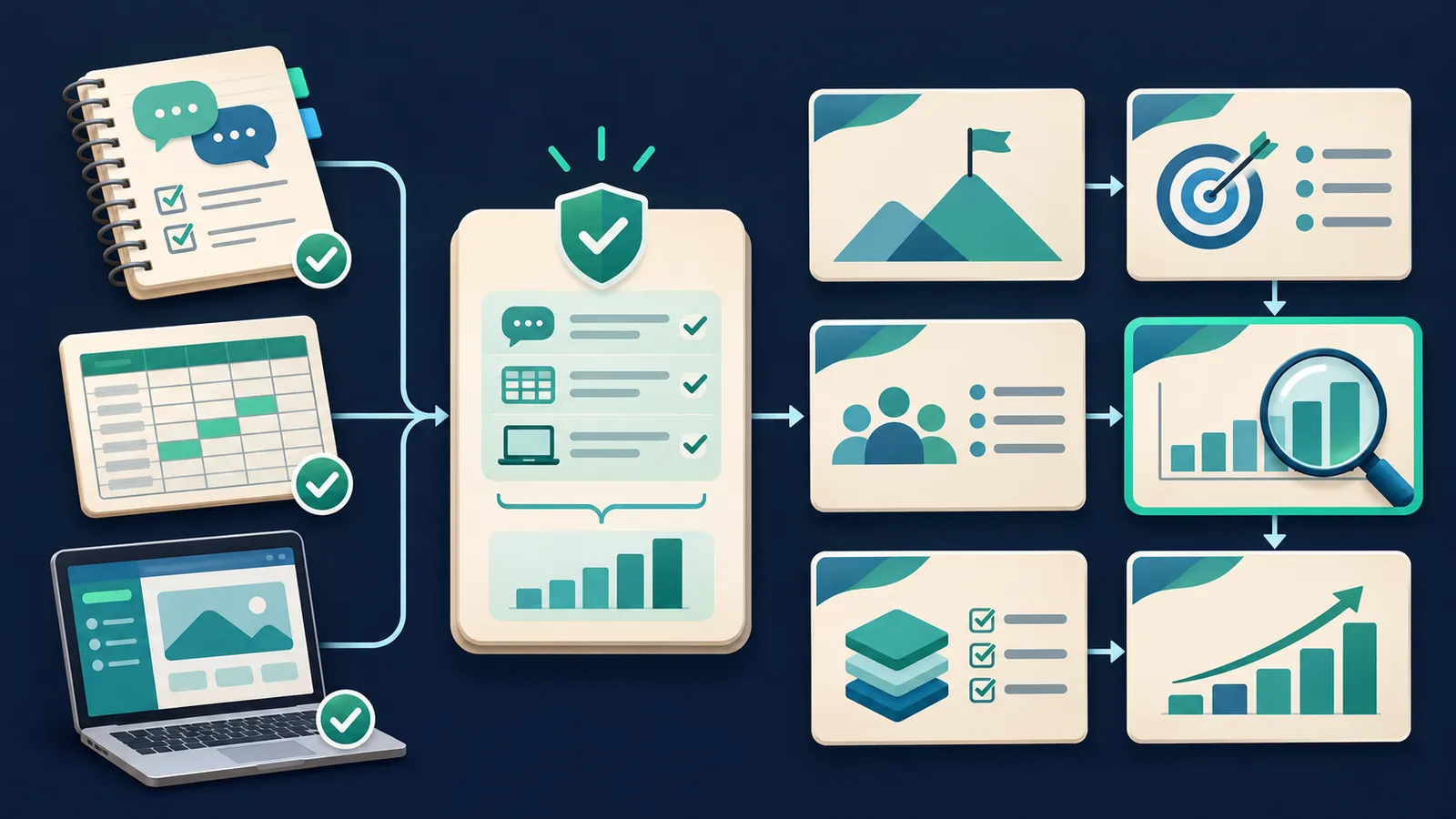
Consider a fictional product that summarizes sales calls for small teams. We have no real market size, revenue, or customer results for this example. Before opening Slides, gather a precise description of the buyer, dated evidence with sources, and the action you want the audience to take. If a metric is missing, label it “to be validated” instead of manufacturing a number.
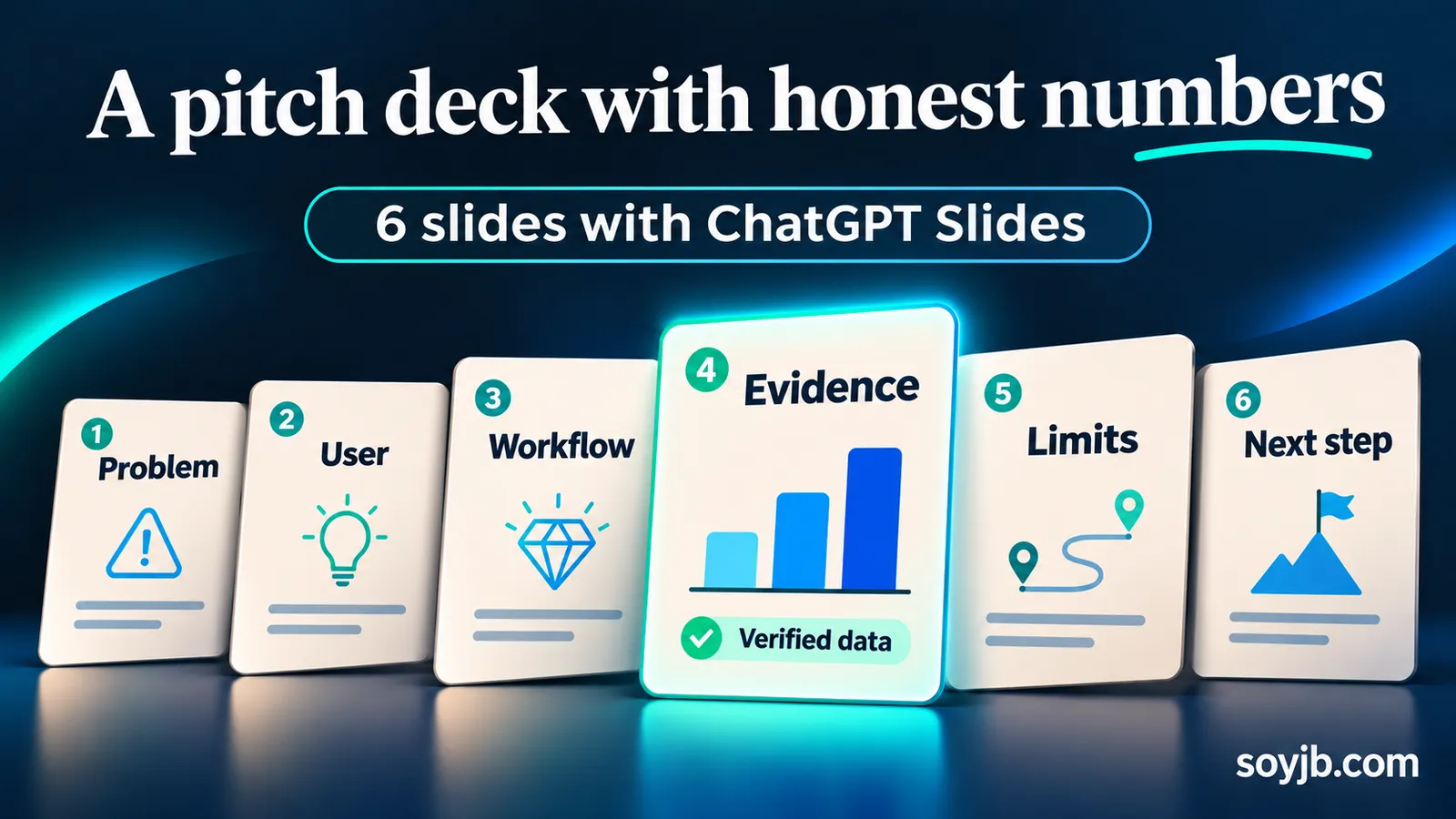
Use this order: 1) observed problem, 2) user and context, 3) product workflow, 4) available evidence, 5) alternatives and limitations, and 6) a specific ask or next experiment. A deck with this structure spends its time on the decision rather than filling pages with slogans.
A copyable prompt for the first draft
In ChatGPT Work, you can ask for a presentation in Space and attach notes or a document. OpenAI also documents Create > Slide inside Space. Replace the brackets in this prompt with your own context:
Create a six-slide presentation in ChatGPT Slides for [audience].
Product: [one verifiable sentence].
Decision we want: [pilot meeting / budget approval / product feedback].
Source material: [attached files and the date of each file].

Sequence: 1 observed problem; 2 user and context; 3 product workflow;
4 evidence and metrics; 5 alternatives, risks, and limitations;
6 specific ask and next step.

Rules: use only numbers supported by the files and cite the source in a
slide note or footer. When a number is missing, write “to be validated.”
Do not invent customers, revenue, testimonials, or percentages.
One main idea per slide. Use conclusion-style headlines rather than
generic labels like “Solution.” Add speaker notes listing likely hard
questions. Before finishing, list claims that need human review.
If you only have an idea, stay qualitative: “We want to test whether the team spends less time logging calls.” Slide four should explicitly say that results have not been measured. The prompt cannot turn opinions into evidence; it helps keep the first draft honest.
Edits that make the deck credible
OpenAI says you can directly edit text, images, shapes, tables, and charts, or request a change to a selected element. Review one slide at a time. On slide one, replace “AI is transforming sales” with a sourced observation, such as “The team logs each call in three tools,” but only if your interviews support it. On slide three, show the actual inputs and outputs of the workflow; do not pass a fabricated screen off as a real product screenshot. On slide four, check every metric's time period, denominator, and origin.
For product slides, a genuine screenshot of your prototype carries more weight than a mockup promising features that do not exist. If there is no interface yet, label the diagram “proposed workflow.” Use team comments to distinguish factual objections from style requests. The official guide says people with edit access can work on the same deck and mention ChatGPT in comments; comment-only access was not available at launch.
Five checks before you send it
- Facts: open the source of every number and check its calculation, date, unit, and chart scale.
- Claims: distinguish the working product from a prototype or hypothesis.
- Readability: present full-screen and ensure headlines, diagrams, and credits are legible without zooming.
- Export: on the web, Slides can export to PowerPoint, PDF, or Google Slides. Open the exported file and inspect fonts, cropping, charts, and links; the appearance may change.
- Next step: make the final slide request a measurable action, with an owner and date.
A deck that survives this review doubles as a diagnosis of the business idea. If you cannot complete the evidence slide without inventing facts, the next task is customer interviews or a measured pilot, not another cover design.
Availability and limitations
Access depends on plan, Space availability, and the rollout. OpenAI notes that some Windows setups may use PowerPoint files instead of collaborative Slides; its help page points to the web or cloud mode as alternatives. Generation does not replace source checks, rights checks for images, or rehearsing the presentation.
Primary sources: ChatGPT release notes, October 16, 2026; OpenAI's guide to creating, collaborating on, and exporting Slides.