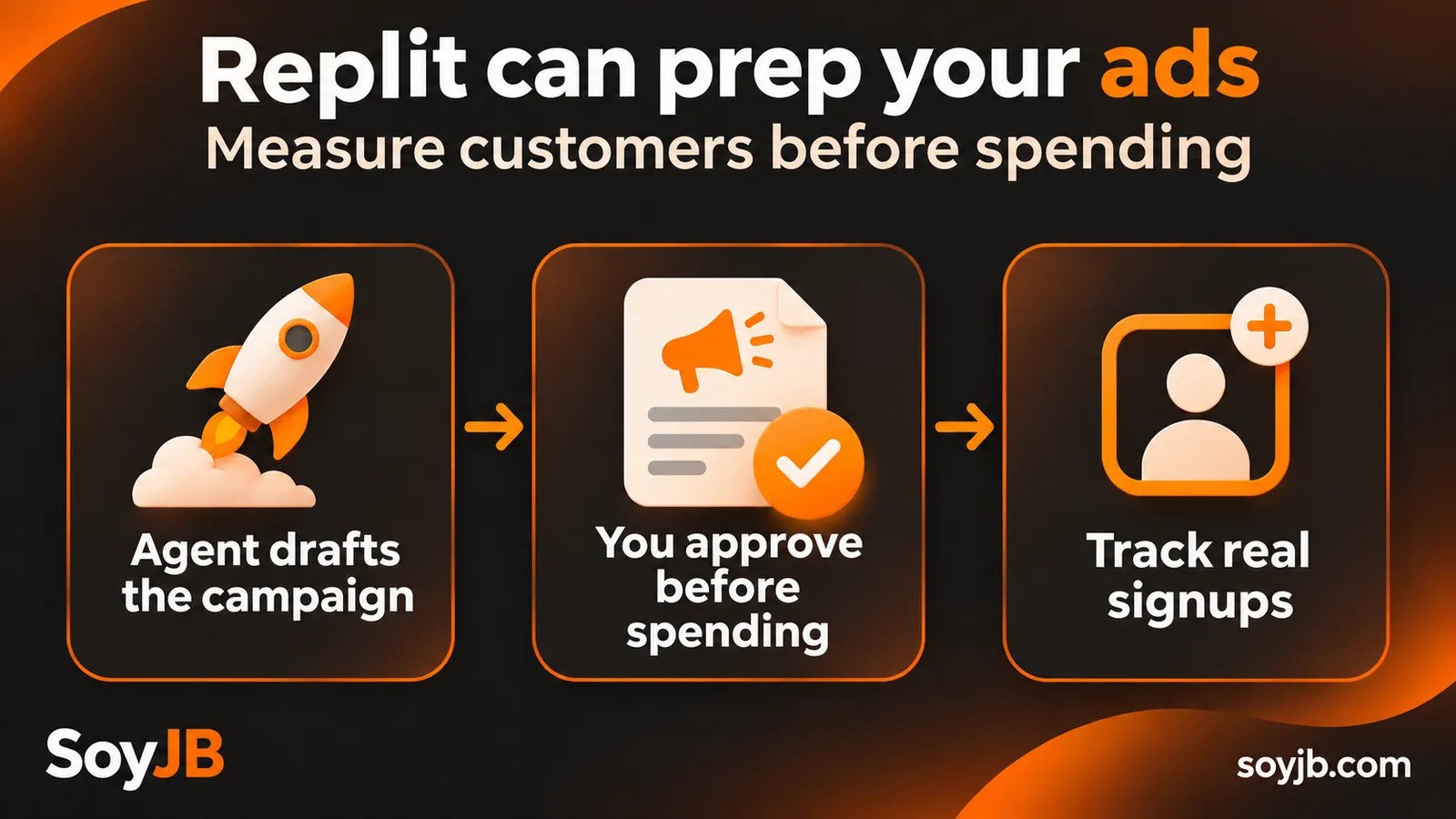
A founder finishes an app in Replit and wants her first customers. She asks Agent to “launch ads”; it can quickly draft headlines, images, and a suggested budget. But if the landing page never records signups or sales, she will only know how much she spent. Replit's new capability becomes useful when the campaign is built around a conversion she can verify.
On November 12, 2026, Replit announced that Agent can prepare and launch Google Ads campaigns from chat. Its documentation describes support for Performance Max: Google mixes assets across Search, YouTube, Display, Discover, and other channels. Replit drafts assets from your site or app, recommends settings, and asks you to review the plan before spending begins. We have not run a campaign ourselves; the workflow below is based on Replit's announcement and documentation.
Who can try it now
Replit says Ads with Google is available worldwide to Pro users. To open a new Replit-managed Google Ads account, its guide requires Pro, a personal Workspace, auto-reload enabled with available Replit credits, and a live website or published app. You can instead connect an existing Google Ads account; its billing remains separate from Replit-managed billing. Connecting an account does not authorize campaign spending.
That billing distinction matters before you approve anything. For a new account, Replit manages Google Ads and deducts ad spend from your credit balance, displaying it in usage. With an existing account, its Google Ads billing arrangement remains in place. Confirm which account appears in the campaign review.
A small test with a clear decision
Consider a hypothetical app that helps contractors prepare bids. The goal is not “traffic”; it is qualified requests. Before asking for ads, publish a landing page that names the buyer, shows the product, and has a working form or signup. Choose one primary conversion, such as “request submitted,” and submit the form yourself to verify that the event fires once. A page view is not that conversion.

Use this prompt to request a paused draft and measurement plan without approving activation:
Prepare a Google Ads campaign for this published app: [URL].
Goal: [signup / qualified request / purchase].
Target location and language: [specific market].
Who is not a customer: [exclusions].
Daily budget ceiling I am willing to review: [amount and currency].

Before activating anything, show me: the selected Ads account and its
billing method; landing page; headlines, descriptions, and images;
locations and languages; conversion event and how to test it; average
daily budget and a seven-day spend estimate. Flag ad claims that the
landing page cannot verify. Keep the campaign paused until I inspect
the plan and explicitly approve activation.
The amount is a proposed budget for review, not a guarantee of final spend. Google Ads uses an average daily budget; inspect the calculation and the account's actual controls before launching. Replit's guide says campaigns can be created paused and require user approval for activation. A preview is not proof that an ad is live.
Five checks before spending
- Destination: open the final URL on a phone and complete the signup or purchase flow. If it fails, stop.
- Claims: every headline and image should match a real capability. Remove numbers, testimonials, or prices the product cannot support.
- Audience: verify location, language, and goal. Performance Max distributes assets across multiple channels, so those settings affect where they appear.
- Measurement: ask Agent to configure conversion tracking and run a test. Check for duplicate events and make the valuable action, not a mere visit, the main conversion.
- Spend: confirm account, billing method, average daily budget, currency, and who can approve activation.
After a short test, compare spend with valid conversions and lead quality. If the event is missing, fix measurement first. If signups are not plausible buyers, revisit the message, landing page, and audience. Do not call a campaign profitable because clicks increased. Replit's guide lets you review performance and ask Agent for optimizations, but changes that spend money deserve the same human review.
What Agent changes, and what remains your decision
Replit reduces the work of moving from a published app to ads, assets, account setup, and tracking in one environment. The owner still approves spending. The tool cannot establish demand or profitability on its own. Your advantage is a simple measured funnel that you can stop when the economics fail.
Primary sources: Replit announcement, November 12, 2026; official Agentic Ads guide. Access and terms checked November 14, 2026.