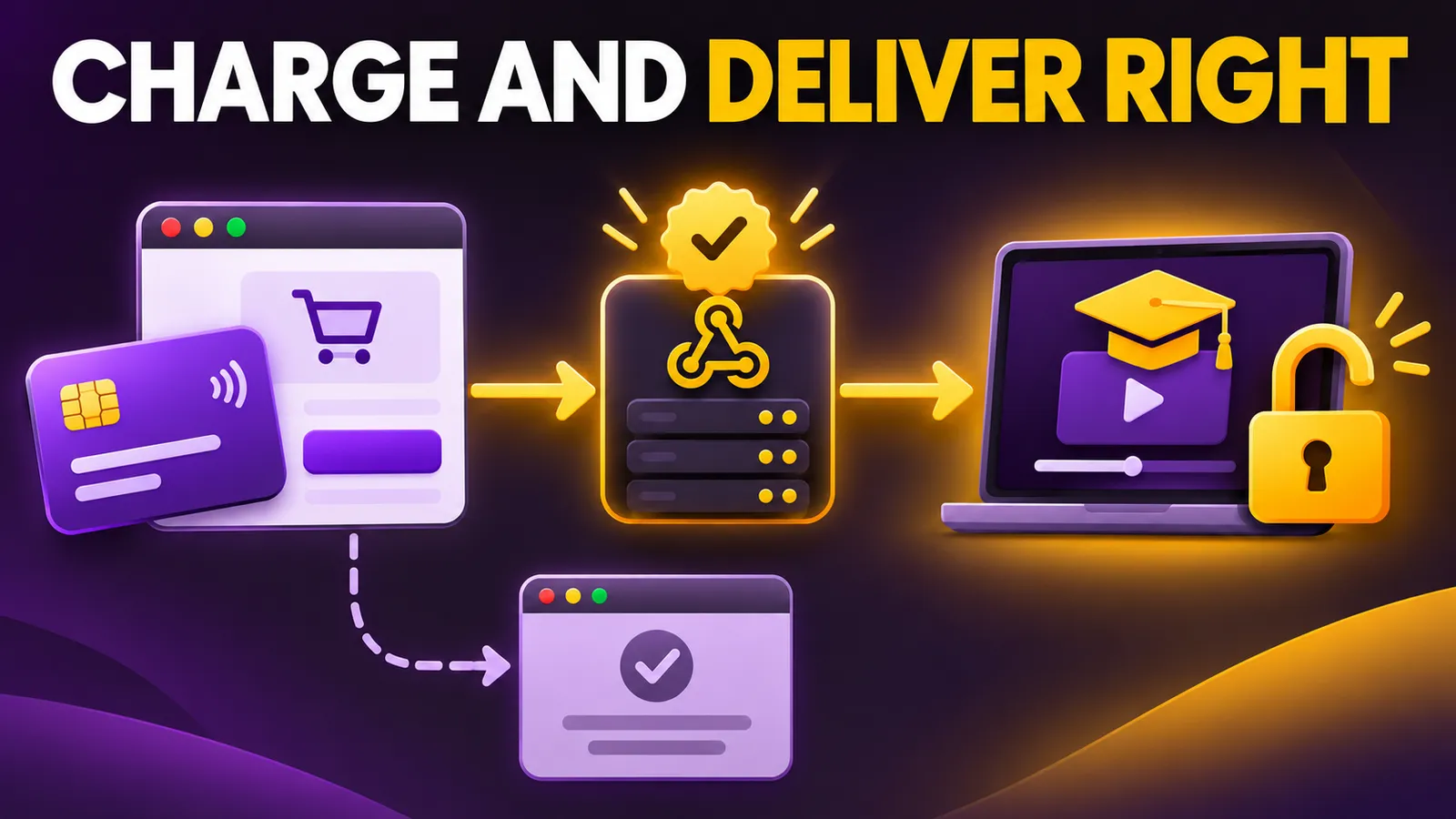
A founder sells a digital download through Stripe Checkout. The buyer returns to a “Payment complete” page, and the app unlocks the file. That looks fine until the buyer pays but loses their connection before the redirect, or a payment method takes longer to settle. If access depends on the thank-you page, a paying customer can be left waiting or an unpaid order can be fulfilled too early.
Stripe's Checkout fulfillment guide requires webhooks so your server learns the result even when the browser never comes back. This is a sandbox test plan for a one-time digital purchase. I have not processed a test payment in Joseph's Stripe account; the steps and test card below come from Stripe's documentation.
The redirect informs; the server decides
A success_url can show confirmation and a Checkout Session ID, but it should not be the only event that unlocks a course, file or account tier. Stripe notes that a customer can successfully pay and then close the tab or lose internet access. Some payment methods also report success later.
Build a fulfillment function that takes a Checkout Session ID, retrieves the session from Stripe, checks payment_status, and records that the session has been fulfilled. Calling it again with the same ID must not issue a second license or send duplicate messages. Stripe says fulfillment may be called multiple times, including concurrently. Enforce uniqueness for the session ID in your database rather than relying on a server's in-memory flag.
Set up one sandbox purchase
- Open a Stripe sandbox and create a test product and price. Keep
sk_test_andsk_live_keys separate. Never expose a secret key in browser code or commit it to a repository. - Configure Checkout for a one-time purchase. If you create sessions through the API, use
mode=payment, your test Price ID, and asuccess_urlcontaining{CHECKOUT_SESSION_ID}. That placeholder lets your return page ask your server for the session's status. - Register a webhook endpoint for
checkout.session.completed. If you enable delayed payment methods, also handlecheckout.session.async_payment_succeededandcheckout.session.async_payment_failed. Verify Stripe's signature against the unmodified request body with that endpoint'swhsec_secret before trusting an event. - In fulfillment, retrieve the session and line items, check payment status and record the session ID as processed. Use a transaction or a recoverable job state if delivery takes multiple steps.
This Stripe API template creates a hosted Checkout Session. Replace the sandbox secret, Price ID and domain. The response contains a Checkout URL. Do not substitute live credentials while you are still testing the flow.
curl https://api.stripe.com/v1/checkout/sessions \
  -u "YOUR_SANDBOX_SK_TEST_KEY:" \
  -d "line_items[0][price]=YOUR_TEST_PRICE_ID" \
  -d "line_items[0][quantity]=1" \
  -d mode=payment \
  --data-urlencode "success_url=https://your-domain.example/thanks?session_id={CHECKOUT_SESSION_ID}"
Four tests before taking real payments
Install the Stripe CLI using its official instructions, start your local webhook handler, then forward test events:
stripe listen --forward-to localhost:4242/webhookThe CLI prints a test whsec_ signing secret for this listener. Complete Checkout with Stripe's test card 4242 4242 4242 4242, any future expiry date and any three-digit CVC, as listed in Stripe Testing. Check the following outcomes in your own app:
| Scenario | Expected result |
|---|---|
| Test payment and normal redirect | The webhook verifies payment and fulfillment happens once. |
| Test payment, then close the tab before returning | The webhook still fulfills; the thank-you page is not required. |
| The same event arrives again | The processed session ID prevents a duplicate license or email. |
| A declined or delayed payment | No delivery until success is confirmed; the user sees pending or failed state. |
A successful test card covers only the first path. Stripe documents test values for declines and authentication; choose scenarios that match the payment methods you will enable. For delayed methods, wait for checkout.session.async_payment_succeeded and handle failures. Do not treat a completed Checkout Session as paid while its payment_status still says otherwise.
What remains before launch
Fees and country availability depend on the account, market and payment method, so check Stripe's current terms for your business. This template also leaves out your database implementation, refunds, customer support and accounting reconciliation. The useful decision today is to prove in a sandbox that your server verifies payment before access opens, and that duplicate events cannot deliver twice.