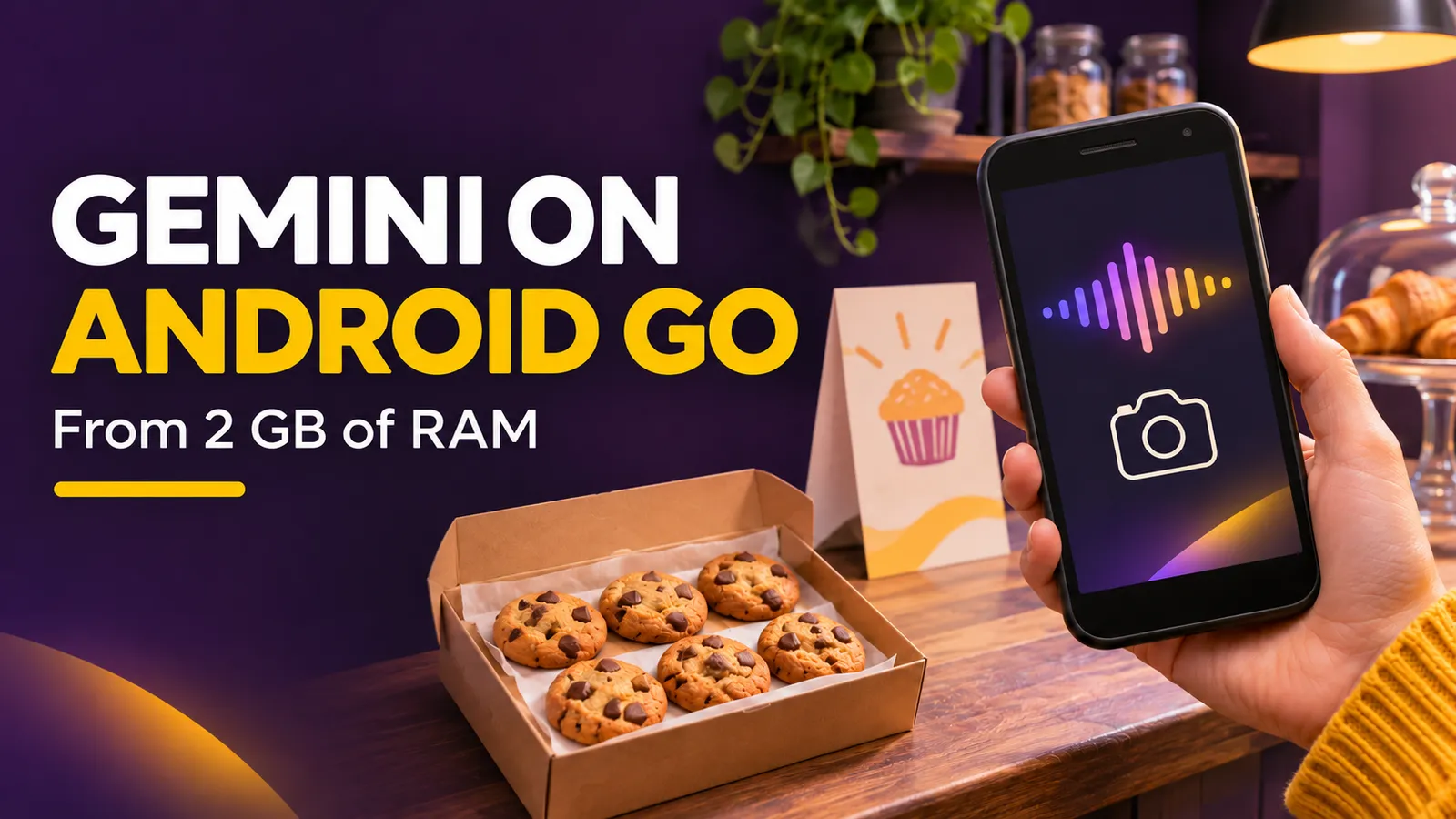
A small business owner may run sales, messaging and design from a low-memory Android Go phone. Google's November 18, 2026 announcement says the Gemini experience has been optimized for eligible Go devices. Its support page sets a concrete threshold: at least 2 GB of RAM. That gives some creators a way to draft a promotional flyer or interpret a photographed form on the phone they already own, but it is not a promise that every inexpensive Android phone qualifies.
What changed, and what was already available
Google's November 18 announcement emphasizes a redesigned, lower-memory experience, Gemini Live conversations, camera assistance and image creation. This is not the first mention of Gemini on Android Go: a Google community post from June 2026 already described a gradual Gemini Go rollout. Treat November's message as a broader, optimized availability update. We have not benchmarked it on a physical Go device, so performance claims remain Google's.
The practical opportunity for a shop, independent creator or community organizer is to prepare a first draft while away from a laptop. A useful draft still needs a person to check the offer, price, location and generated text before it reaches customers.
Check your device and account
- Confirm in your phone settings that it runs Android Go and has 2 GB of RAM or more. A model name alone does not establish eligibility.
- Check that Gemini is available in your country and language. Personal Google Accounts can sign in; work or school accounts may need an eligible plan or license.
- In Google Play, search for Google or Google Search and update it. Google's Go-specific help page says Gemini is available as part of the Google Search app. You can also look for the Gemini app in Play; some newer devices may include it.
- Try pressing and holding Home. Pressing and holding Power works on supported models. If nothing opens, verify the account, region and app version before assuming the feature has reached your phone.
One important limitation: on Android Go, Google's help page says “Hey Google” and “Ask about this screen” are not supported for chatting with Gemini. A workflow that needs those shortcuts will not work as described on these devices.
A 15-minute creator test
Suppose a neighborhood bakery is offering a six-cookie box on Saturday. Start with copy and a visual brief, then create the image. Paste this prompt into Gemini and replace the bracketed facts:
You are helping a small bakery prepare a WhatsApp flyer. The product is [product], available on [date] in [area]. Confirmed price: [price and currency]. Confirmed fulfillment: [pickup or delivery].
First write a headline of no more than 8 words and promotional copy of no more than 35 words. List any facts I must verify before publishing. Do not invent hours, discounts, address or stock. Then suggest a clear square-image concept with empty space where I can add the final approved text myself.
Keeping the price and date out of the generated image reduces the chance of publishing distorted text. Add verified copy in your normal design editor. Compare the image with an actual product photo: a polished AI illustration should not imply that customers will receive something different.
For a second test, photograph an inventory sheet or public form and ask Gemini to explain the fields and flag anything it cannot read confidently. Remove customers' names, phone numbers and other sensitive details before uploading. A blurry photo can lead to a wrong transcription, so check the original sheet.
Availability, cost and a sensible decision
Google's documentation says this experience is available where Gemini is supported, on eligible Android Go devices with 2 GB of RAM or more and an account with access. The November announcement gives no new Android Go-specific price or guarantee that every feature has the same usage limit. If your account offers a paid upgrade, check its terms before purchasing.
If you already own an eligible phone, update Google Search and try one real flyer with a manual fact check. If your device falls below the RAM threshold, verify the exact model, region and features before spending money on a replacement solely because of this announcement.