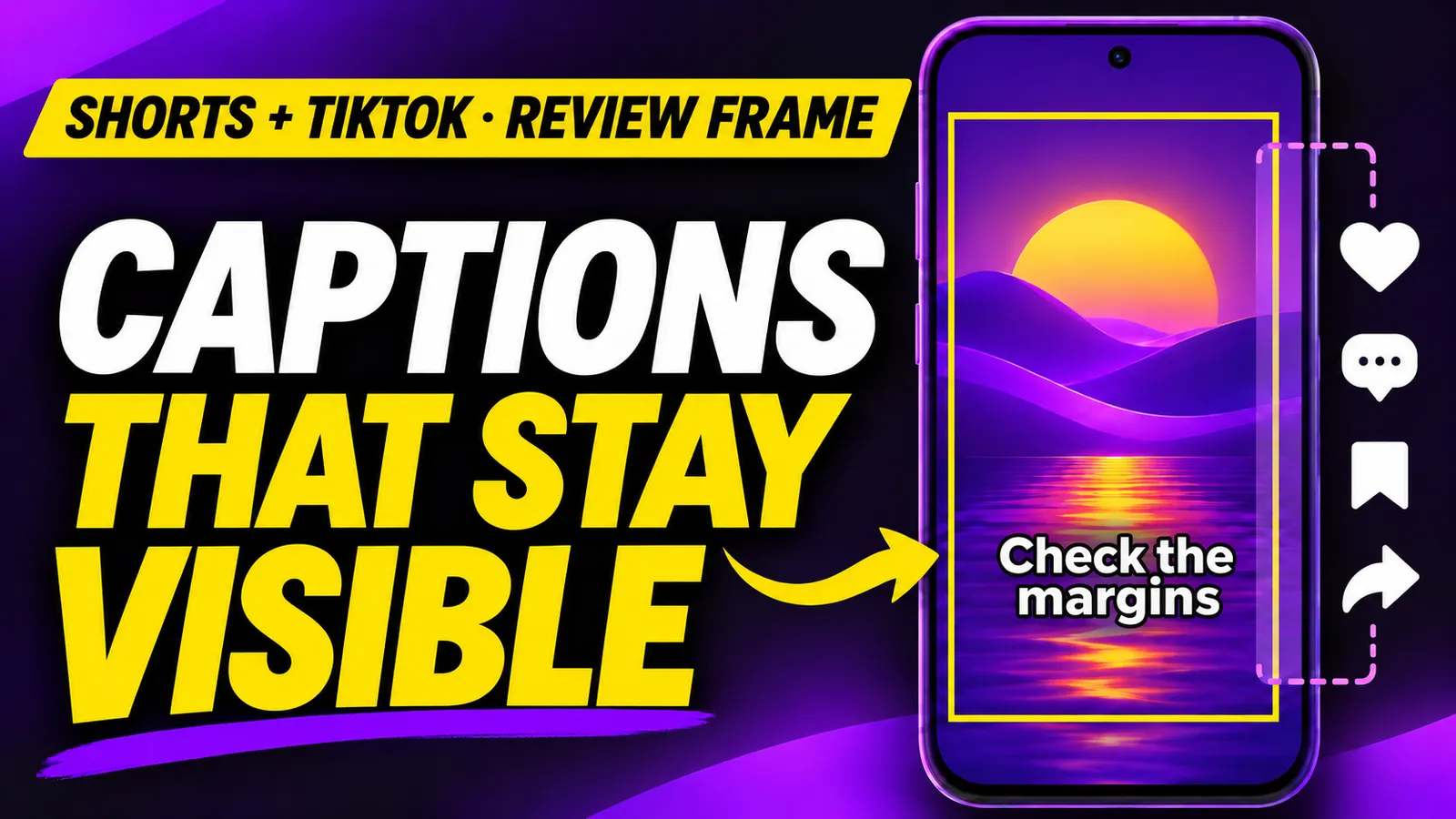
You place a large subtitle near the bottom of a vertical video. It looks fine in your editor, then the description or action buttons hide a word when you open the Short or TikTok. Before publishing, make a review copy with a provisional guide frame and inspect the result inside each app. The frame helps reveal text pushed toward the edges. It is not an official safe area that works everywhere.
YouTube's Shorts help says its visual guides show where buttons, comments and descriptions may appear and flag placement that can be hidden. TikTok Ads says its ad safe zone changes with dimensions, caption length and added formats. Its downloadable templates apply to specific ad formats, not every organic video. That is why a final check in the actual publishing interface matters.
Render a review frame with FFmpeg
Start with a vertical MP4, ideally 9:16, and inspect its dimensions with ffprobe. This command draws a yellow rectangle using example margins: 10% on each side and 15% at the top and bottom. They are editorial review margins, not numbers supplied by TikTok or YouTube. FFmpeg's drawbox documentation allows expressions such as iw and ih, so the frame scales with the input resolution.
ffprobe -v error -show_entries stream=width,height \
  -of csv=p=0 video.mp4

ffmpeg -i video.mp4 \
  -vf "drawbox=x=iw*0.10:y=ih*0.15:w=iw*0.80:h=ih*0.70:color=yellow:t=8" \
  -c:v libx264 -crf 22 -pix_fmt yuv420p -c:a copy \
  review-frame.mp4
I ran the filter on a synthetic 1080 × 1920 clip, confirmed that the output stayed at that size and extracted an actual frame from the test. The large rectangle is the review area; the violet block represents the subject. This is a generated test clip, not a screenshot of TikTok's or YouTube's user interface.
At that resolution, the left edge starts at 108 px and the top at 288 px; the frame measures 864 × 1344 px. The math makes its limitation clearer: the frame cannot know whether your post has a one-line or four-line description, an anchor, a sticker or a different button arrangement. You can make the review more conservative by changing the 0.10 margins and 0.80 width, keeping both side margins plus the width at 100%. Record the values in your editing project so the check is repeatable.
Test frame:
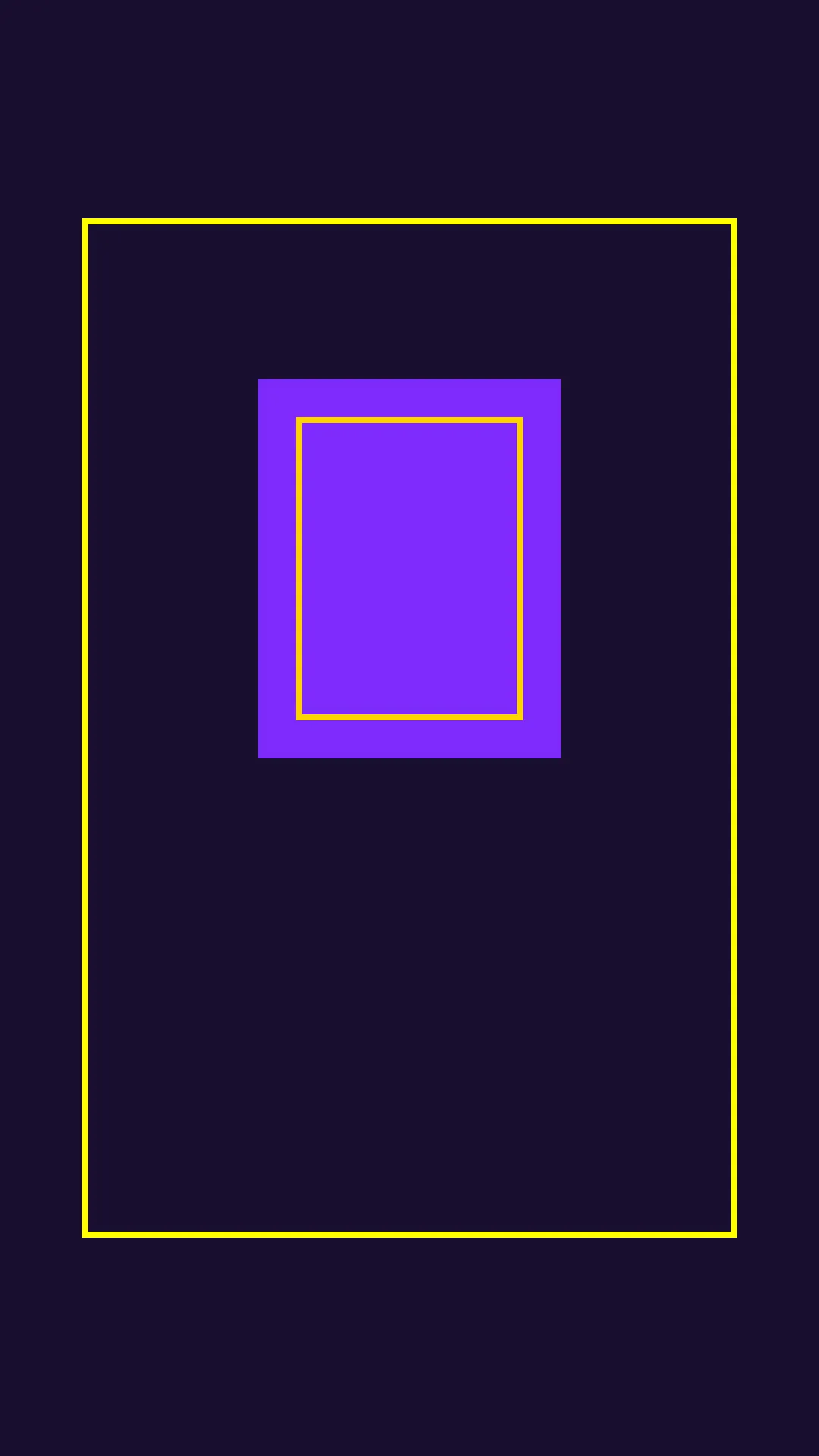
The outline is an editable guide. Keep it out of the final export.
Check subtitles, calls to action and crops
- Keep essential words, faces or products and the main call to action comfortably inside the frame. If a long subtitle touches the line, shorten the copy or move it before shrinking the type until it is unreadable.
- Open the review MP4 in the Shorts editor. Use its visual guides and view a frame with the description, buttons and stickers visible. Repeat in the TikTok preview. Passing one interface does not validate the other.
- Preview on a small phone and a larger device when available. Screen shape, crop and interface elements can alter what remains visible. The guide frame only catches obvious risks early.
- Export the clean video without
drawbox. Inspect the final MP4 to ensure audio, subtitles and the CTA match the approved edit.
Burned-in subtitles cannot be repositioned by the app. If your subtitles are still an editable track, use the native guides before baking them into the video. For a TikTok ad, download the safe-zone template for that specific ad format as well; do not treat our 10/15% review frame as its specification.
The command re-encodes the video to draw the outline and copies the existing audio with -c:a copy. If the input audio codec does not fit an MP4 output, use -c:a aac -b:a 128k for this review copy. The -crf 22 value is a convenient preview setting, not a universal final-export recommendation. Keep an editable project copy before moving text so you can remove the frame without losing the layout improvements.
Today's practical test: make one framed copy, review the longest subtitle and the final CTA, then inspect each destination's preview. I did not publish to real Shorts or TikTok accounts. The hands-on evidence in this article covers the FFmpeg command and the review frame, while platform placement remains a check for your own upload.