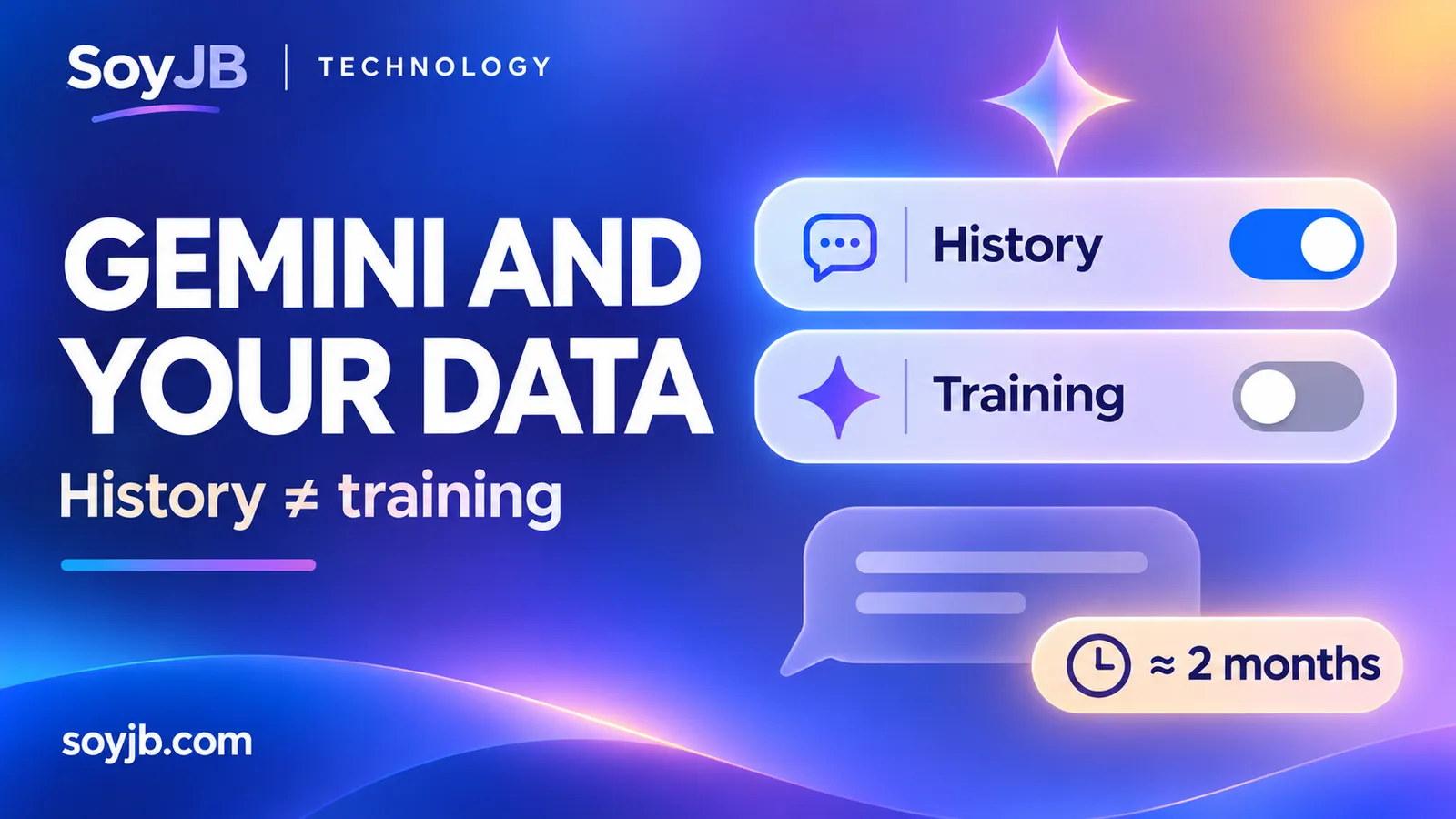
A creator uses Gemini to summarize client drafts. They want to find their past conversations, but they do not want future chat content used to train generative AI models. Google’s November 16, 2026 announcement separates those choices: keep chat history while opting out of model training. The change is rolling out globally over the coming weeks, so the control may not be in every account yet.
History and training are different switches
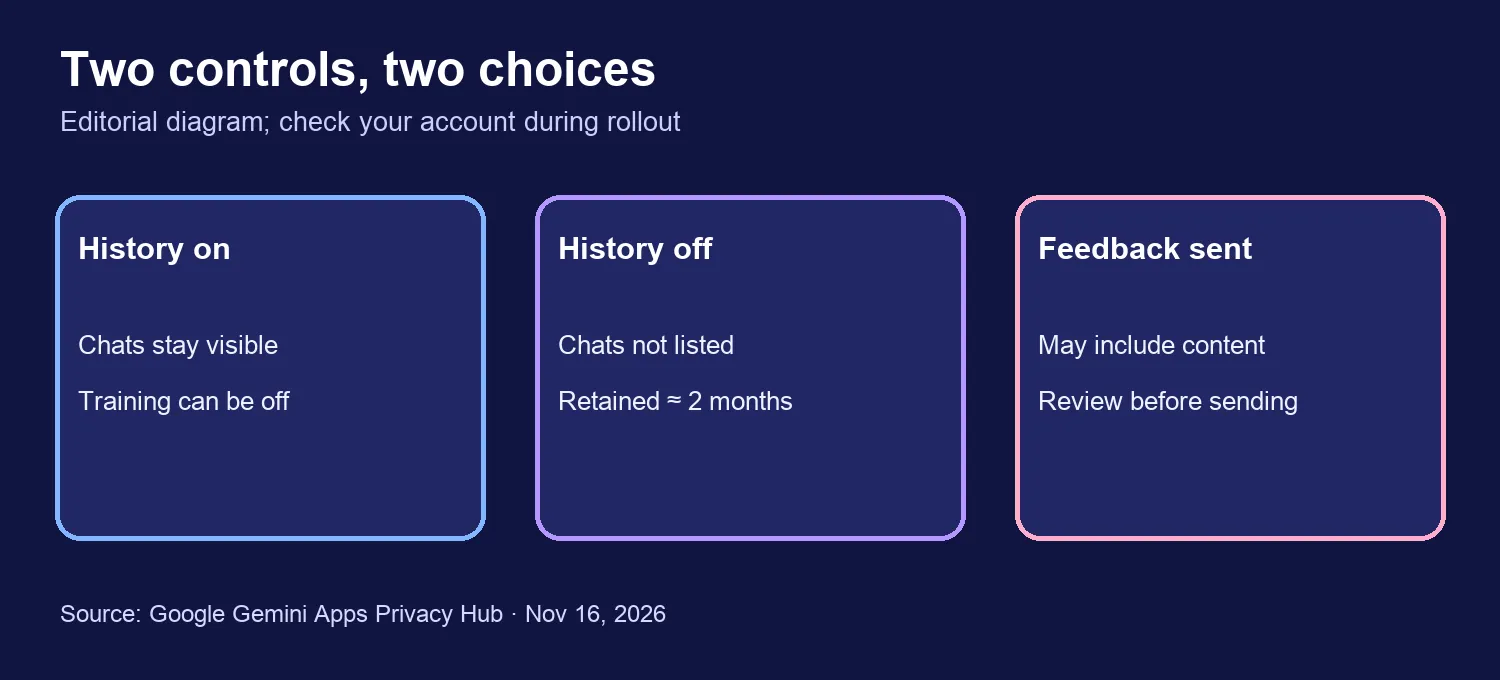
History on, training off: your conversations can remain in your history for reference and deletion. Google’s privacy hub, updated November 16, says future chat content will not be used to train generative AI models when that setting is off, unless you submit feedback. That does not mean Google never processes the chats; it still uses them to respond and protect the service, among other purposes in its policy.
History off: future conversations stop appearing in your history. Google says it still retains them with your account for roughly two months to provide the service, handle feedback, and protect users and systems. Without feedback, those future chats are not used to train generative AI models. Turning history off also does not erase information saved by other Google services or connected apps.
These choices serve different needs. A founder who wants searchable project conversations may keep history and turn training off. Someone who does not want chats listed in their account may disable history, while understanding that temporary retention remains. Neither mode is a guarantee of confidentiality for customer files or credentials.
A five-minute account review
- Open gemini.google.com and go to Settings → History. Google’s help page also points to your Gemini activity in the Google Account.
- Check whether history is on and inspect the automatic deletion period. Google documents an 18-month personal-account default, with 3-month, 36-month, or no-auto-delete options.
- Find the separate setting for whether chat content, text, and uploads may train generative AI models. Leave it off if that is your preference for future chats. Review Gemini Live audio, video, and screen-sharing controls separately.
- If you switch history off, remember the approximately two-month retention. Review connected-app access and any public links independently; changing this setting does not revoke every other permission.
- Before uploading a client document, remove names, email addresses, keys, financial details, and anything you are not authorized to share.
Rollout and important exceptions
Google has not given a precise availability hour for each region. For work or school accounts, the help documentation says a Workspace administrator may control history settings. We have not inspected the new switch in our own account, so this is not a claim that every user already sees the same interface.
Google’s privacy hub says that if you submit feedback, associated content may be used to improve services and reviewed material may be retained for up to three years, disconnected from your account. Deleting a chat does not necessarily remove content already reviewed. For professional work, the strongest first step is still to minimize the data you put into the prompt.
Decision this week: separate the need to find old chats from the choice to allow training. Check both settings and your project’s data policy before using Gemini for someone else’s material.
Sources: Google, November 16, 2026 announcement; Gemini Apps Privacy Hub; history management help.