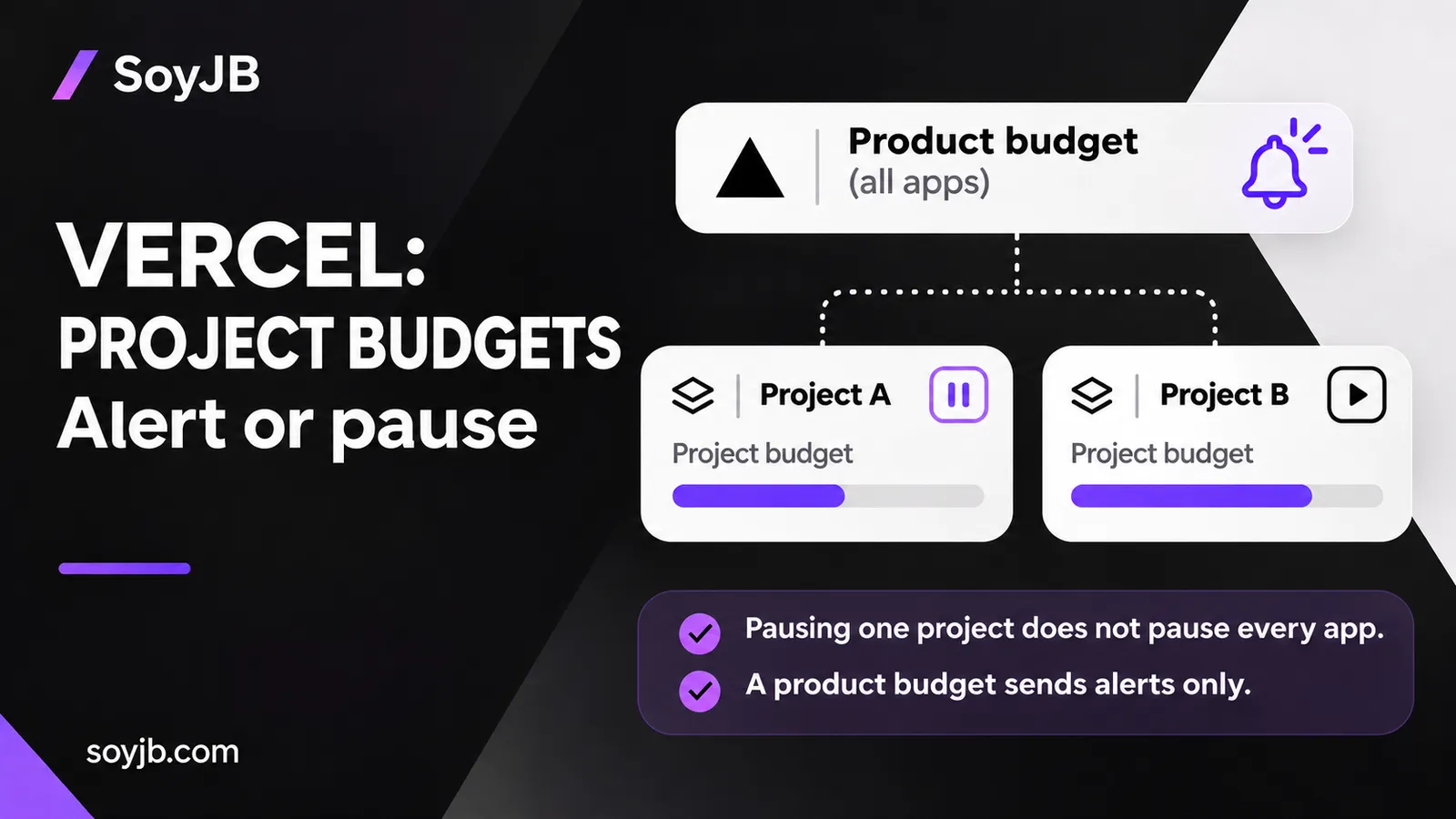
A founder runs two MVPs in one Vercel team. A campaign sends a traffic spike to one app, and they want to see whether that experiment is consuming the whole team’s budget. Vercel’s November 16, 2026 update adds budgets for individual projects and products in Spend Management. The key decision is which cost to monitor and whether pausing production deployments is acceptable.
Project, product, and team budgets do different jobs
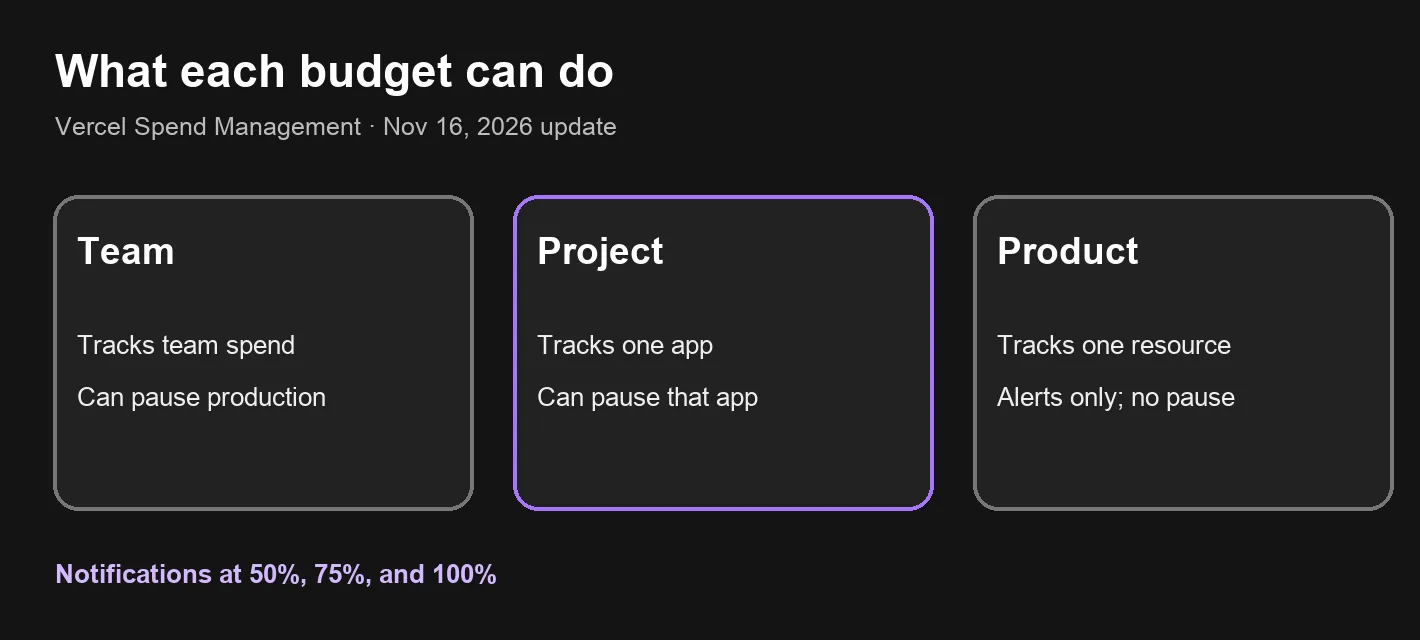
A project budget tracks one app. It can optionally pause that project’s production deployments at the threshold without pausing other projects. A product budget tracks a Vercel resource, such as Fast Data Transfer, across the team. It can reveal a growing cost category, but it cannot automatically pause production deployments. Vercel says only team and project budgets support that action.
The updated Spend Management page shows current-cycle spend and crossed thresholds. Vercel sends notifications at 50%, 75%, and 100% of each budget. Notifications are signals, not a spending stop. Even where pausing is available, choose it deliberately: interrupting production can affect customers.
Set up a two-MVP budget review
- Open Spend Management in an eligible Pro or Enterprise team and inspect current-cycle spend. If you are already above a proposed threshold, plan the response before you save it.
- Create a project budget for the experimental app, say
my-mvp. Start with alerts if you do not yet know how a pause would affect users. - If runaway cost is worse than interruption for this app, consider the optional 100% pause for that one project. Record who will check the alert and resume service.
- Add a product budget for the resource you most want to understand. Treat it as a diagnostic signal, not a kill switch.
- Verify each budget’s scope and the recipients of the 50%, 75%, and 100% notifications in the dashboard.
Vercel’s official changelog provides these CLI forms:
vercel billing budgets list
vercel billing budgets set --project my-mvp --amount 100 --pause
vercel billing budgets set --product "Fast Data Transfer" --amount 50
These are configuration examples, not commands we ran against Joseph’s account. The first inspects budgets; the others change billing controls. Replace the project and amounts with your own plan and confirm that your team role permits the change.
Availability and limits
Vercel says Spend Management is included at no additional cost for Pro teams and Enterprise teams on Flexible Commitment. An organization-wide budget is available to customers in a private beta. The announcement does not present this as a Hobby-plan feature. It is also different from an AI Gateway API-key spending limit; check that control separately if your app calls models.
Vercel’s general documentation says spend is checked periodically and that simply setting an amount does not stop all usage. It also distinguishes metered resources from seats, marketplace integrations, and separate add-ons. Leave room below the most you can afford and make sure alerts reach someone who can respond. Automatic pausing is useful for some experiments, but it does not promise an exact final invoice or replace usage monitoring.
Decision this week: if multiple apps share a team, give each meaningful project cost visibility. Enable pausing only after you have decided how much interruption that app can tolerate and how you will restore it.
Sources: Vercel, November 16, 2026 changelog; Spend Management documentation.