A creator is adapting one educational video for U.S. and U.K. audiences. The facts should stay the same, but the script may sound different when spoken in each market. Google announced the rollout of 66 new regional voices on November 16, 2026 in the Gemini app for Android and iOS. Its examples include U.S., U.K., and India English, Hindi, Brazilian Portuguese, Indonesian, and Korean.
What the update actually enables
Google says the voices aim for regional cadence and everyday clarity. Your selected voice applies throughout the app: Gemini Live conversations and the Listen button that reads a written response aloud. For an international creator, this makes a simple editorial test possible: hear the same short script in different regional options and spot awkward wording, unnatural pauses, or examples that do not travel well.
The voices are rolling out, not guaranteed in every account today. Google has not published a full list of all 66 voices or precise plan and country availability in the announcement. Its help page says the number of choices varies by language and that the voice setting currently lives in the mobile app. This is not a browser-wide voice library.
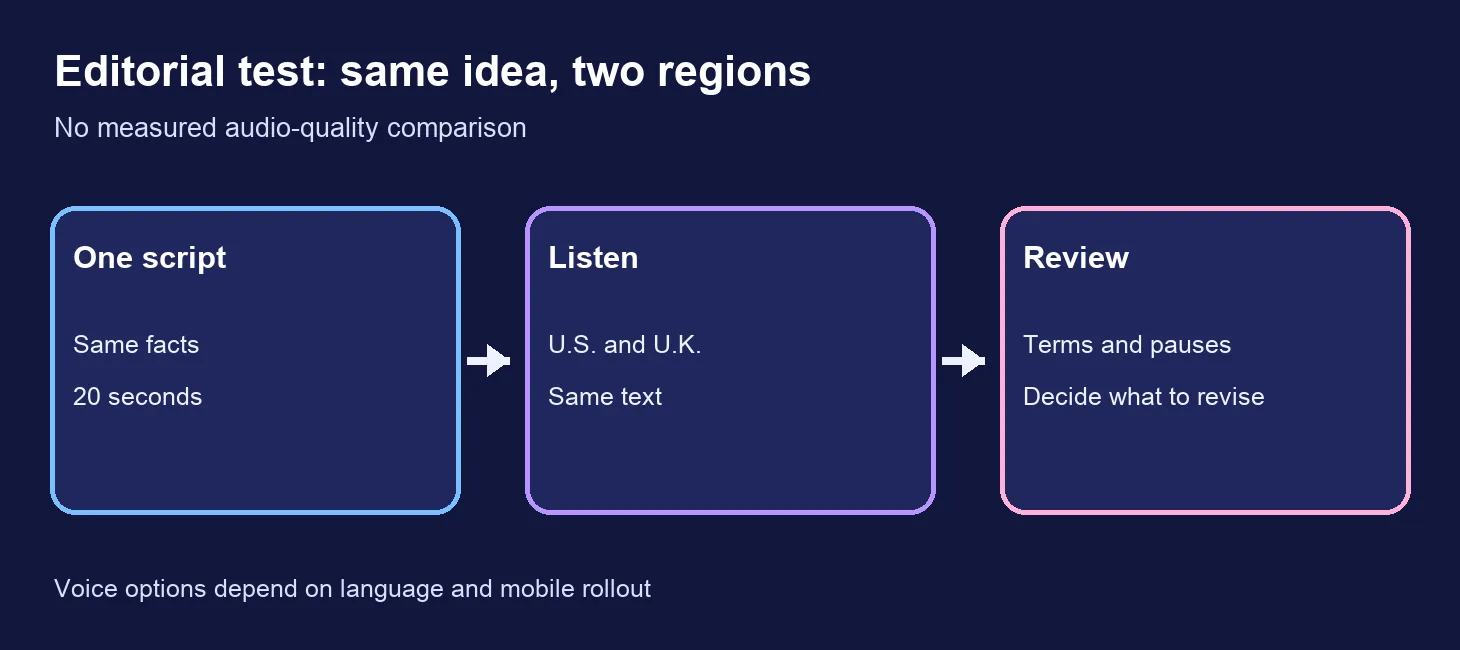
A ten-minute script test
- Write a 20-second explanation using non-sensitive material. Example: “This dashboard shows which customers finish sign-up and where they drop off. Open the events tab to trace each number back to its source.”
- Ask Gemini for U.S. and U.K. wording while keeping facts and length fixed. Review the two versions yourself; AI localization is a draft, not a cultural sign-off.
- In the mobile app, use the three-dot menu in Gemini Live to preview voices, or open Settings → Gemini’s voice. Google’s help says you can tap a voice name to preview it, then confirm your choice.
- Use Listen on the written answer with one regional voice, then switch and repeat on the same text. Write down clarity of technical words, pauses, and whether any phrase sounds unnatural.
- Revise the script, then decide whether a human voice recording is needed for your finished video. A regional preset cannot tell you whether the message is culturally right for every viewer.
Copyable prompt for the wording stage:
Adapt this 20-second script for a U.S. audience and a U.K. audience.
Keep every fact, number, and call to action the same. Change only wording
that sounds unnatural in each market. Return both versions and a brief change log.
Script: [paste your script]
What is not established
The announcement concerns voice selection inside the Gemini app. The consulted sources do not say that these voices can be downloaded as commercial voiceovers, exported as audio files for ads, or invoked through an API. We did not run acoustic evaluations or test account availability. A wider choice of voices is useful for hearing a draft, but it is not measured proof that one option performs better in a campaign.
For a paid course, ad, or public video, check the rights and export path of the actual production tool separately. If your target language or region is missing from the selector, use a human read-through or another legitimate voice workflow rather than assuming the option is present because Google announced 66 voices.
Decision this week: try the new choices as a script and localization review tool if your mobile account has them. Keep final narration and audience validation as separate production decisions.
Sources: Google, November 16, 2026 announcement; Google help on Gemini voice selection.