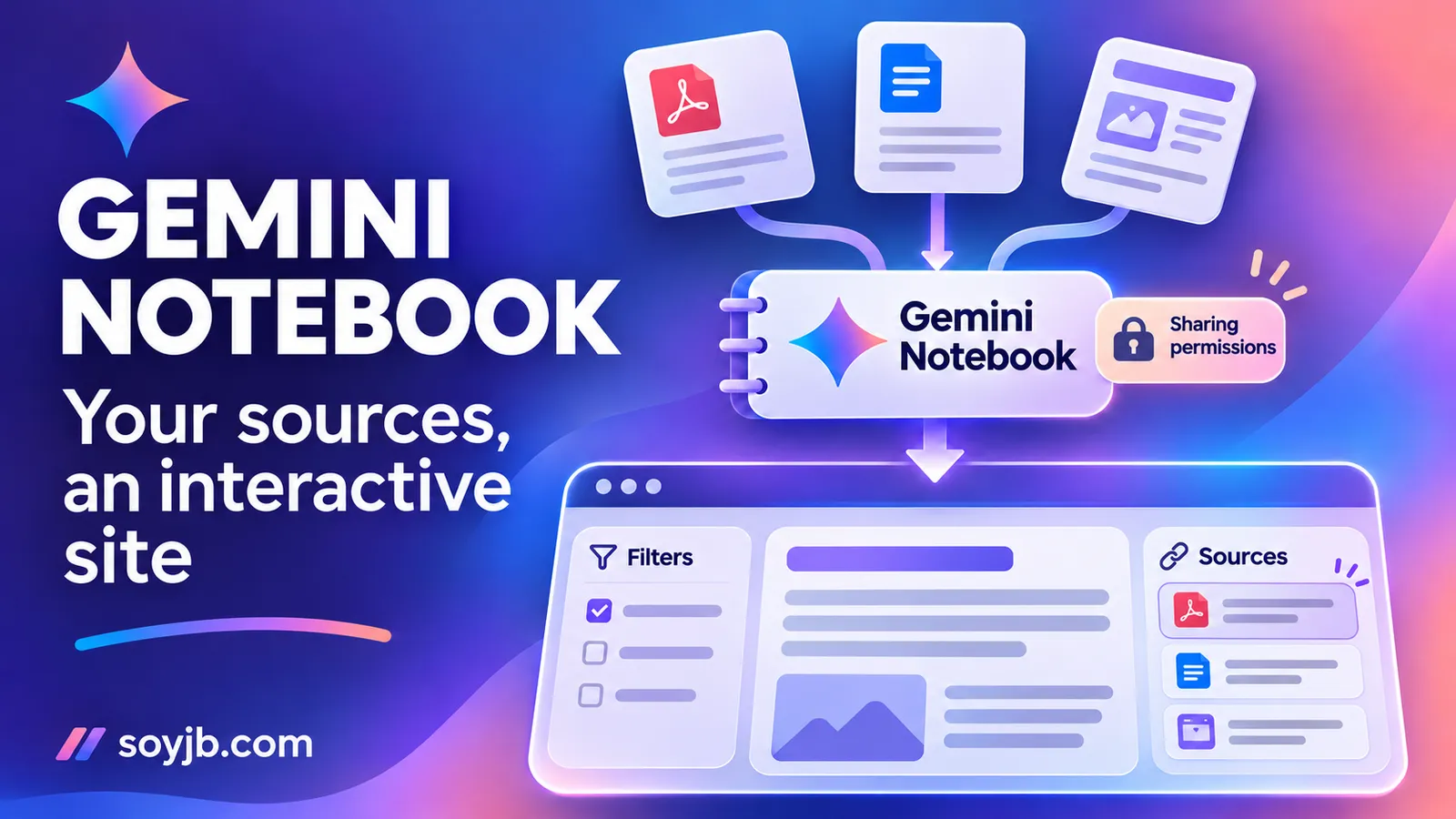
A founder has a set of customer interviews, a list of feature requests, and a support summary. The team needs to explore recurring problems without first building a dashboard. On November 16, 2026, Google announced that Gemini Notebook can turn notebook sources into interactive sites. The useful change is the output format: people can explore source-backed material through a visual tool instead of reading another chat answer.
What you can do now
Google says to ask “make me a site” in the notebook chat and describe what you want. Its examples include visual explainers, dashboards, and project trackers. The generated site appears in Studio and can be opened in a new tab, shared, or downloaded. The feature is rolling out globally on the web for users 18 and older, including Workspace subscribers. Mobile availability is still planned rather than live.
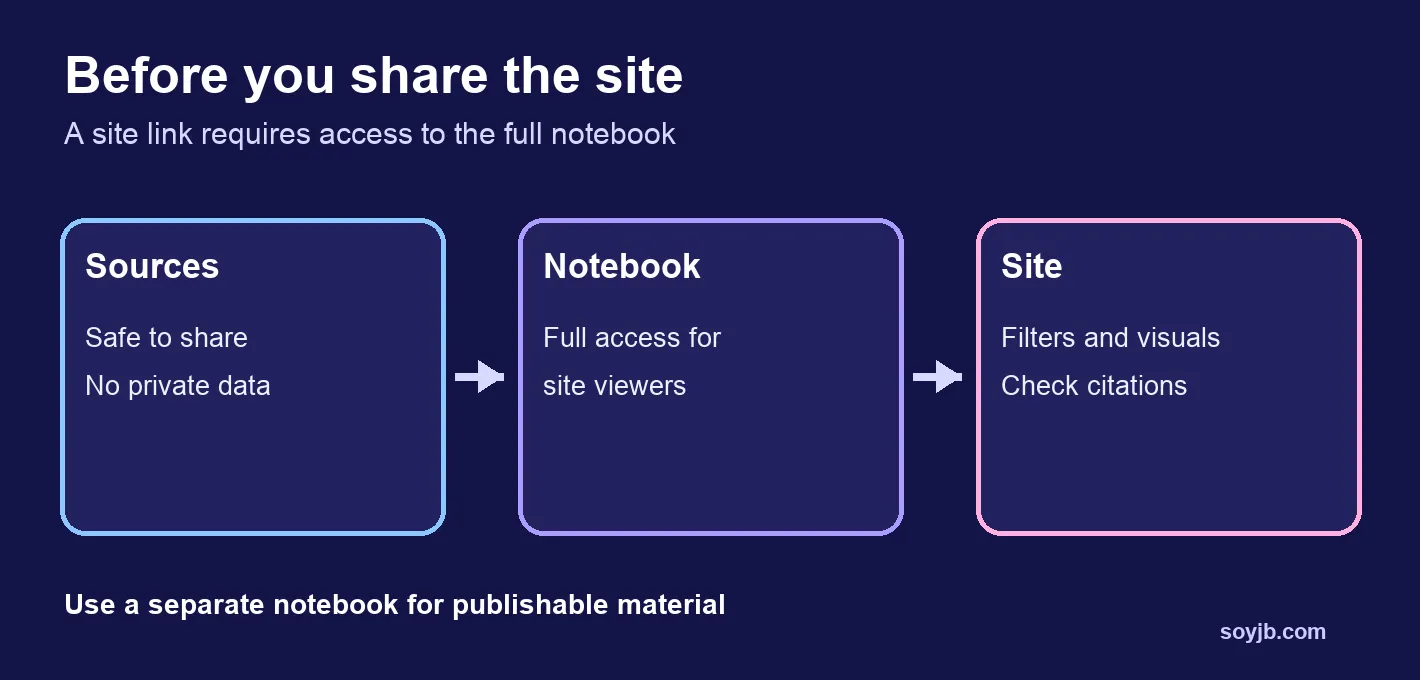
The official help page adds practical restrictions: you need edit access to generate or delete a site, and site creation has usage limits. Public sharing requires a consumer account and owner or editor access. More consequentially, anyone you share the site with must be able to access the entire notebook. A polished dashboard is therefore not a reason to expose confidential research notes.
A low-risk experiment for a product team
Start with material you can safely show: three public help pages from your product and a fictional table of ten support tickets. Avoid real names, email addresses, and private customer details. Put those sources in a fresh notebook and ask for a site that groups issues by journey stage: discovery, signup, and payment. Require every finding to point back to its source, and label missing information rather than filling gaps with invented numbers.
Copyable prompt:
Make me an interactive site for a product team using only the sources in this notebook.
Show the top user problems by journey stage: discovery, signup, and payment.
For each finding, show the supporting source and label missing evidence clearly.
Add a filter by stage and a short "what to investigate next" section.
Do not invent ticket counts, conversion rates, or customer quotes.
Check three things before relying on the result. First, does the stage filter actually change the content? Second, can you trace every number and quotation to an uploaded source? Third, when a source cannot answer a question, does the site say so? If any check fails, revise the inputs or the prompt before sharing the output.
The sharing rule that changes the decision
For a public demo, use a separate notebook containing only publishable sources. Google’s help says site viewers need access to the full notebook. It also says users of a shared site see only their own inputs and selections, not another visitor’s. That input separation does not remove the need to vet source documents. You may download the generated site, but the consulted documentation does not establish that every notebook integration or permission survives a self-hosted copy; inspect the download before deploying it elsewhere.
We did not run this in a Gemini Notebook account, so we cannot claim a measured success rate, generation time, or output quality. The rollout is gradual, creation is limited by usage quotas, and Google’s announcement does not give a feature-specific price. If the option is missing, check your account eligibility and web access before assuming the prompt is wrong.
Decision this week: try this for an interactive review of evidence you can verify and share. If the site must contain private data or become a production experience, treat access and output review as part of the build.
Sources: Google, November 16, 2026 announcement; Google help on site generation, sharing, and downloads.