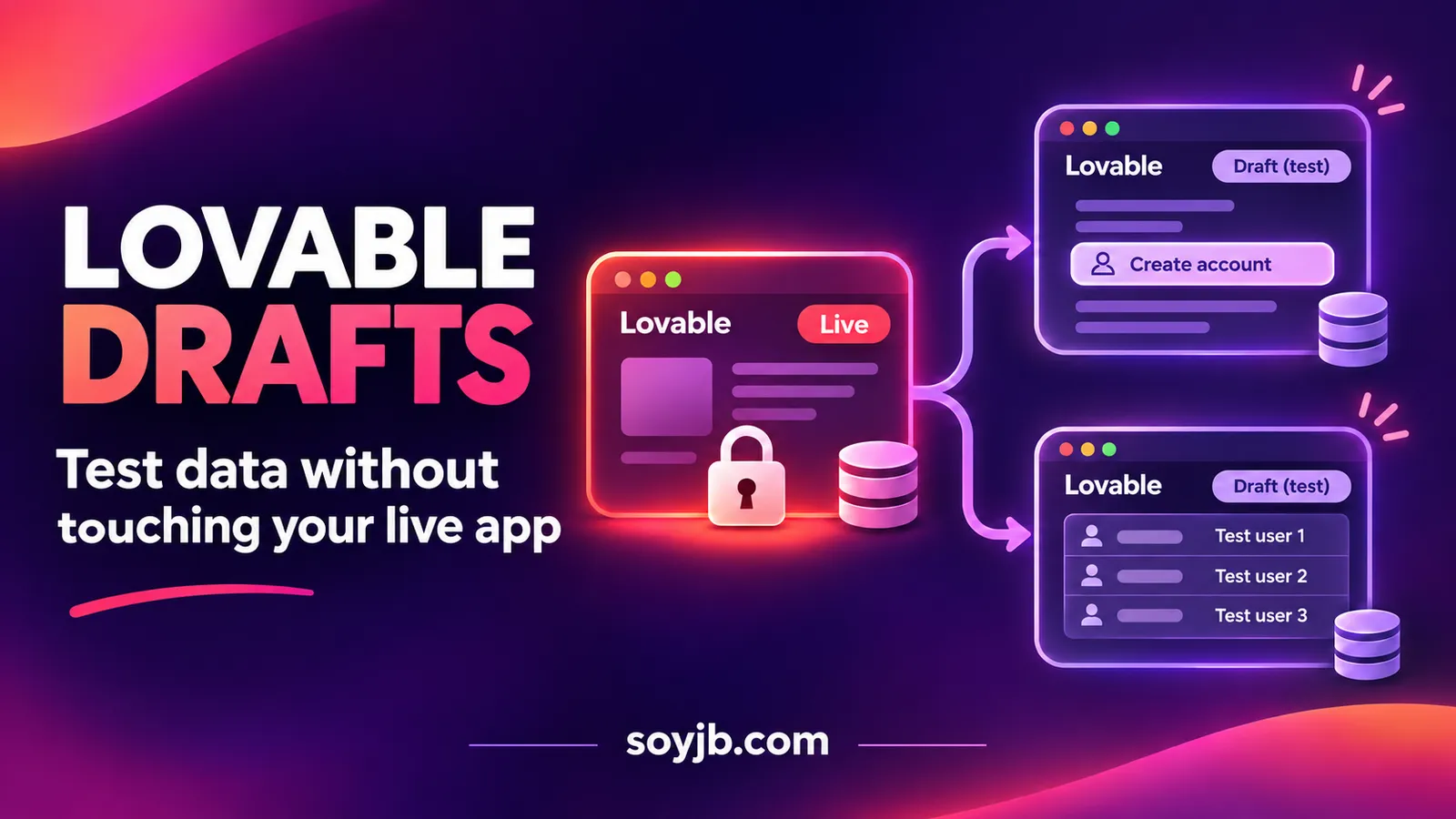
Suppose your booking app already has customers and you want to add a field to its sign-up flow. Editing the live version directly makes it harder to see whether the change affects real registrations. In its November 16, 2026 announcement, Lovable expanded Drafts so a test version can include the full app, database, and a separate backend when needed. For a founder, the useful question is whether a proposed product change works with realistic records before accepting it into the project and publishing it.
What is new here?
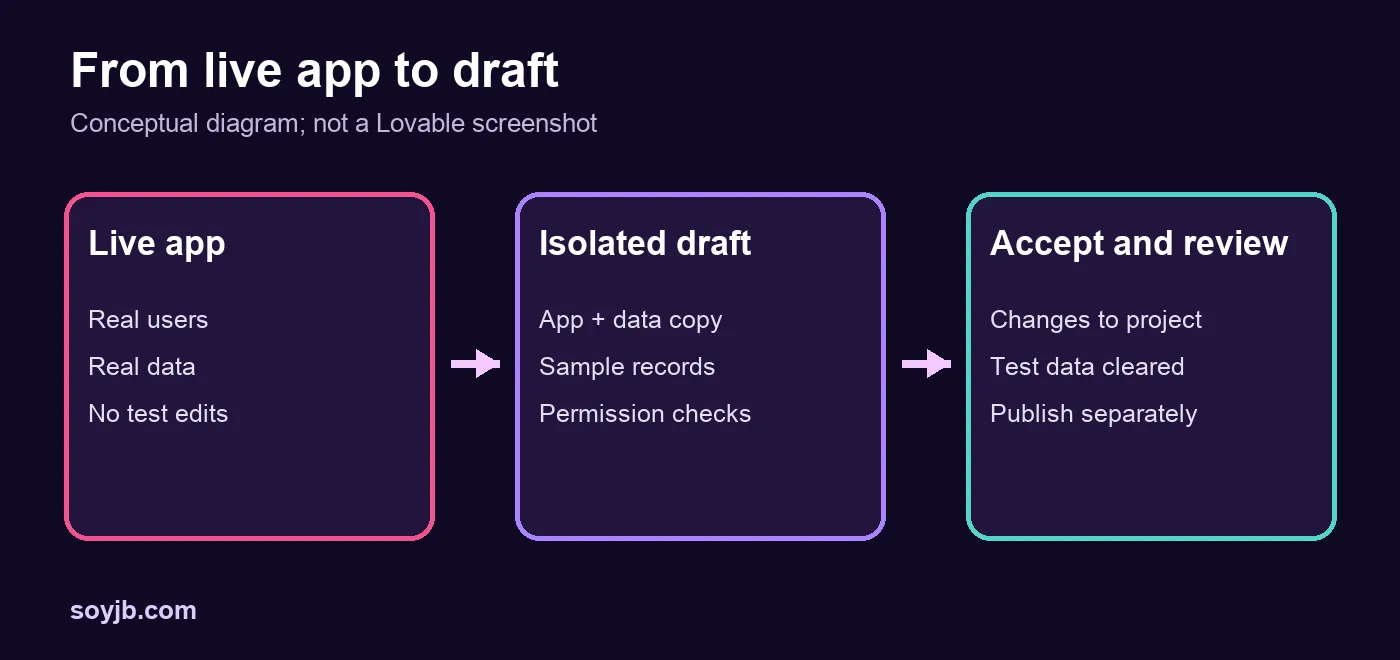
Drafts themselves are not new. Lovable’s September 7 launch focused on front-end experiments. Those early drafts still used the published app’s database, while database structure and login changes had to happen in the main project chat. The November update says that a new draft copies the app from design through database. Each one has its own chat and preview. Lovable now lists new tables and records, form fields, permission-dependent pages, and backend changes among possible experiments.
The practical separation matters. Test entries you create in a draft should remain there; Lovable says they are cleared when you accept or delete that draft. Accepting a draft adds its changes to your project, and a separate Publish action makes them live. That extra review point gives your team a chance to inspect behavior before customers encounter it.
A concrete test: change a booking sign-up
- Open a project with an existing sign-up or booking form. In the editor, click the project name and choose New draft. Record what the currently published flow looks like.
- Ask the draft to add an optional “What will you use this for?” field and expose the answer only in the admin view. Keep the live version untouched.
- In the draft preview, enter two sample sign-ups with different answers. Check that the admin view displays them and that an ordinary user cannot see the admin data. Separately confirm that the published form and real customer records are still as expected.
- Make a second draft with a shorter alternative, perhaps three preset choices. Compare the clarity of each registration flow and the value of the resulting data. Delete the weaker draft.
- Accept the chosen draft, then recheck the project’s form, permissions, and stored fields. Publish only after that review. Lovable says you can use History → the version before acceptance → Revert if you change course before publishing.
Copyable prompt for the first draft:
In this draft, add an optional "What will you use this for?" field to signup.
Store the answer with the user and show it only in the admin view.
Do not change the published app. Use sample records to show the empty state
and two different answers. List every table, column, and permission changed.
This is a suggested experiment, not a test we ran in a Lovable account. If your app calls outside systems, check the endpoints and credentials before entering sample data: the product announcement does not establish that every external integration is sandboxed.
Availability, credits, and limits
Lovable’s post says “Try drafts now” and says you can create as many drafts as you like. It does not specify a draft-specific price or list plan restrictions for this expansion. Its official pricing page explains that build messages draw credits according to task and plan, so check your workspace balance before generating several versions. We have not verified complex schema migrations, third-party authentication, or paid service integrations in a live account. Treat the draft as a place to test, then review permissions and production changes deliberately.
Who should care? A builder changing a data-backed workflow can now compare alternatives without intentionally mixing sample sign-ups into production. For headline or color experiments alone, Drafts already existed; the newly useful part is the broader copy of the app and its data layer.
Sources: Lovable, November 16, 2026 update; Lovable, September 7, 2026 initial release; Lovable pricing and credits.