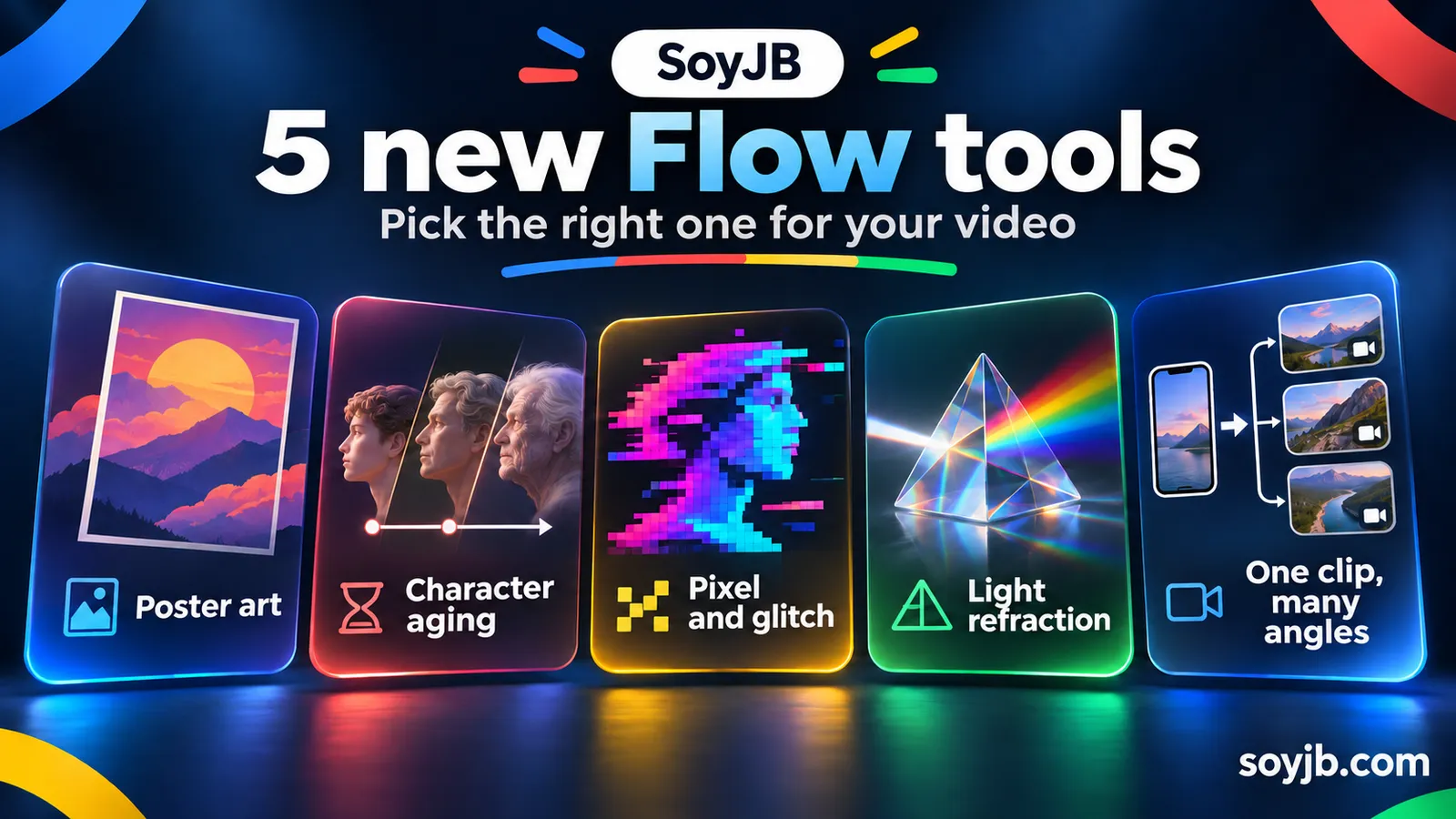
You have ten seconds of phone footage for a product explainer. You want a more polished result, but you do not need a generic “film generator.” You need to decide whether to improve the shot, design a cover, or keep a character recognizable. Google announced five new Flow tools on November 12, 2026. Their value comes from choosing the right one for the job and comparing the output with the original.
The five tools are Character Poster, Character Arc, Pixel Machine, Lucid Glass, and Pocket Studio. Artists built these workflows inside Google's Flow creative studio. Google says they are available to try, though actual access depends on region, age, account, and credits. We have not run these tools in our own account, so the recommendations below are an editorial interpretation of the official descriptions, not a measured quality review.
Pick a tool by the problem
- A consistent cover series: Character Poster turns story concepts into poster-style visuals. It is worth exploring if you publish episodes and need a recognizable visual identity, less so for one isolated image.
- One character over time: Character Arc depicts different life stages while retaining recognizable features. Use it for story previsualization; never present a generated image as an archival photo of a real person.
- Retro digital treatment: Pixel Machine converts images to bitmap, ASCII, CRT, pixel art, and glitch styles. Test it for a transition or music video, then check whether the subject and any text remain readable.
- Light and refraction: Lucid Glass creates prisms, halos, and optical blooms. That is a stylistic choice, not a universal upgrade; it can obscure a tutorial that needs a crisp interface.
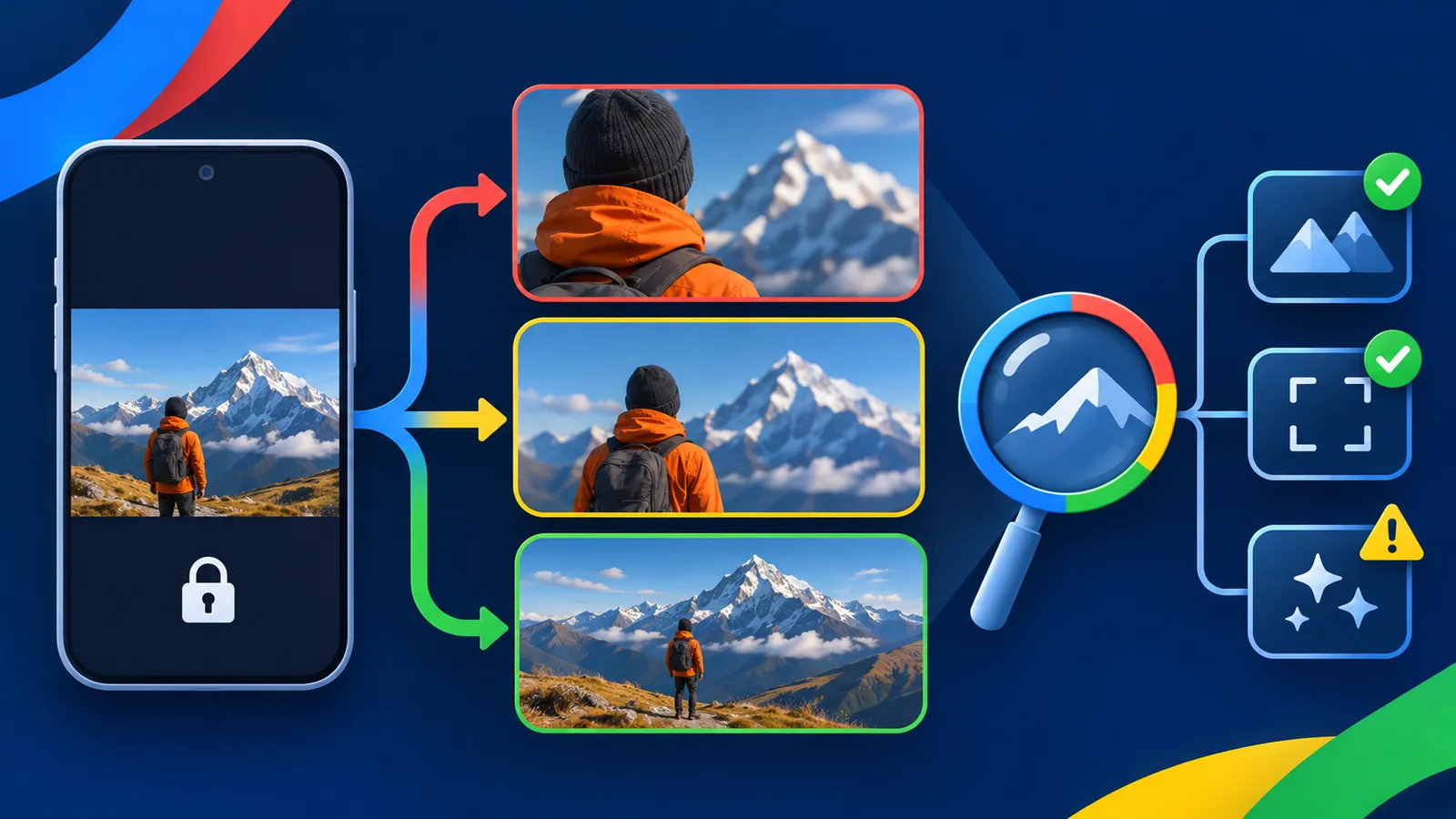
- A better phone shot: Pocket Studio starts with a single take and proposes multiple camera angles with higher visual fidelity while retaining the original performance, according to Google. It is the most relevant first test for a creator who already has their own footage.
A small test for short-form creators
For a Reel or TikTok, record one brief take explaining an idea with clear audio and enough light. Keep the original file. In Flow, try Pocket Studio on a copy and request a version that preserves the gesture, spoken line, and main object. Compare three things: whether the message still makes sense, whether the new angles represent the space faithfully, and whether hands, clothing, or products gained false details. The output is usable only if it survives that check.
For an educational series, try three Character Poster concepts with the same topic, palette, and composition. Choose by mobile readability and consistency across episodes. If the cover has text, inspect spelling and hierarchy in the final export; do not assume the model copied every word. If you use Character Arc for a real person, label the visual clearly as a recreation or avoid the portrait.
Copyable decision brief: “My input is [my footage / illustration / concept]. The output is for [short video / cover / previsualization]. The element that must stay unchanged is [voice / character / product]. I will compare the output with the original for [fidelity, readability, and errors]. I will not publish if it changes facts, identity, or the product demonstration.” This brief is useful even if you choose a different tool because it defines what success means.
Access, credits, and limitations
Google's help page says Flow requires users to be at least 18 and in a supported region. Its product page shows that accounts without a subscription can use prebuilt Tools with 50 daily credits; creating custom Tools requires Google AI Plus, Pro, or Ultra. The documentation says Tools is currently available on web and PC, and generation may consume credits. Flow warns users before running a tool that may use credits. Check what your account shows before making many variants.
Google recommends English prompts for the best results, although Spanish is listed among Flow's supported languages. The announcement does not establish that these five tools work equally well on every kind of input. Start with a small test using material you have rights to, and keep the original for comparison. If your goal is to demonstrate a real product feature, use an authentic capture before an effect that might change it.
Primary sources: Google announcement, November 12, 2026; Flow Tools usage and creation guide; Flow access requirements; Flow plans and credits. Checked November 14, 2026.