A transparent product cutout can become an ecommerce card, an email hero, and a social ad. On November 17, 2026, Vercel made Microsoft's MAI‑Image‑2.7 and MAI‑Image‑2.7‑Flash available in public preview through AI Gateway. For a small brand, the useful question is which model to use for inexpensive exploration and whether the higher-priced version improves a final asset enough to justify the bill.
What launched
Both models create images from text and edit existing images. Vercel lists output up to 2048 × 2048 pixels and transparent backgrounds for generation and edits. You can call them with an AI Gateway key without opening a Microsoft account. Their IDs are microsoft/mai-image-2.7 and microsoft/mai-image-2.7-flash. Vercel positions Flash as the faster, lower-cost option for iterations and 2.7 as the quality-first choice for final assets. That is the provider's positioning, not a SoyJB head-to-head result.
The current AI Gateway model pages list $5 input and $34 output per million tokens for 2.7, versus $1.75 input and $10 output for Flash. This is not a flat cost per picture. Resolution, attempts, and billable tokens affect the result; check the displayed rate before a batch job while the models are in preview. Commercial use is a separate question. Review Microsoft's terms and the publishing platform's rules before using a generated image in an ad.
A controlled test for a creator
Start with a fictional, unbranded amber glass bottle, not a real person's face or an authentic product photograph. Use the same prompt and settings for both models. Request a 2048 × 2048 transparent PNG in the playground or through AI SDK 6+. Vercel's example uses providerOptions.azure.background = 'transparent' with generateImage. If you edit a real photograph instead, confirm your right to reuse it and keep the edited result clearly distinguished from documentary evidence of the product.
Fictional unbranded amber glass bottle, front view,
soft studio lighting. True transparent background,
whole object inside the frame, no text, logos, or hands.
Physically plausible proportions. One square image.
Make three Flash variations and choose a direction. Run the same prompt in 2.7 for a final candidate. Record model, size, attempts, and actual charge. Place each PNG over white, black, and colored backgrounds. Check the glass edge, transparency in the corners, plausible shadows, and stray invented lettering. Then inspect the asset at mobile-card size: a detail that looks excellent at 2048 pixels may disappear in the feed.
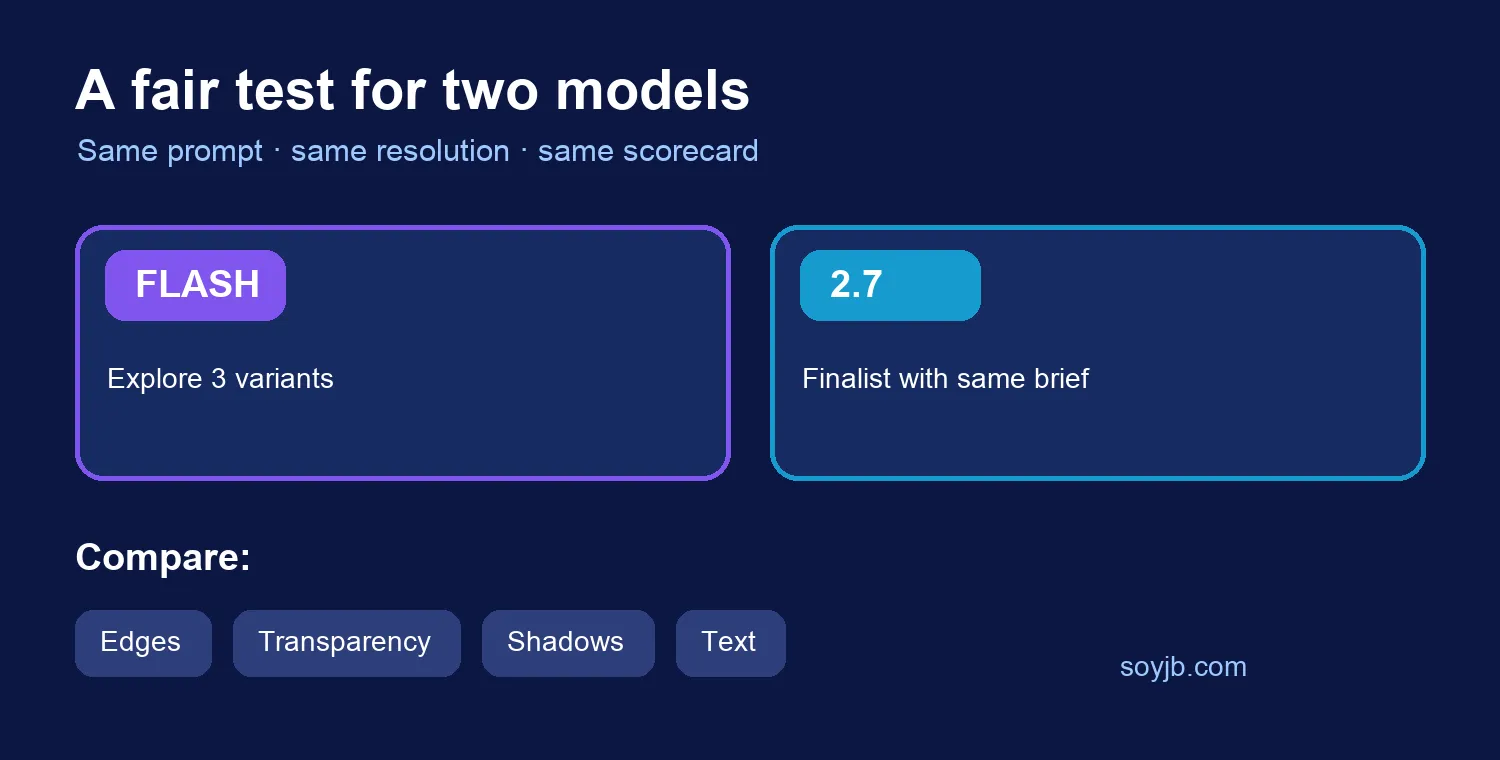
Choose based on the asset, not the model name
If Flash already meets your brief for a draft or quick post, the higher-priced option may add no practical value. If the cutout, shape, or composition fails, test 2.7 against the same checklist. Do not credit the model for a difference if you changed the prompt, reference image, and size at the same time. A human still needs to reject copied marks, illegible labels, and misleading physical details before an image represents a product for sale.
Vercel also describes reference images and targeted edits. Its launch post says up to five references, while the model playground visibly offers four drag-and-drop inputs. Check the limit in the interface or API you will actually use before building a workflow around a fifth file. Public preview access, output behavior, and limits may change. SoyJB has not called either model or measured per-image cost. The cover on this article is a conceptual SoyJB illustration, not output from MAI‑Image.