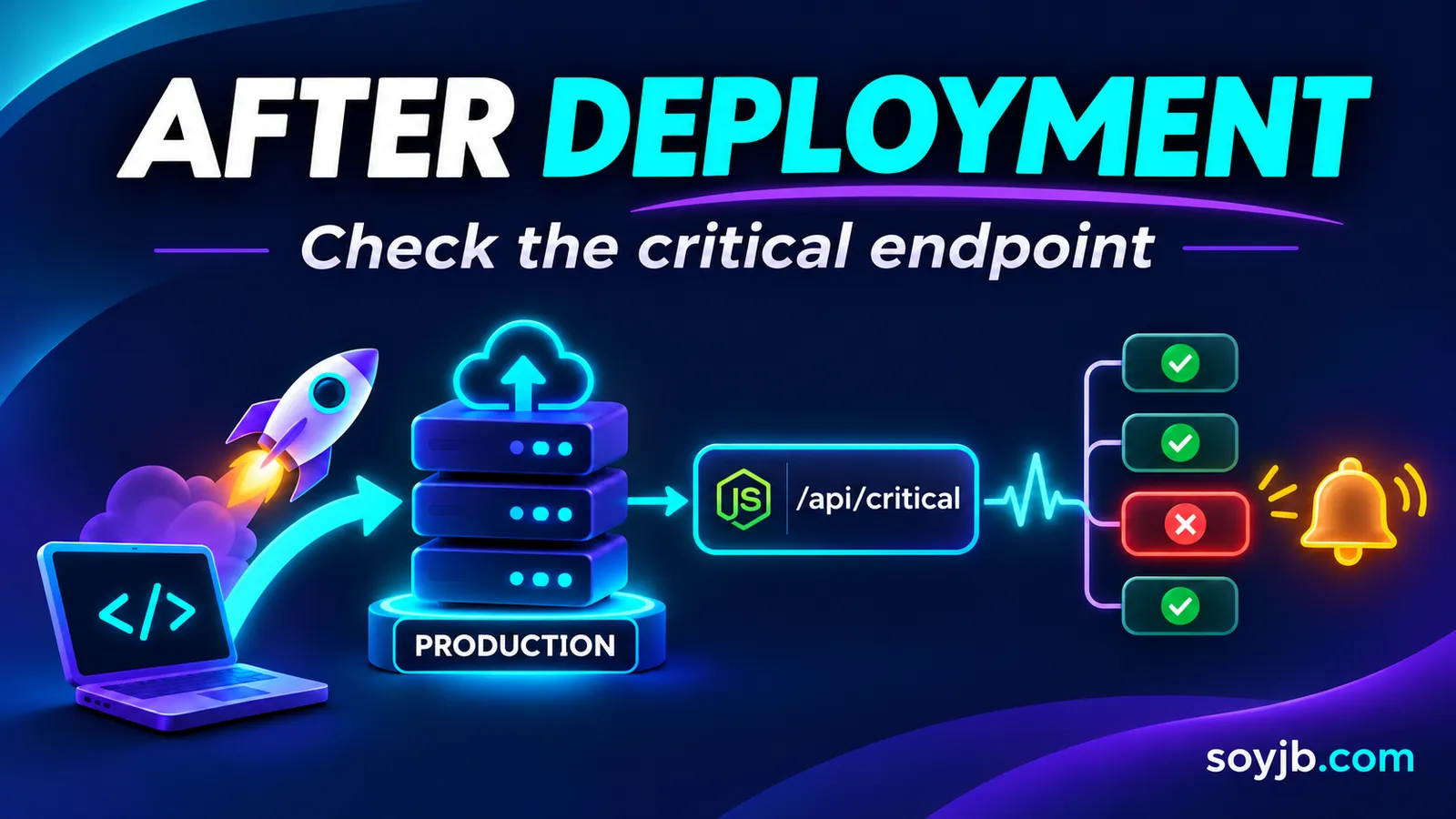
A deployment can finish green while breaking the one route that converts users, such as the API that checks availability before checkout. A pre-release smoke test cannot catch an outage that appears after publishing or after a dependency fails. This minimal monitor sends a real request to a public endpoint, requires HTTP 200 and JSON containing ok: true, and exits nonzero on failure. We tested the script locally; production use still needs a meaningful route and an alert destination.
Define what “working” means
Fetching the homepage and seeing 200 is often too weak: a CDN can serve HTML while a critical product flow is broken. Choose a safe read-only route that represents a meaningful feature. A booking app might use /api/availability-check with a test resource. It should return small JSON, expose no sensitive data, and never place a real order or charge. If authentication is required, keep a test credential in the monitor's secret store, not in the URL or an article.
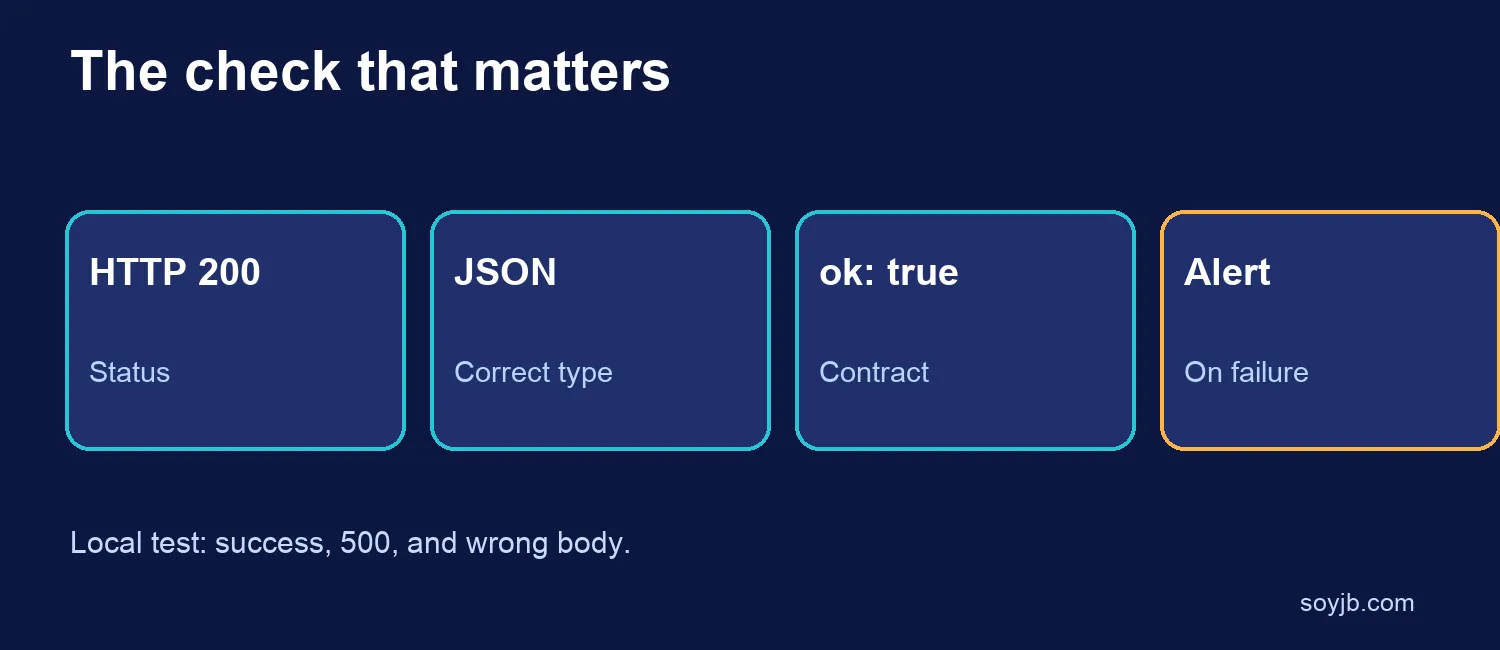
Our example contract is intentionally narrow: status 200, JSON content type, and {"ok":true}. Your app must expose a route with that contract or you must adapt the check to its actual response. Do not force an internal failure to return ok:true merely to satisfy the monitor.
Copyable Node.js check
const url = process.env.CHECK_URL;
if (!url) throw new Error('Set CHECK_URL');

try {
  const response = await fetch(url, {
    signal: AbortSignal.timeout(5000),
    cache: 'no-store',
  });
  if (response.status !== 200) throw new Error(`HTTP ${response.status}`);
  if (!response.headers.get('content-type')?.includes('application/json')) {
    throw new Error('Expected JSON');
  }
  const body = await response.json();
  if (body.ok !== true) throw new Error('Expected ok=true');
  console.log('Critical endpoint OK');
} catch (error) {
  console.error(`Critical endpoint failed: ${error.message}`);
  process.exitCode = 1;
}
Save it as check.mjs and run CHECK_URL=https://your-domain.example/api/health node check.mjs. The five-second timeout bounds the monitor's wait; it is not a universal performance target. Feed a failing exit code into a monitored CI job or alerting service. A failure written only to an unread log does not protect users.
What we tested, and what we did not
Using Node.js 22.23.4, we ran an ephemeral local server with three responses: 200 plus {"ok":true}, 500 plus {"ok":false}, and 200 plus the wrong JSON body. The checker accepted the healthy case and rejected both failures. We did not test a production URL, an alert channel, or a real network timeout. This is a test of the script, not an uptime report.
Run the check once against a new deployment and record its result with the deployment ID. For continuous coverage, schedule it from a reliable external service and send failures to a channel someone watches. GitHub Actions supports scheduled workflows with a documented minimum interval of five minutes, but scheduled jobs may be delayed; do not treat them as an immediate-response guarantee. Avoid polling an expensive route too often: monitors create traffic too.
Avoid false confidence and noisy alerts
A 200 proves only that your chosen contract worked at one point in time. It does not cover payments, email, other regions, or failures under load. Add more checks only when they represent important user journeys, and keep each check small. To reduce transient alerts, you may confirm a second failure before escalating, but record the first and do not hide a sustained outage. If the route returns business data, validate a meaningful field instead of only ok.
Run the monitor outside the infrastructure it observes. If the entire platform fails, an in-app cron can fail with it. Document who receives the alert and the first recovery action. A check with no owner is only a log entry.