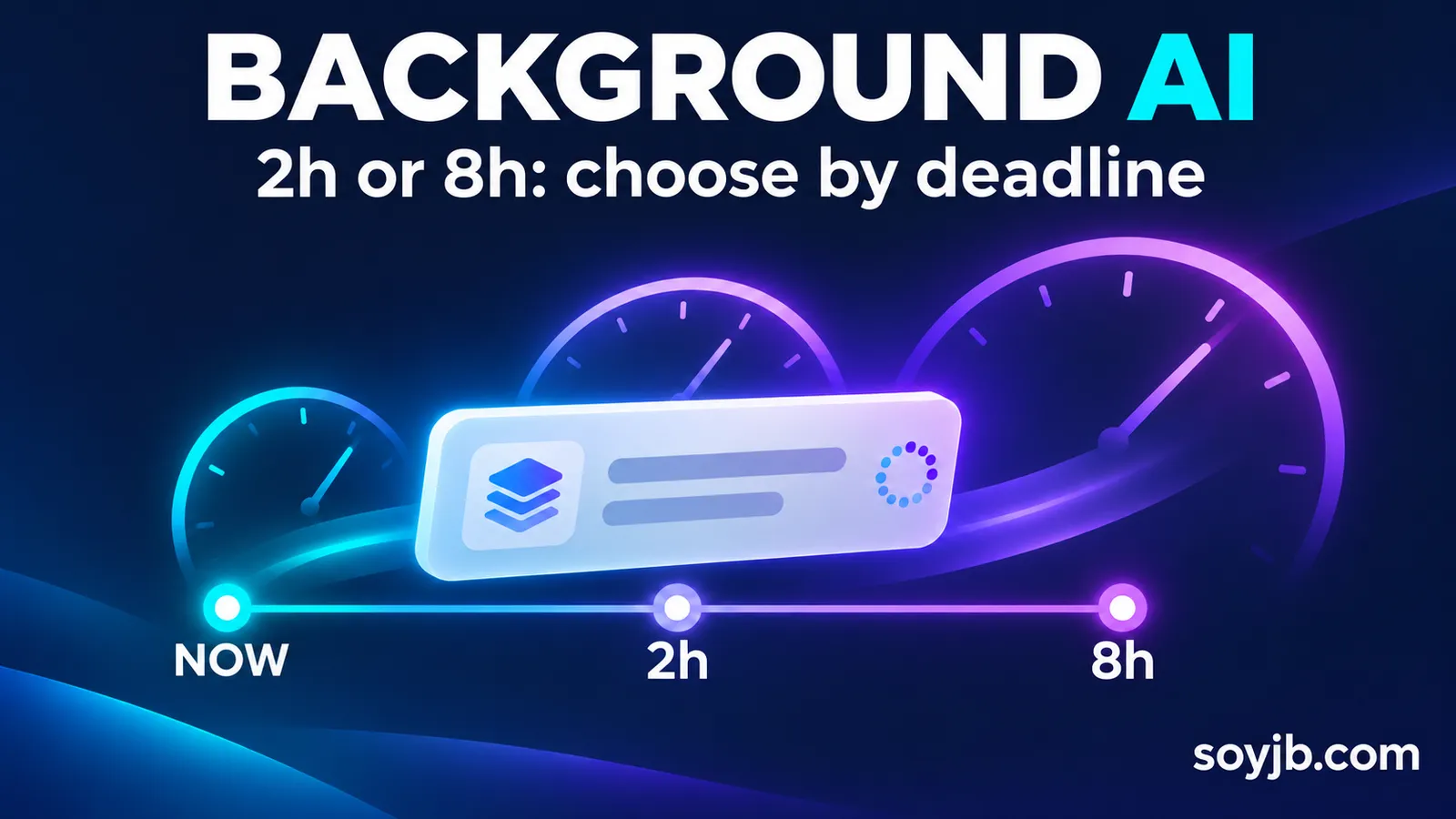
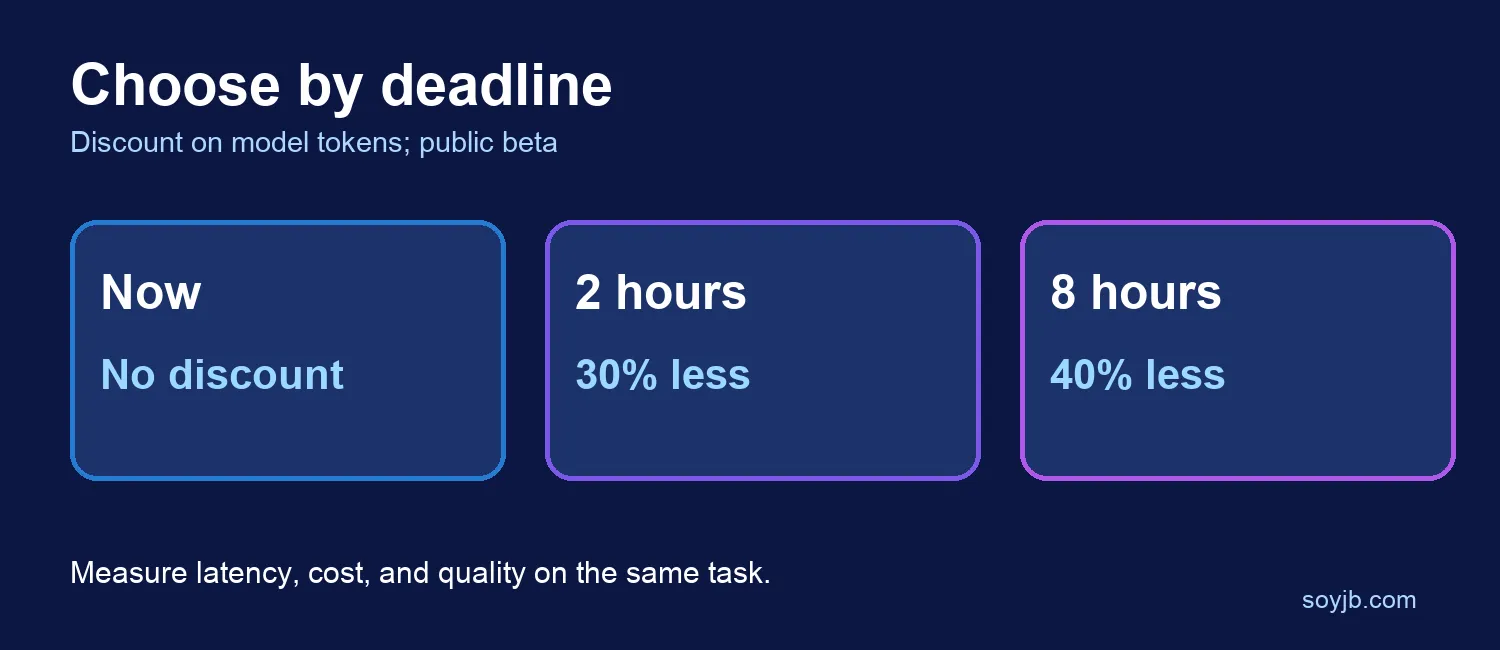
A founder who reviews support tickets every morning does not need an instant model response if the summary only has to arrive before an afternoon triage meeting. OpenAI's documentation, checked on November 18, 2026, describes two discounted completion windows for the Responses API: 2 hours at 30% below Standard model-token rates and 8 hours at 40% below Standard. They are in public beta. The useful decision is to route work according to its deadline, then measure your actual latency and bill.
What is available
Background mode already let an application submit a request, save the response ID, and retrieve the result later. The background_options.completion_window field now lets you select 2h or 8h. OpenAI targets completion of the initial response within that window after accepting it. The discount applies to eligible model-token rates, including eligible follow-up requests. It is not a blanket discount on a bill that may contain other charges.
The public beta covers GPT‑6.2 Astra, GPT‑6.2 Sol, GPT‑6.1 Terra, and GPT‑6 Luna. You need background: true, Standard processing via service_tier: "default", and no streaming. Using auto qualifies only when the API selects Standard. The two discounted windows share the Batch/Background queued-token limit with Batch jobs, so available capacity is a real constraint for larger teams.
A small test you can run
Start with three synthetic support tickets: a duplicated receipt, a missing team invite, and a billing-date question. Ask for category, urgency, missing evidence, and a suggested response. Submit the same set through immediate Standard processing and the 2-hour background window. Record the acceptance time, completion time, input and output tokens, billed cost, and whether a human agrees with the triage. Do not use real customer messages until you have reviewed your data handling policy.
curl https://api.openai.com/v1/responses \
  -H "Authorization: Bearer $OPENAI_API_KEY" \
  -H "Content-Type: application/json" \
  -d '{
    "model": "gpt-6.1-terra",
    "service_tier": "default",
    "background": true,
    "background_options": {"completion_window": "2h"},
    "input": "Triage these fictional tickets by urgency and explain why: duplicate receipt; team invite not received; question about invoice date. Return a short table."
  }'
Save the returned response ID. Receive a signed response.completed webhook, or poll by that ID while the response is queued or in_progress. Blindly submitting the same request again may duplicate both work and cost. If your task is due the next morning, test the 8-hour window on a small sample before scheduling a production workflow.
When to choose a window
Use 2h when the result feeds a later meeting; use 8h for overnight document review. Keep immediate processing when a person is waiting in the product. If you have hundreds of independent requests that can all be submitted at once, compare the Batch API too. Background mode is particularly useful when one response may trigger a follow-up tool call or another turn in a workflow.
There is a material data-handling limit: OpenAI temporarily stores the request and response data needed to process and retrieve a background result, even with store: false or Zero Data Retention. The documentation says this temporary content is encrypted at rest. Check this behavior against your own requirements before sending sensitive information. Beta eligibility, models, and prices may change. SoyJB reviewed the official documentation and prepared this example; we did not run a paid API request or measure a real completion time.