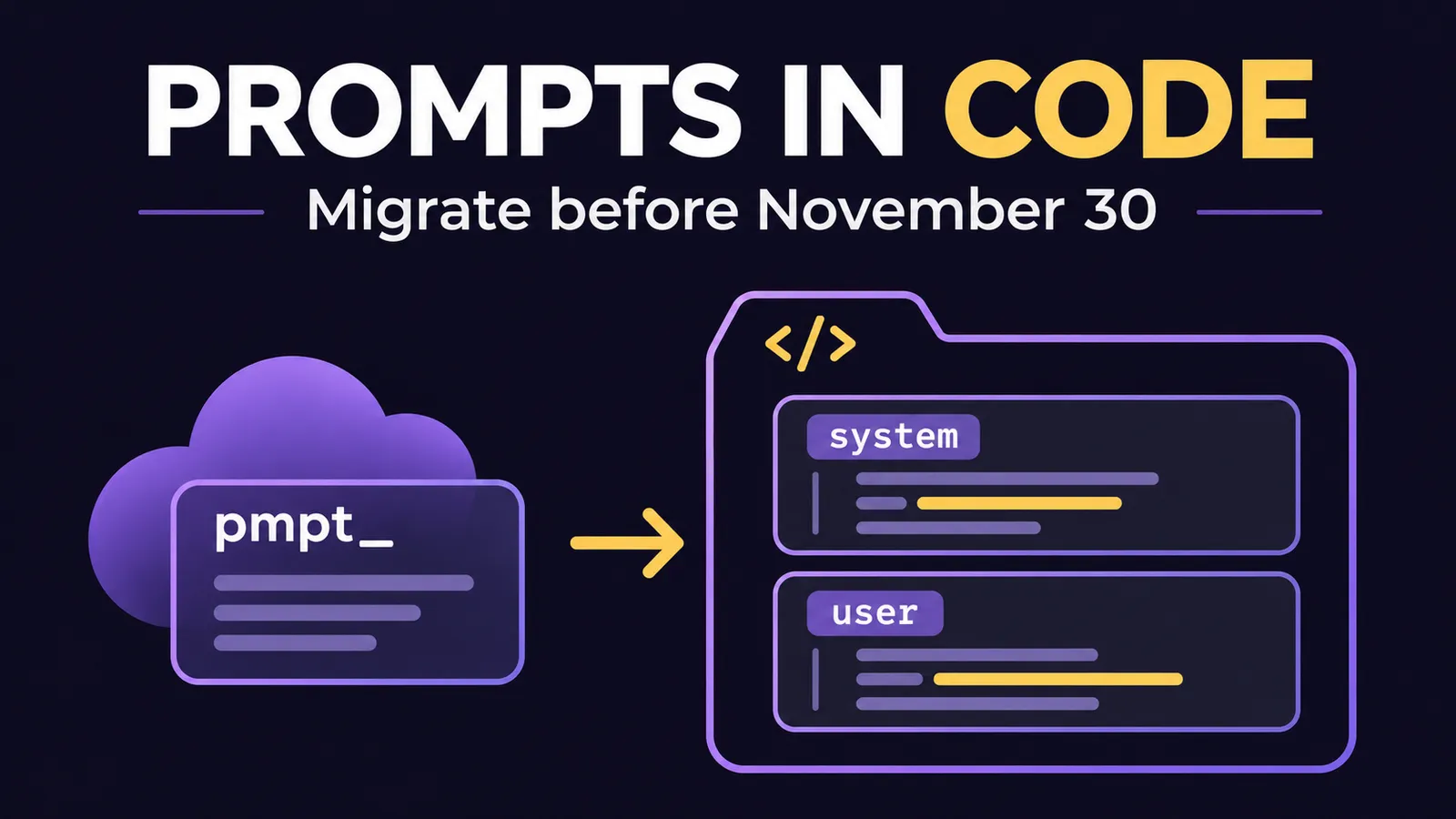
If your app calls client.responses.create({ prompt: { id: "pmpt_..." } }), check that dependency this week. OpenAI's migration guide says /v1/prompts is scheduled to shut down on November 30, 2026. The notice dates back to June 3, so this is an upcoming deadline, not a new launch. It concerns managed reusable prompt objects, including those referenced from a Responses API call. Responses API itself is not shutting down.
Consider a support team whose application references pmpt_123, version 1, with customer_name and issue variables. The prompt's instructions live on the platform. The migration moves those instructions into the app repository, turns variables into function arguments, and sends the resulting messages as input. I built and checked a sample request body locally with fictional data. I did not call OpenAI or migrate a production prompt.
Inventory the content behind each ID
An ID does not tell you what instructions it represents. For each saved prompt your app uses, record the exact text, version, variables, model, examples and test cases. Search the codebase and scheduled jobs for prompt.id and pmpt_. Identify the production version and any experiment versions. Keep an authorized private copy before changing requests: prompts may contain internal rules or sensitive information that should not enter a public repository.
OpenAI's before example has this shape:
const response = await client.responses.create({
  prompt: {
    id: "pmpt_123",
    version: "1",
    variables: { customer_name: "Acme", issue: "billing question" }
  }
});
Replacing one pmpt_ ID with another does not remove the dependency. The documented change is to put the prompt text in code and pass constructed messages through input.
Build explicit messages and inspect the payload
This Python example uses demonstration instructions, not the contents of your existing prompt. Save it as local_prompt.py. Static instructions stay in a system message; customer data goes into a user message. You can verify the request structure without an API key:
import json

SYSTEM = (
    "You are a support assistant. Be concise and accurate. "
    "Do not invent refund policies."
)

def build_support_input(customer_name: str, issue: str):
    if not customer_name.strip() or not issue.strip():
        raise ValueError("Missing support details")
    return [
        {"role": "system", "content": SYSTEM},
        {"role": "user", "content":
            f"Customer: {customer_name}. Issue: {issue}. "
            "Draft a reply for the customer."},
    ]

if __name__ == "__main__":
    messages = build_support_input("Acme", "billing question")
    assert messages[0]["role"] == "system"
    assert messages[1]["role"] == "user"
    assert "Acme" in messages[1]["content"]
    print(json.dumps({"model": "gpt-6.2-astra", "input": messages}, indent=2))
Run python3 local_prompt.py. I ran this file locally: all three assertions passed and it printed JSON with model and two input messages. That confirms the request construction, not the quality of any model output. Replace gpt-6.2-astra with the model your product actually uses, and check its availability and pricing before routing traffic.
To make a real call, the official guide uses the same Responses API structure:
from openai import OpenAI
from local_prompt import build_support_input

client = OpenAI()
response = client.responses.create(
    model="gpt-6.2-astra",
    input=build_support_input("Acme", "billing question"),
)
print(response.output_text)
The second block is a documented template, not a call executed for this article. It requires the SDK and credentials and may incur charges. Keep the key in an environment variable, not in the script.
Roll out without silently changing behavior
- Rebuild the prompt: move the authorized instructions to code and map each saved variable to a function argument. Keep static instructions separate from customer supplied data.
- Version it: keep builders in a
prompts/module, review changes in pull requests, and record which commit replaced eachpmpt_version. - Test behavior: assemble representative inputs and expected outcomes, including cases where the assistant should admit it does not know a policy. Compare old and new behavior with the same model and parameters. A locally valid payload does not prove equivalent output.
- Release gradually: use a feature flag or small traffic share; monitor errors, latency, spend and problematic replies. Keep a rollback path while the old flow remains available.
- Check caching: OpenAI recommends putting static content before dynamic content to preserve exact prefix matches for prompt caching. Measure any savings rather than assuming them.
Decision: teams using /v1/prompts should prioritize inventory, comparison and rollout before November 30. If your prompts are already in code and passed as input, this specific migration does not apply. OpenAI Evals becoming read-only falls on the same date, but it is a separate dependency.
Sources: OpenAI prompt object migration guide and OpenAI deprecation schedule.