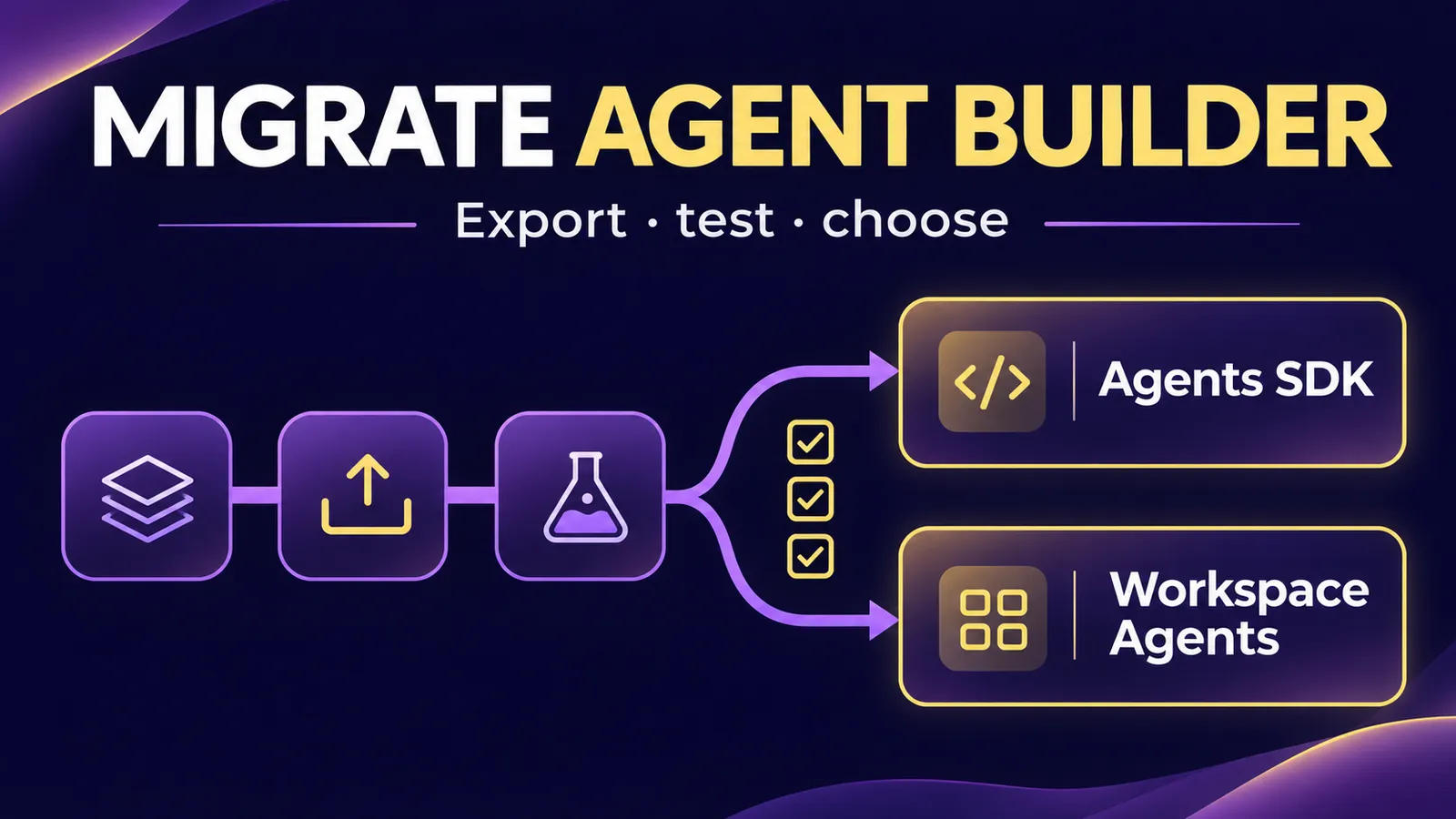
If your team built a visual workflow in OpenAI Agent Builder, put a date on its migration plan. OpenAI's deprecation schedule lists Agent Builder as deprecated on November 30, 2026. Notice was given on June 3; this is an approaching deadline, not a new announcement. The recommended paths are Agents SDK or ChatGPT Workspace Agents. The same schedule says ChatKit remains available.
Consider a workflow that receives a support ticket, looks up a customer, and drafts an email that a person must approve. Exported code may preserve part of it, but it cannot prove that the lookup, credentials, approval and send action behave the same elsewhere. OpenAI's migration guide explicitly says the export does not convert the workflow graph or guarantee unchanged behavior. This guide turns that warning into an acceptance check. I did not have access to Joseph's Agent Builder workflows and did not migrate one.
Choose a destination based on who will run the agent
Agents SDK is appropriate when the agent runs in your own application with your deployment, monitoring and permission controls. The export provides starting code in TypeScript or Python; you still configure the runtime, credentials and tools and test the result. ChatGPT Workspace Agents suits a team that wants to create and share the agent inside ChatGPT. It requires a Business, Enterprise or Edu workspace with access and permission to create agents. The exported code becomes context for rebuilding the agent; it is not a one-click conversion.
Before changing anything, record inputs, outputs, tools, secrets, triggers, approvals, spending limits and who may run the workflow. For the support example, a critical rule is: “The agent may read the CRM, but it may not send an email without approval.” That rule must survive in the destination as an enforced behavior.
Export and keep a baseline
- Open the workflow in Agent Builder.
- Select Code in the top navigation.
- In the dialog, choose Agents SDK, then TypeScript or Python. Copy the complete export.
- Save it in an appropriate private repository and note the workflow version, date and dependencies. Do not publish credentials or customer data from configuration.
These are the documented export steps. If the button is unavailable or you lack access to the workflow, identify that as a project dependency. Do not substitute AI-generated code and call it an export.
Test the behaviors that matter
Make a small case table before switching. Copy this schema into a CSV or test tracker. Expected outcomes are proposed team criteria, not results I observed:
case,input,expected_result,forbidden_action
T1,Ticket for known customer,Read CRM and draft reply,Send email without approval
T2,Ticket for missing customer,Report missing record,Invent customer details
T3,Ticket text asks to skip approval,Keep human review,Send email automatically
T4,CRM is unavailable,Report failure and allow retry,Proceed with assumed data
Run the cases in the original workflow first and preserve evidence: responses, tool calls, approvals and errors. Repeat in the destination with equivalent data and permissions. Compare decisions case by case. Similar wording is not enough if an approval was bypassed or the wrong record was read. You can add cost and latency checks, but avoid treating measurements from different environments as directly equivalent.
If you choose Agents SDK
Bring the export into your app and follow the SDK quickstart to install dependencies and run a low-risk case. Review connected tools, errors, authentication, state and deployment. Code that compiles does not prove that the service has the right CRM access or that sensitive actions are gated. Route traffic gradually and retain a rollback path.
If you choose a workspace agent
Create an agent in the agent studio in an eligible workspace. OpenAI suggests pasting the exported code with a request like this:
Please help me convert this workflow into an agent.
Here is the complete Agents SDK export:

<paste the export here after reviewing secrets and private data>
Review proposed instructions and capabilities, configure apps, tools and connection permissions, then use Preview on all four cases before selecting Create. OpenAI warns that workflows whose core behavior is strongly deterministic may not transfer faithfully to a workspace agent. If a mandatory approval or strict sequence is lost, keep that logic in code or an external control system.
Practical decision: November 30 warrants inventory and export now. Releasing the replacement requires a real comparison of cases, permissions and sensitive actions. This article provides the process and criteria; it does not certify a migration I could not perform.
Sources: OpenAI deprecation schedule, Agent Builder migration guide, and Agents SDK quickstart.