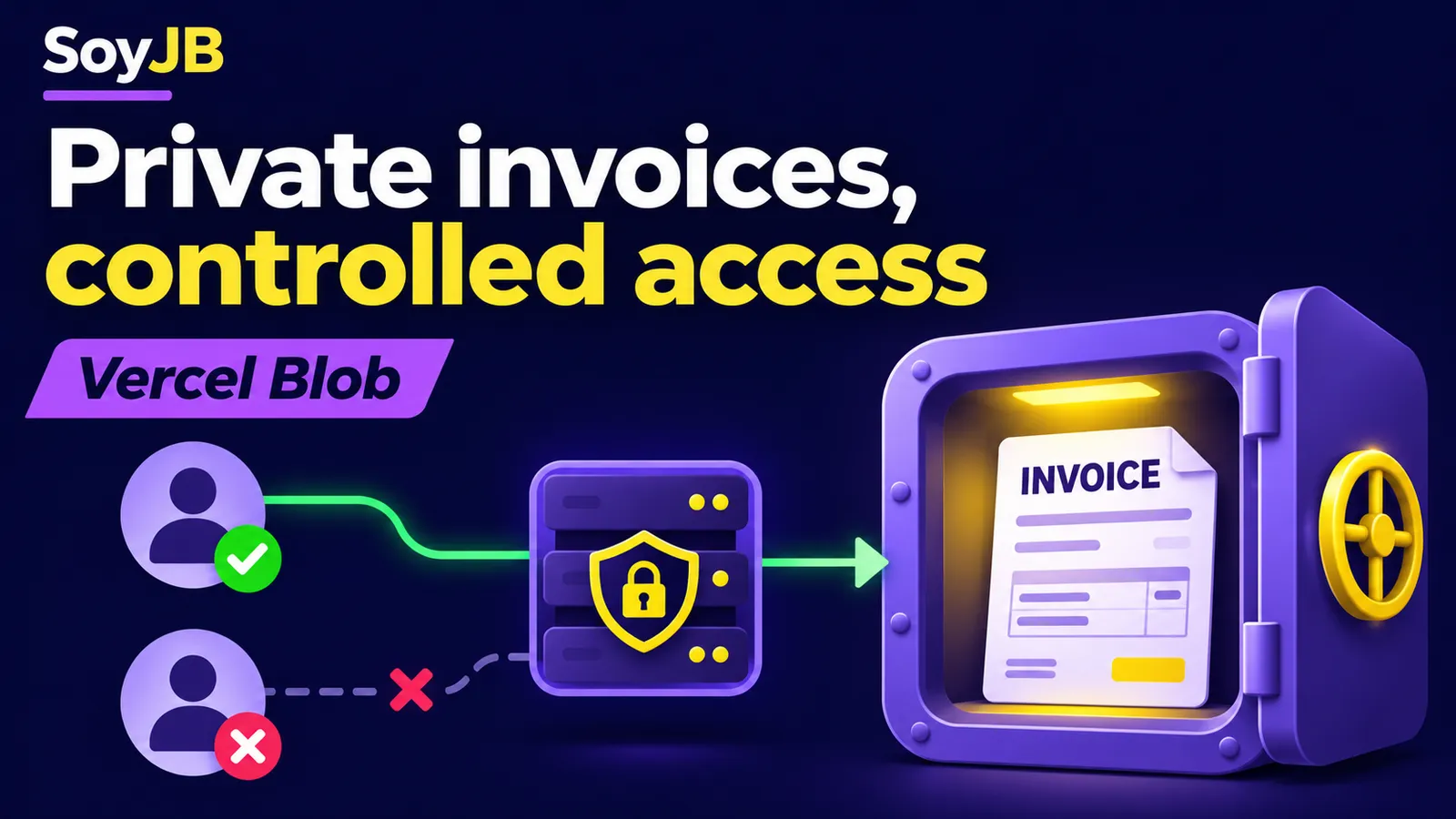
Your SaaS lets customers download their invoices. A previous guide sent public product photos directly to Vercel Blob; copying that setup for invoices would expose the wrong access model. Public URLs can leave your app. Private Vercel Blob storage requires storage authentication, while your application decides which signed-in customer may read each document.
Two layers of access control
A private Blob store blocks direct downloads without storage credentials. Your Next.js route checks the customer's session and ownership of the invoice before retrieving it through the SDK. A valid session alone is insufficient: one customer must not fetch another customer's invoice by changing an ID in the URL. Query the database by both invoice ID and owner.
Vercel says Blob is available on all plans. Private storage needs a private store and @vercel/blob 2.3 or later. On Vercel, the SDK uses rotating OIDC credentials by default. If your app runs elsewhere, review the server token setup. Never send a Blob read-write token to browser code.
Store the ownership record
The example assumes Next.js App Router, Auth.js at @/auth, and Prisma at @/lib/db. Each invoice record stores the blobPathname returned when the file is uploaded, along with its owner. A minimal schema is:
model Invoice {
  id           String @id @default(cuid())
  ownerEmail   String
  blobPathname String
}
Email keeps the example compact; use a stable user ID and an explicit relationship in a production system. When an invoice is uploaded, check who can create it and save the pathname as part of the invoice workflow. A browser upload can use access: 'private' with a private store and a token issued after session validation. Do not let the browser choose an arbitrary owner.
Build an authorized download route
Create app/api/invoices/[invoiceId]/download/route.ts. The URL's invoice ID only selects a record that also belongs to the signed-in user. The actual Blob pathname comes from your database rather than from a browser-supplied parameter.
import { get } from '@vercel/blob';
import { auth } from '@/auth';
import { db } from '@/lib/db';

export async function GET(
  _request: Request,
  { params }: { params: Promise<{ invoiceId: string }> }
) {
  const session = await auth();
  if (!session?.user?.email) {
    return new Response('Unauthorized', { status: 401 });
  }

  const { invoiceId } = await params;
  const invoice = await db.invoice.findFirst({
    where: { id: invoiceId, ownerEmail: session.user.email },
    select: { blobPathname: true },
  });
  if (!invoice) return new Response('Not found', { status: 404 });

  const result = await get(invoice.blobPathname, { access: 'private' });
  if (result?.statusCode !== 200) {
    return new Response('Not found', { status: 404 });
  }
  return new Response(result.stream, {
    headers: {
      'Content-Type': result.blob.contentType,
      'Content-Disposition': 'attachment',
      'X-Content-Type-Options': 'nosniff',
      'Cache-Control': 'private, no-store',
    },
  });
}
The SDK authenticates the storage read; your route enforces business authorization. private, no-store prevents a sensitive invoice from being cached in the browser. Vercel recommends it for sensitive data. Do not add shared caching to the response. For large files or frequent downloads, check transfer pricing and Function time before scaling this design.
Mistakes that change the risk
Do not accept a browser-supplied ?pathname=... and pass it straight to get. Your server has storage credentials, so an authenticated user could then try to read somebody else's file. Hiding a download button in the interface is not authorization either; the API can still be called directly. Keep the ownership check inside the route that returns bytes, close to the storage read. Avoid logging invoice contents or storage tokens. If you add temporary download links, review their lifetime and scope separately.
Test access before shipping
- Signed out, the route should return 401 without fetching Blob.
- Signed in as another customer, the same ID should return 404 without revealing whether the invoice exists.
- Signed in as the owner, the route should return the file with content type, download, and cache headers.
- Opening the private Blob URL directly without server credentials should not return the file.
Also test a deleted invoice and a missing Blob pathname. This is a documentation-based pattern adapted to Prisma and Auth.js; it was not deployed to a Vercel account for this article. Cost and latency were not measured; check current Blob pricing against your expected download volume. Unlike a public photo upload, customer documents need per-user read authorization on every download as well as private storage.