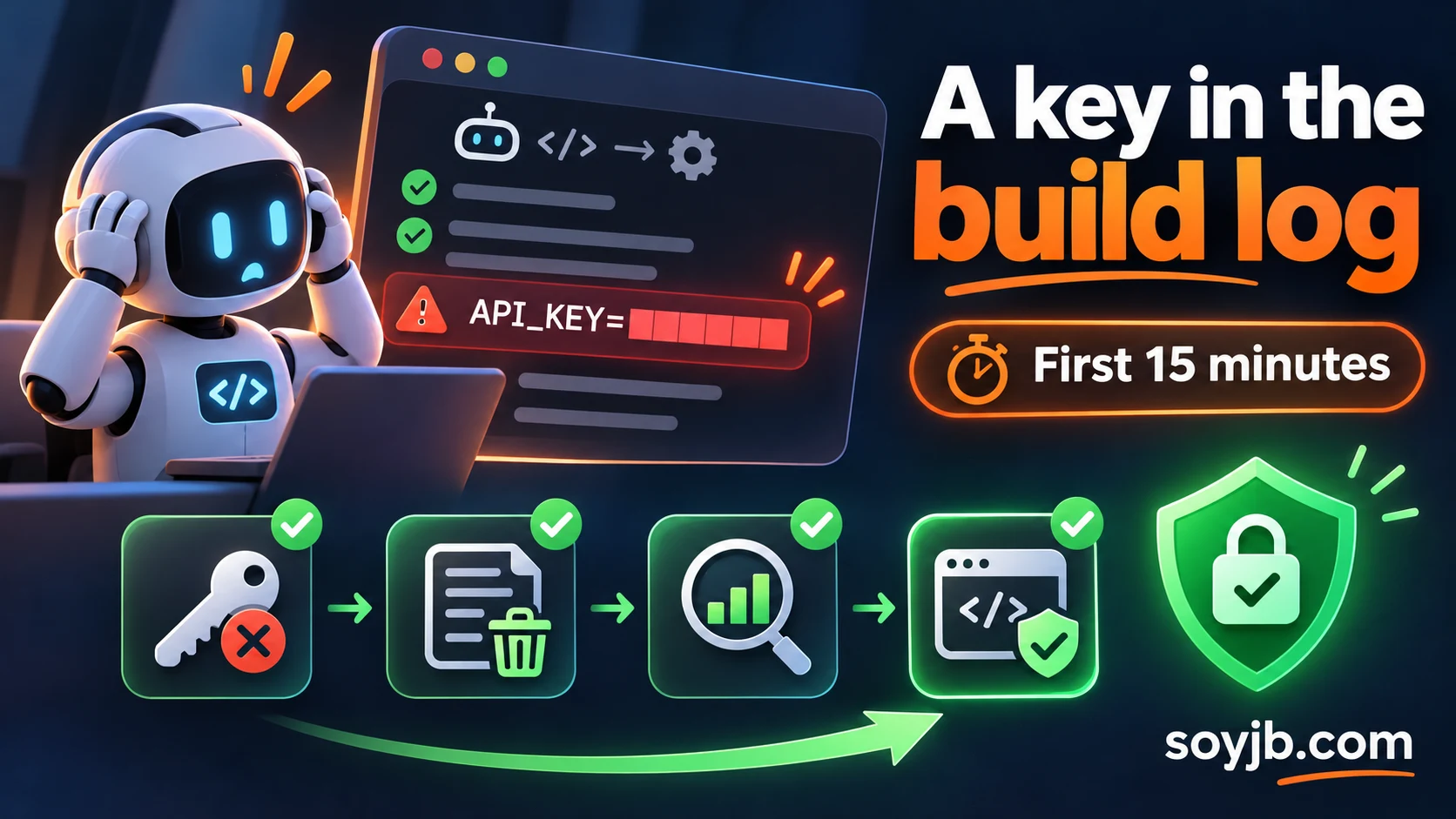
A coding agent opens a pull request and GitHub Actions runs the tests. The workflow fails, and its log accidentally prints a third-party API key that the agent added to a debug command. This is a hypothetical case, but the response is concrete: removing the text does not make an exposed key safe. Revoke it and determine what it could reach.
On November 9, 2026, GitHub announced a preview of secret scanning for GitHub Actions workflow logs. It may identify some leaks, but access is limited to GitHub Enterprise Cloud organizations with GitHub Secret Protection or Advanced Security. An enterprise owner must enable it, and it scans newly completed runs. It is not an instant alert for every repository. The response below applies whether or not your account has the preview.
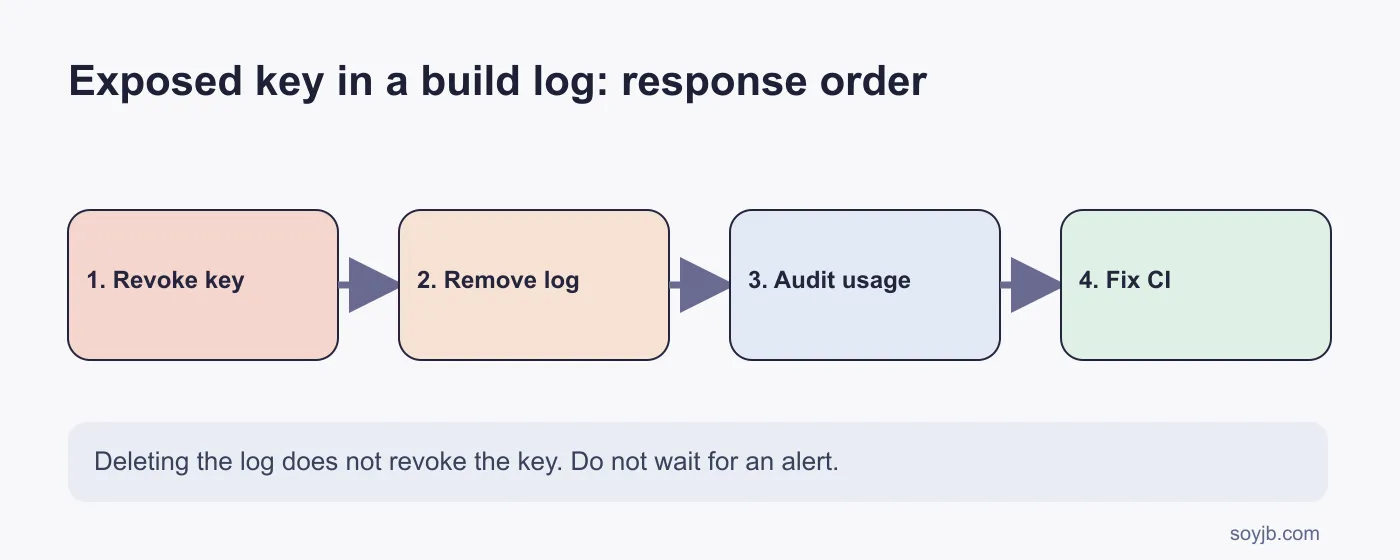
The first 15 minutes
1. Revoke and replace the key at its provider. For an AI API, open the provider console, issue a replacement if needed, and revoke the exposed credential. Record the key identifier, approximate time, repository, and run ID without copying the secret into another document. If the key can spend money, access customer data, or deploy code, treat this as an incident and notify the account owner. GitHub's exposed-secret guidance calls for immediate rotation or revocation. Masking a value later cannot undo an earlier read.
2. Remove the accessible log. Preserve only the minimum evidence your incident process requires, and do not paste the key into public tickets. GitHub provides an Actions API endpoint to delete a run's logs with the appropriate permissions. If you do not administer the repo, ask its owner. Also check PR comments, artifacts, caches, and screenshots for copies. Deleting the log reduces future exposure, but does not revoke the credential or prove no one copied it.
3. Audit use and scope. At the provider, inspect requests, charges, access locations, and changes during the exposure window. In GitHub, identify who could see the run and when the log was produced. Determine whether the key had read, write, or admin privileges and whether it reached production. GitHub's incident investigation documentation lists workflows, logs, and credentials among the areas to inspect. No alert does not mean no misuse.
4. Fix the workflow and retest. Locate the command that printed the environment variable, debug mode, `echo`, or process output containing HTTP headers. Replace the value in any compromised file and store the new credential as an appropriate environment secret. GitHub documents Actions secrets and safer ways to pass sensitive inputs. Masking is a secondary safeguard, not permission to print secrets. Where supported, use OIDC for short-lived cloud credentials and narrow each job's permissions. Test with fake values and inspect the resulting logs before restoring the workflow.
What GitHub's announcement actually changes
In an eligible organization, an owner can enable the preview and review supported provider-pattern findings in the security view. GitHub says it scans new, completed logs, not past history; it does not cover every generic secret and does not send alert notifications yet. A finding can remain after the underlying log is deleted so responders retain a record. Check the security view after runs, but do not make it your only detection method.
If an AI agent edits your workflows, require a human review of `.github/workflows/`, `GITHUB_TOKEN` permissions, debug steps, and external services before merge. The agent may help locate the command that printed a value, but do not paste the compromised key into a prompt. Reproduce with a fake string and a test that checks logs contain no sensitive values.
Limits and a safe test
No SoyJB incident is being reported here, and I did not run the Enterprise preview in an account. Fifteen minutes describes an action sequence, not guaranteed containment. A broadly privileged key or possible personal-data access needs more investigation and communication. For a safe test today, use a disposable workflow and a marker such as `EXAMPLE_KEY_DO_NOT_USE`, inspect what it logs, and remove the marker. Never expose a real credential to test secret scanning.
Sources
GitHub Changelog, November 9, 2026; GitHub Docs: secret scanning scope; GitHub Docs: secure use of Actions; GitHub REST API: run logs. Reviewed November 10, 2026.