You have the outline for a five-slide carousel in Gemini and your brand assets in Canva. Canva's connector can turn the chat into an editable design and let you request changes without rebuilding every slide. The useful test is narrow: draft a carousel, revise two lines, and see which steps still require the Canva editor.
Canva describes its Gemini integration as an AI Connector. Google's help page sets important boundaries: a personal Google Account, Keep Activity enabled, the Gemini web or mobile app, and English-language availability for now. It does not work in Gems or Live chats. This is a documented workflow to try, not a claim that we ran it in a linked Canva account.
Connect the account you actually use
Canva's connection guide gives the desktop path: Gemini → Settings → Personal Intelligence → Connected Apps → Other → Canva. Turn the connection on and authorize the Canva account that holds your designs. You can also type @Canva in Gemini and follow the linking prompt. If you belong to more than one team, confirm the selected account before asking the assistant to find private assets.
If Canva is missing, check your Google Account type first. Google's creative-app connection is not available for work or school accounts, and Keep Activity must be on. Account or organization restrictions can also affect availability. Rewriting a prompt will not fix a feature your account cannot access.
A 15-minute creator test
- Pick a real piece of content. Use a topic you know and three facts you can defend. For example, make a carousel about three checks before sharing a new app's landing page. The audience is an early-stage founder; the outcome is a page they can test with a real visitor. Keep your product link and brand name handy.
- Outline it in Gemini. Draft five slides: a hook, three checks, and one final action. Keep each slide concise. Review claims before turning them into visual copy.
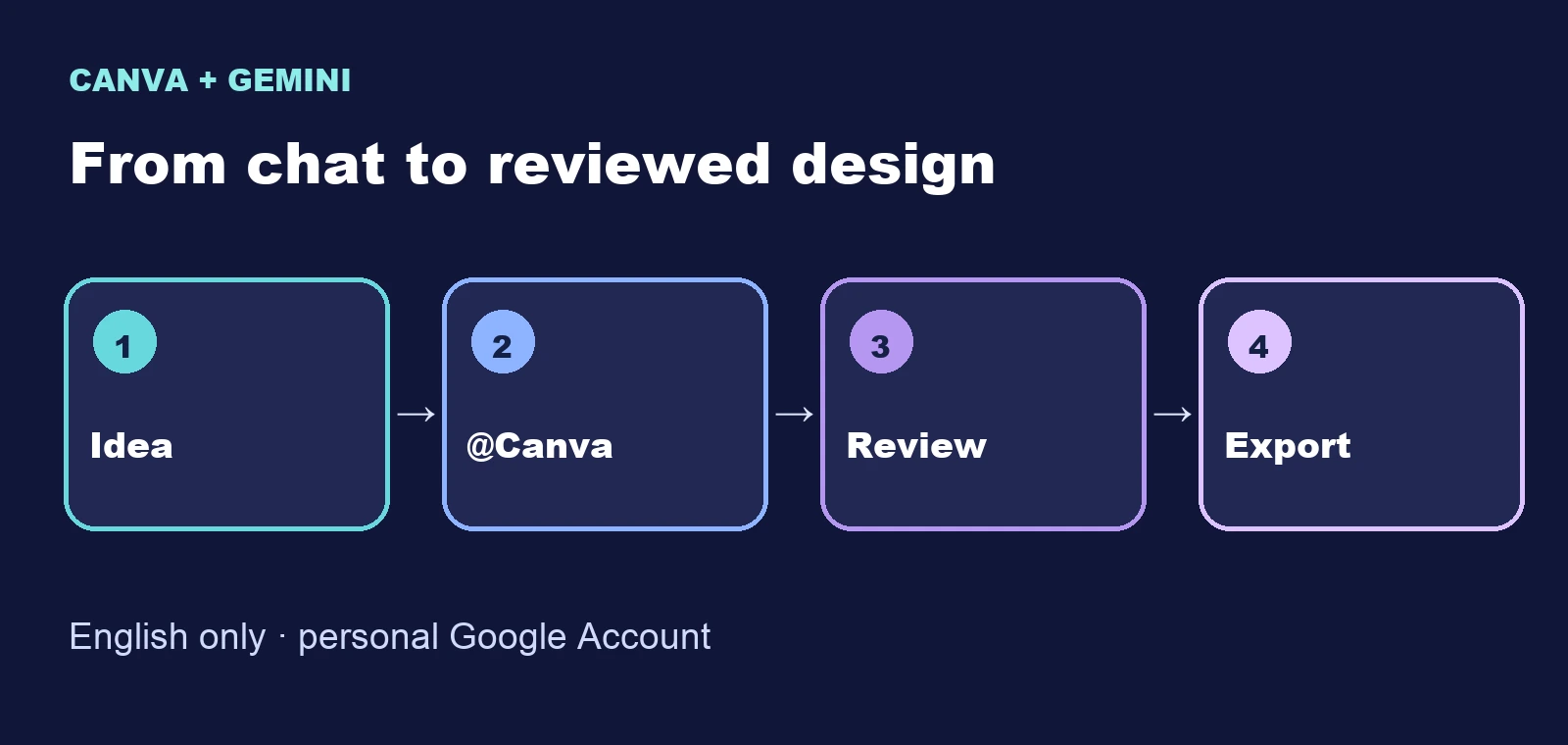
- Invoke Canva. Use the English prompt below. Replace the sample topic and colors with your own. Ask for editable slides, not a single flat image.
- Inspect the result in Canva. Check that text is editable, slide order is correct, margins work on mobile, and the brand space has not swallowed the content. The first generated version is a draft.
- Request one small edit. Ask
@Canvato shorten slide two and change the final slide's accent color. Reopen the design to see whether it edited the intended elements.
@Canva Create an editable five-slide Instagram carousel for early-stage founders.
Topic: Three checks before sharing an AI app landing page.
Slide 1: A specific hook, maximum 7 words.
Slides 2–4: One check per slide: working CTA, mobile readability, and a clear privacy note.
Slide 5: Ask readers to test the page with one real user.
Use a dark background, teal and violet accents, wide margins and large readable type.
Do not invent metrics, testimonials, product screenshots or logos.
Leave a small space for my brand; show the copy on every slide before finalizing.
This prompt is a test case, not a promise that every account will produce exactly five editable slides. If a slide is flattened, a line is wrong, or an edit lands in the wrong place, record it. That tells you whether the connector saves work for your specific content format.
What the connector can and cannot do
Google lists design creation, text and visual edits, searching existing assets, and organizing resources among supported actions. Canva also describes slide edits, format changes, and turning some Gemini-generated images into editable layouts through Magic Layers. The outcome depends on the source design and account; inspect the layers instead of assuming every image will separate cleanly.
Google names specific limits. Gemini cannot manage your Brand Kit assets, export designs into different formats, or handle billing and plan changes. For final typography, export, and publication, open Canva. Canva describes autofilling branded templates with Gemini context as an Enterprise-team capability, so do not build a Free-plan workflow around it.
Keep it only if it shortens the path to a finished design
Make the same carousel once through the connector and once directly in Canva. Measure time from idea to a version you would approve, plus the number of copy fixes and visual corrections. If the connector saves time without weakening review, repeat it for future posts. If it merely moves edits between apps, use Gemini for the outline and Canva for production. Google separately announced an initial US rollout of Canva in Search AI Mode; that is a different surface from the Gemini connection described here.