
You ask Claude to review a repository every morning and leave a summary. When you create the task, connectors for unrelated services may appear too: Drive, Slack, or an issue tracker. If the job only needs GitHub, those extra connections have no clear purpose. Claude Code 2.1.317, released November 3, 2026, adds a warning in /schedule when a new cloud task gets connectors you did not ask for, along with guidance on removing them. The access decision remains yours.
Why an unrequested connector can appear
Anthropic's scheduled-task documentation says all MCP connectors linked to your account are included by default when a cloud task is created. A run can read or write through included connectors under the applicable permissions. The new warning makes that inheritance visible in the /schedule workflow. It does not mean Claude has used those services, and the warning does not remove them for you.
This applies to cloud tasks created with /schedule, a research-preview feature that Anthropic lists for Pro, Max, Ultra, Team, and Enterprise plans. Desktop local scheduled tasks and /loop are different scheduling options. An MCP server installed only on your machine with claude mcp add is not automatically in your cloud account's connector list. If your cloud task needs it, add it through the documented route rather than assuming “works in my terminal” means “works in the cloud.”
A five-minute review before you save
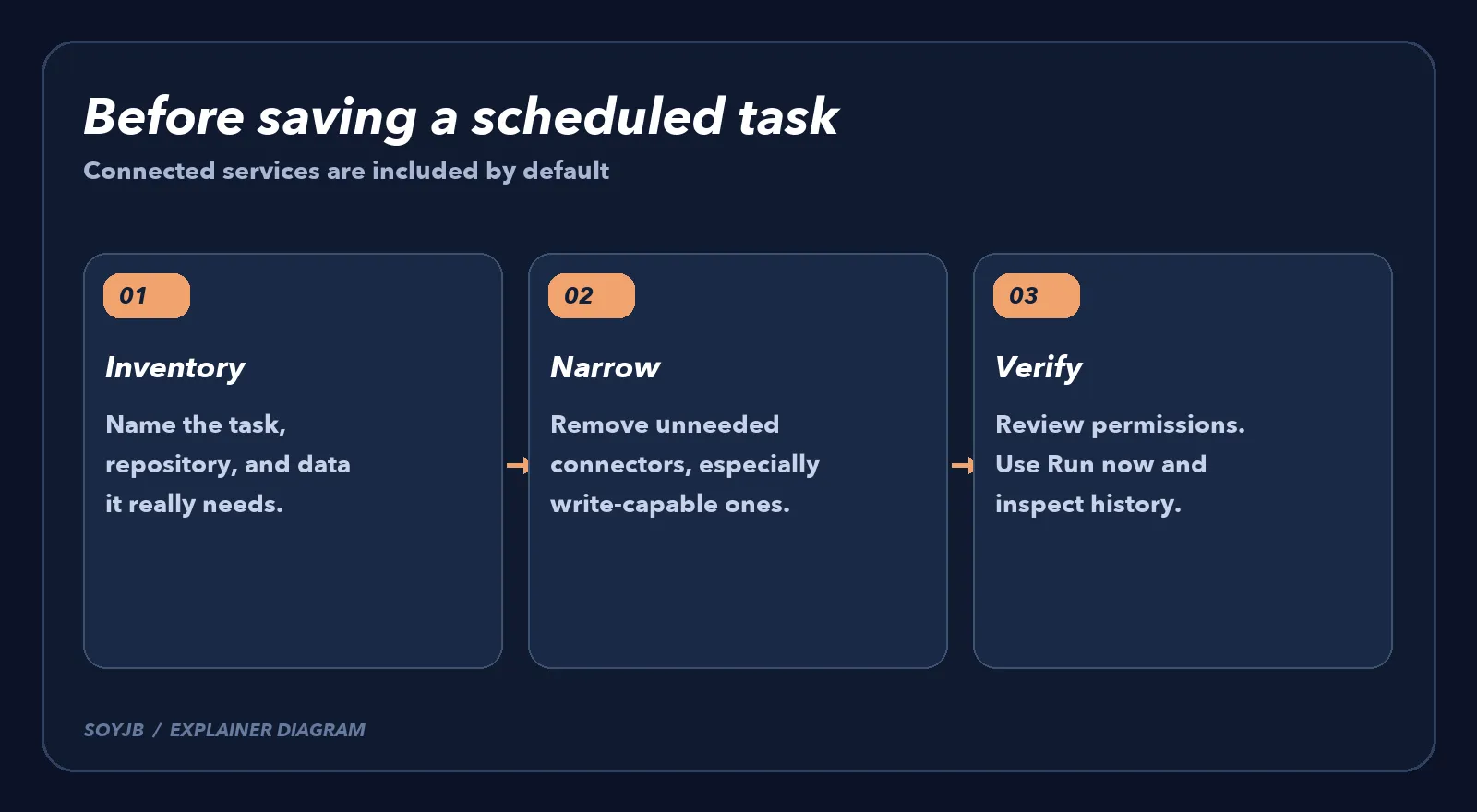
- Describe the job by its output. For example: “Every weekday, summarize open PRs in repository X and leave a draft. Do not publish or send messages.” List the repository it needs and any service that should receive the result.
- Open the connector list. In the web creation form, use the Connectors tab under Advanced settings. Anthropic says all connected services start included. Remove those outside your needs list, especially ones that can send messages, change records, or delete data.
- In the CLI, read the
/schedulewarning. A saved time is not the end of configuration. The documentation lists/schedule listand/schedule updatefor existing tasks; the web editor also lets you inspect repositories, environment, and connectors. - Check repository and environment scope. A cloud task can clone repositories and call tools according to its configuration. Limit access to necessary repositories and review branch and network permissions. A prompt saying “do not publish” is useful, but it does not replace access controls.
- Run a harmless test. Use Run now on a task that does not write important data. Open the run history and inspect the tools and connectors it actually used. If authentication fails or a permission prompt waits for an answer, resolve that before relying on the next scheduled trigger.
What the warning cannot guarantee
Anthropic labels cloud scheduled tasks a research preview; behavior and limits can change. The warning concerns unrequested connectors when a task is created. It does not prove that an existing task was audited, and it cannot prevent every sensitive action. Some runs may still pause for an approval. If the task can publish, email customers, or touch production data, review those capabilities separately rather than treating the banner as a security policy.
We did not run this release in Joseph's Claude account; the guidance above comes from Anthropic's changelog and documentation. If you automate a code summary or morning research, the useful test today is straightforward: inspect one real task's connectors, remove what it does not need, then read the history of a trial run. The same task can often do its work with less access and a smaller blast radius when something goes wrong.