Your team has a custom GPT that answers catalog questions and uses a custom action to look up orders. After migration to a plugin, the instructions may be there, but order lookup could be missing if nobody rebuilds that integration. The failure mode is not losing a prompt; it is declaring the move complete before the replacement performs the actual work.
The official OpenAI Docs guide describes the move from custom GPTs to plugins for ChatGPT Enterprise creators and admins. This article sticks to that scope. It does not assume the same migration option is available to personal accounts or claim a single retirement date for every plan. A GPT with only instructions may be easy to move; one with custom actions needs a separate integration project.
What moves, and what does not
OpenAI says instructions become a skill, knowledge files come across, and connected apps can be included in the replacement. GPT custom actions do not transfer. Rebuild them with supported app actions or a custom MCP server, then test them. The selected model does not carry over; conversation starters and capability settings do not guarantee identical behavior either.
Before selecting “Migrate to plugin,” sort each GPT feature into one of four buckets: instruction-driven answers, file retrieval, connected-app access, or a custom action. Each bucket needs a different test. A writing assistant may become a useful skill quickly; a GPT that creates CRM records needs a verified write path, permissions, and error handling against test data.
1. Make a one-page inventory
Record the GPT's name and owner, purpose, users, instructions, knowledge files, actions, apps, and three reference conversations: one easy, one typical, and one difficult. Write down the expected result, not just the prompt. If an action calls a private endpoint, record who owns it and which credentials it needs without copying secrets into the inventory.
This template is a team checklist, not an automatic ChatGPT export:
GPT: [name and link]
Owner: [person]
Users: [team or groups]
Primary task: [problem solved]
Knowledge: [files and versions]
Custom actions: [endpoint and purpose, no secrets]
Connected apps: [name and required access]
Test cases: [easy / typical / difficult]
Acceptance: [facts, format, action, and time]
2. Check eligibility before migration
According to OpenAI Docs, the GPT must be published, the person migrating must be its creator or a workspace admin, and plugins must be enabled. Being able to use someone else's GPT is not enough. The documented route is My GPTs → Created by me → Migrate to plugin. If the option is missing, ask an admin to check those prerequisites before treating it as a product bug.
The replacement plugin starts private. The original GPT remains usable until retirement but becomes read-only after migration. Save the instructions and test cases first, because future edits belong in the plugin. OpenAI says built-in migration itself does not require plugin upload permissions; rebuilding a separate integration is a different task.
3. Test against the real workflow
Run the same three cases in the GPT and plugin. Compare factual answers and citations, file use, output format, time, and actual tool results. Test both explicit plugin selection and a normal request: automatic skill selection depends on the task and available capabilities. If the GPT looked up orders, confirm the plugin reaches the same system with the right permissions. A plausible answer is not proof that it read the CRM.
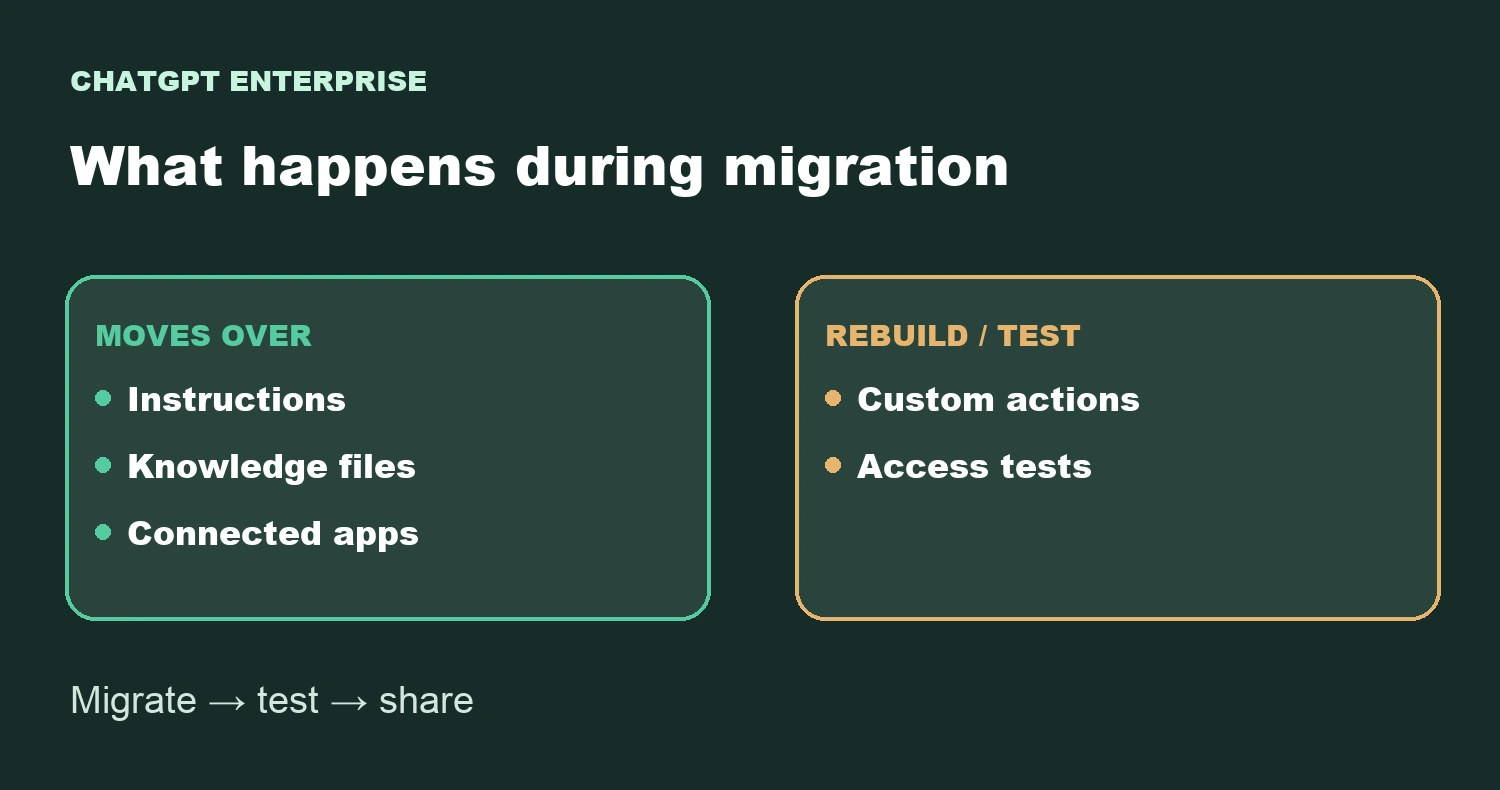
Included apps retain their own access rules. Sharing the plugin does not grant new permissions in Google Drive, a CRM, or another service. If you replace an action with MCP, separately test reads and writes with a normal user's access, then test expired credentials and a network failure. OpenAI's guide advises waiting to switch a workflow when a critical capability has no tested replacement.
4. Share, then verify with a real user
The migrated plugin starts private and does not automatically inherit the GPT's audience. The person sharing it needs the relevant permission; users need access and, depending on workspace policy, must install it or have it installed for them. Ask a teammate to open the replacement and repeat a familiar task. Only then update internal links, onboarding material, and ownership.
Decision for today: inspect your most-used GPT for custom actions. If it has them, migration is not finished when the plugin appears; schedule time to replace and test those connections. I did not perform a migration in an Enterprise workspace for this article. Steps and limitations come from official OpenAI documentation; availability depends on your organization's configuration.