Imagine a small online store appearing in a ChatGPT answer after its prices or return policy have changed. As of November 10, 2026, OpenAI offers a way to claim a business profile, update information, and see aggregate discovery signals. Businesses in ChatGPT is in beta. For a founder, the first useful move is to check eligibility and fix business facts, rather than assume they can immediately deploy a sales chatbot.
Three related features, three different decisions
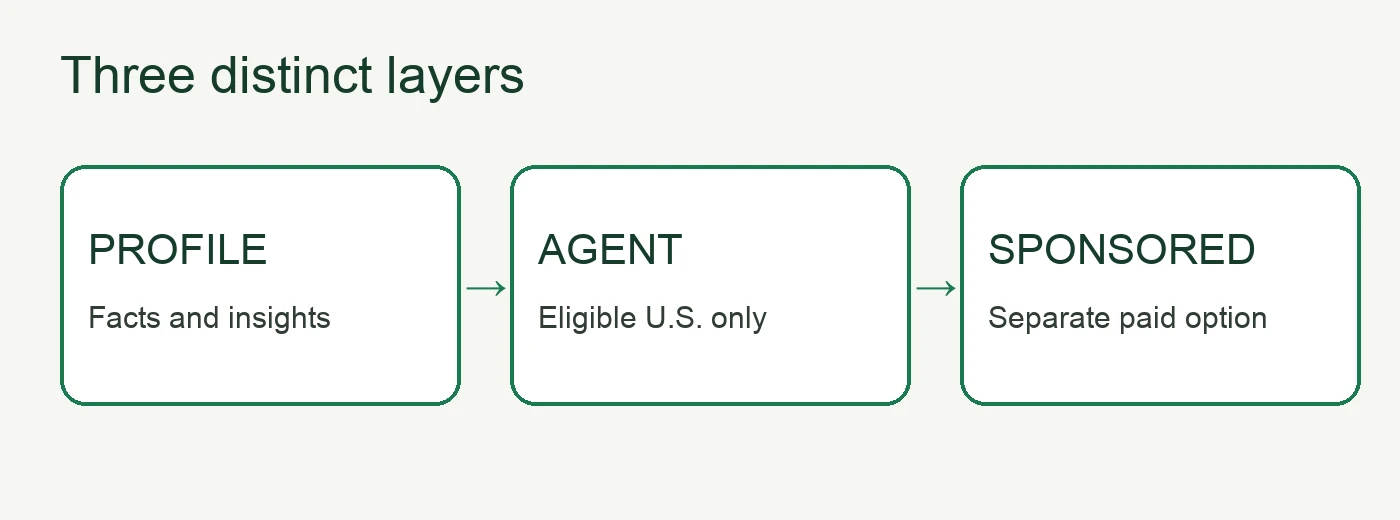
OpenAI's announcement describes Business Hub, Business Agents, and sponsored placements. Business Hub lets eligible organizations claim a profile, maintain business details, and see aggregate mentions, website clicks, and discovery topics. An eligible Business Agent can answer questions about the company's offerings in a clearly labeled, separate conversation. Sponsoring that agent is a distinct advertising choice. Claiming a profile does not publish an agent or buy an ad.
Geography and business type change the answer. According to the setup guide, eligible businesses can claim where ChatGPT is offered and verification is supported. Business Agents initially require an eligible U.S. ecommerce or online service business with a website. A founder outside that scope should check the Business Hub eligibility flow rather than infer that profile access includes an agent.
A practical check for a small business
- Find the right listing. Open Business Hub from the ChatGPT sidebar and use an account authorized to represent the company. If the listing is absent, adding it depends on location and business type.
- Complete the required checks. Claim methods may include business phone, email, a DNS TXT record, or Shopify. OpenAI reviews the claim. Publishing edits and seeing Insights also require identity verification through Persona; submitting documents is not approval.
- Fix the facts customers act on. Check the website, description, category, current prices, availability, delivery, and returns. A product feed can supply current catalog data, but connecting one neither publishes an agent nor guarantees recommendations.
- Record a baseline. Once approved, review 28 days of mentions, website clicks, and discovery topics, then compare them with your own site analytics. For an online business, a mention means ChatGPT referenced its website, not merely named the brand. A blank metric may mean the reporting threshold has not been met; it is not automatically zero.
If Business Agent is available for your business, preview three customer questions before publishing: “What is the current price?”, “Can I return a sale item?”, and “Can you place an order for me?” It should use current terms, disclose conditions, and link to your site for the action. The current help page says the agent can explain products and policies but cannot complete purchases, bookings, or order lookups. Correct the source information or instructions, then preview again when an answer fails.
Limits that matter
A verified profile does not guarantee higher placement or sales. Insights are aggregate; businesses do not receive individual ChatGPT or agent conversations. Profile edits are reviewed and may take time to appear, while ChatGPT may also use other sources. OpenAI's agent policy prohibits invented offers and misleading pressure. Treat this as a way to improve accuracy and learn what topics bring people to your business, not as a proven customer acquisition shortcut.
This week's decision: if your business is eligible, start the claim and identify three purchase-critical facts to correct. If the feature is unavailable, make your site, prices, and policies accurate and public while you wait. We did not claim a business or measure performance in a live account for this article.