If you make a cover for every article, you know the bottleneck: generating the first image is easy; keeping the product, composition, and headline space consistent through three revisions takes the afternoon. OpenAI announced Images 2.6 on November 4, 2026, with two API models and new editing controls. The useful question is which part of your workflow to test now, and how to tell whether it actually saves work.
What changed, and who can access it?
According to OpenAI's announcement, Images 2.6 is available worldwide in ChatGPT and Codex across subscription tiers. API developers get gpt-image-2.6-flare and gpt-image-2.6-sunburst. Flare targets fast iterations; Sunburst targets detailed work and stronger consistency across edits. OpenAI reports faster generation than its previous version, but its average will not predict latency for your prompt, dimensions, or quality setting.
The API guide describes markup-guided local editing, separate quality and complexity settings, SVG output, and animated GIF output. Complexity supports low, medium, and high, defaulting to high. Low complexity may suit a focused change; higher complexity can help a crowded layout but may take longer and change more than requested. It is a planning control, not a rendering-quality switch.
A 20-minute test for a creator
Suppose you sell a productivity guide and need a website cover, a social thumbnail, and one corrected version. Choose one brief, aspect ratio, and acceptance criteria before you generate anything. Then compare outputs against the same job, rather than choosing whichever first image looks flashiest.
Product: productivity guide for freelancers.
Goal: horizontal article cover that reads well on a phone.
Scene: realistic desk with a paper calendar and three marked tasks.
Style: clean editorial image, natural light, blue and cream palette.
Composition: leave 45% clear space on the left for a headline added later.
Avoid: logos, fictional app screens, drawn text, distorted hands.
Deliver: preserve the subject, lighting and framing in later edits.
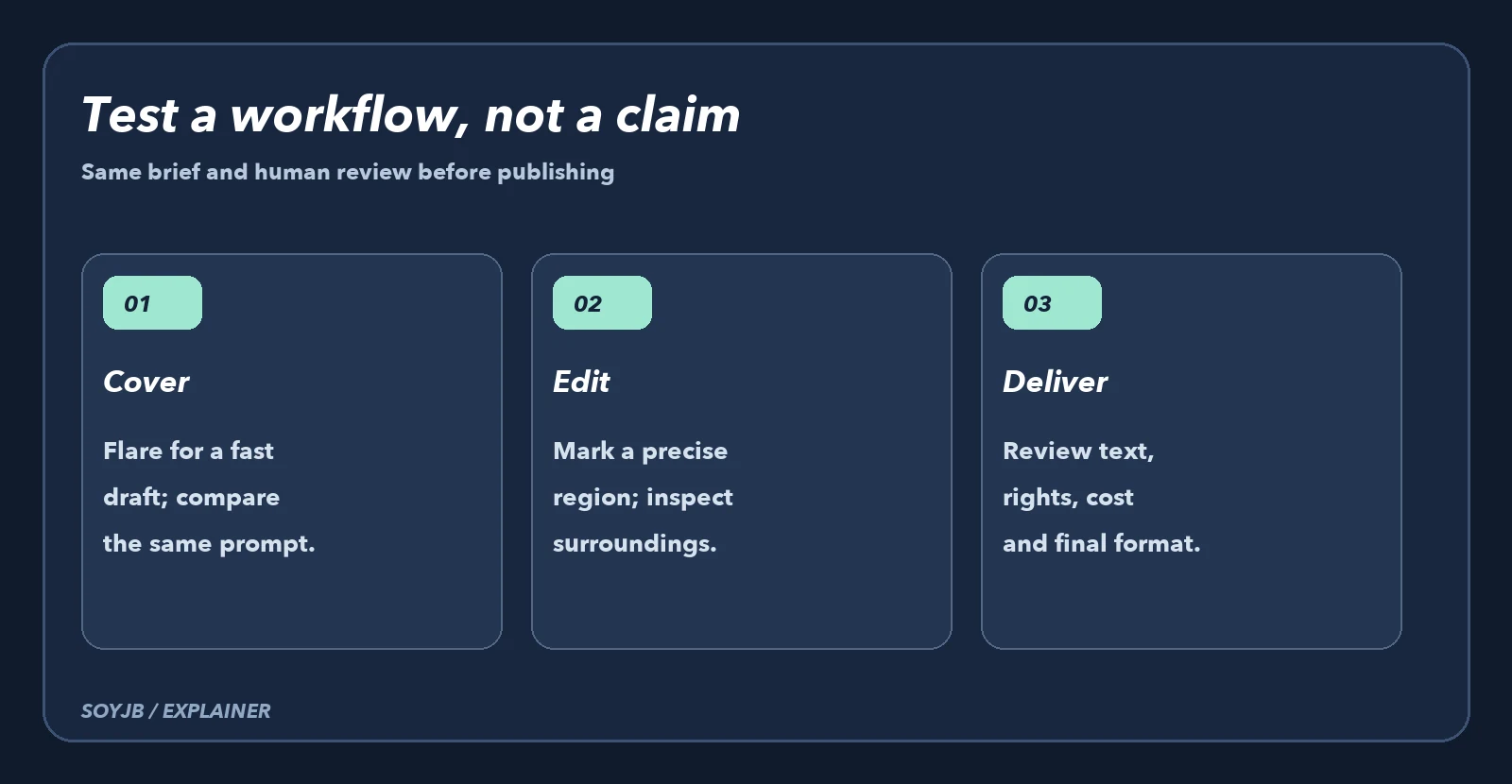
Generate one version with Flare and another with Sunburst using the same brief, dimensions, and quality. Record the time to a usable asset, not merely the first response. Then request a narrow correction, such as recoloring the calendar, and check whether the surroundings stay intact. With the API, mark the target area for a guided edit instead of asking for a full recreation. Save both outputs and the usage billed for each call; cost depends on tokens and settings, so there is no reliable universal price per image.
Choose by the job, not the model name
For many thumbnails with frequent changes, start by testing Flare. For a lead image with details that need to survive multiple rounds, compare Sunburst. If you are changing one small region, start with complexity=low and inspect the edit boundary. If a diagram needs exact labels, add them in a design tool: SVG support does not mean every generated vector is publication-ready.
A GIF can work for a looping character or a social scene, but inspect it frame by frame for continuity, file size, and accessibility. Motion adds little to a static article cover. Before publishing any asset, check rights for reference material, spelling, mobile crop, and accidental resemblance to a brand. A plausible image is not evidence that a pictured interface or product is real.
Test status: these recommendations come from OpenAI's announcement and API documentation; we did not run a paid Flare–Sunburst benchmark here. The proposed experiment is reproducible with your own timing, costs, and edit criteria. Check the cost calculator and pricing section before automating batches.