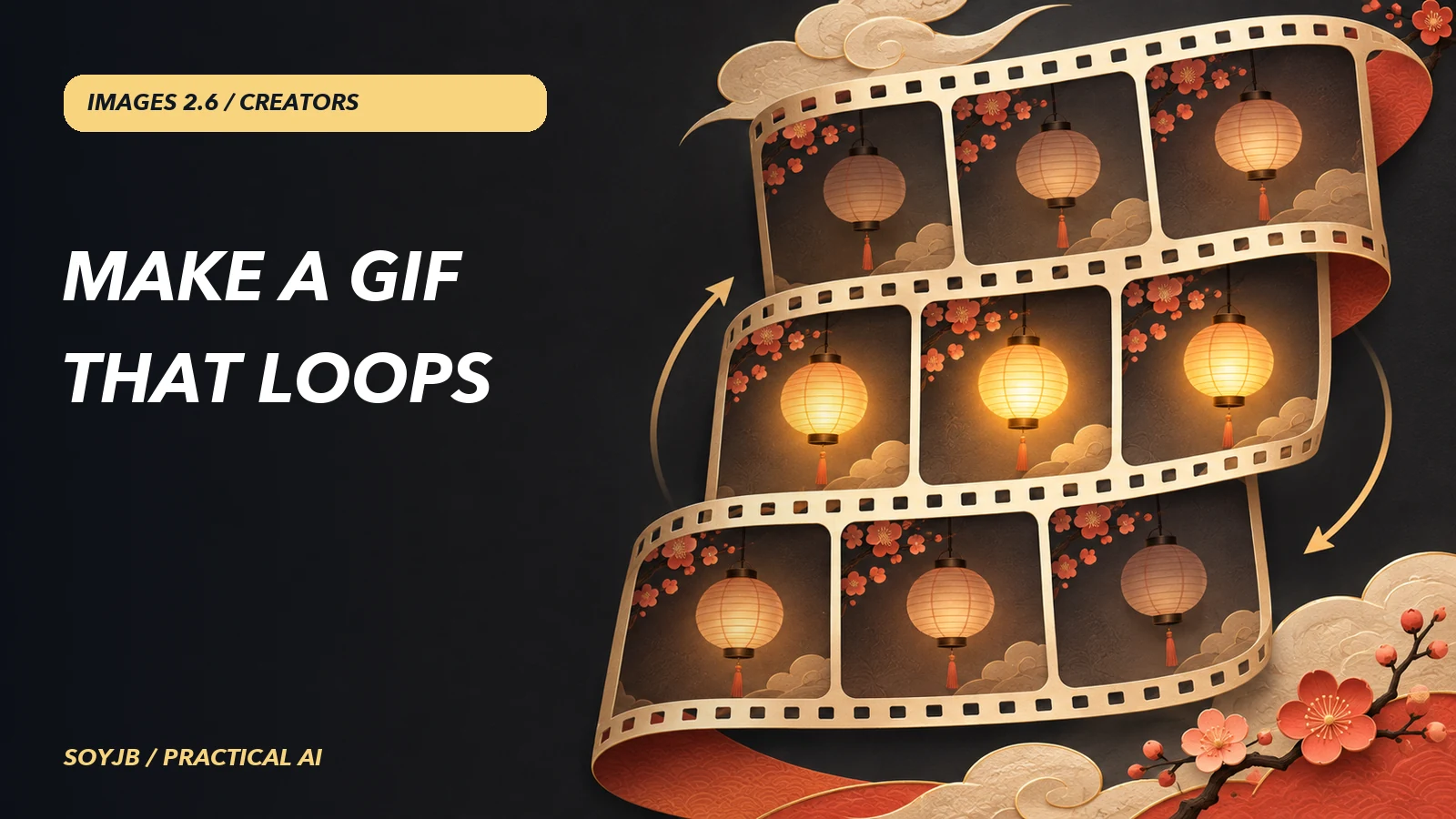
A blinking character GIF can make a story or product card more noticeable, but a loop that visibly jumps back to frame one can distract more than it helps. OpenAI launched Images 2.6 on November 4, 2026, adding animated GIF output to the Image API. This deserves a separate experiment: design a short motion, inspect frames and file size, and decide whether GIF beats video or a still image for your use case. It is a different task from our release overview.
What the API supports
The official guide says to use output_format="gif" with POST /v1/images/generations. GIF output is not available on the image-edit endpoint. You can request 2–64 frames with frame_count and 20–2,000 milliseconds per frame with frame_duration_ms, rounded to 10 ms. Frame size can be auto or positive dimensions divisible by 16, subject to the model's total pixel budget. Fewer frames or smaller dimensions help if a request exceeds that budget.
The API returns the completed GIF as base64. This output does not support streaming, partial images, custom output_compression, or prompt_rewriter. Set the frame parameters only with GIF output. A nine-frame GIF is not nine separate files you need to assemble; the returned bytes are already the animation.
A reproducible brand experiment
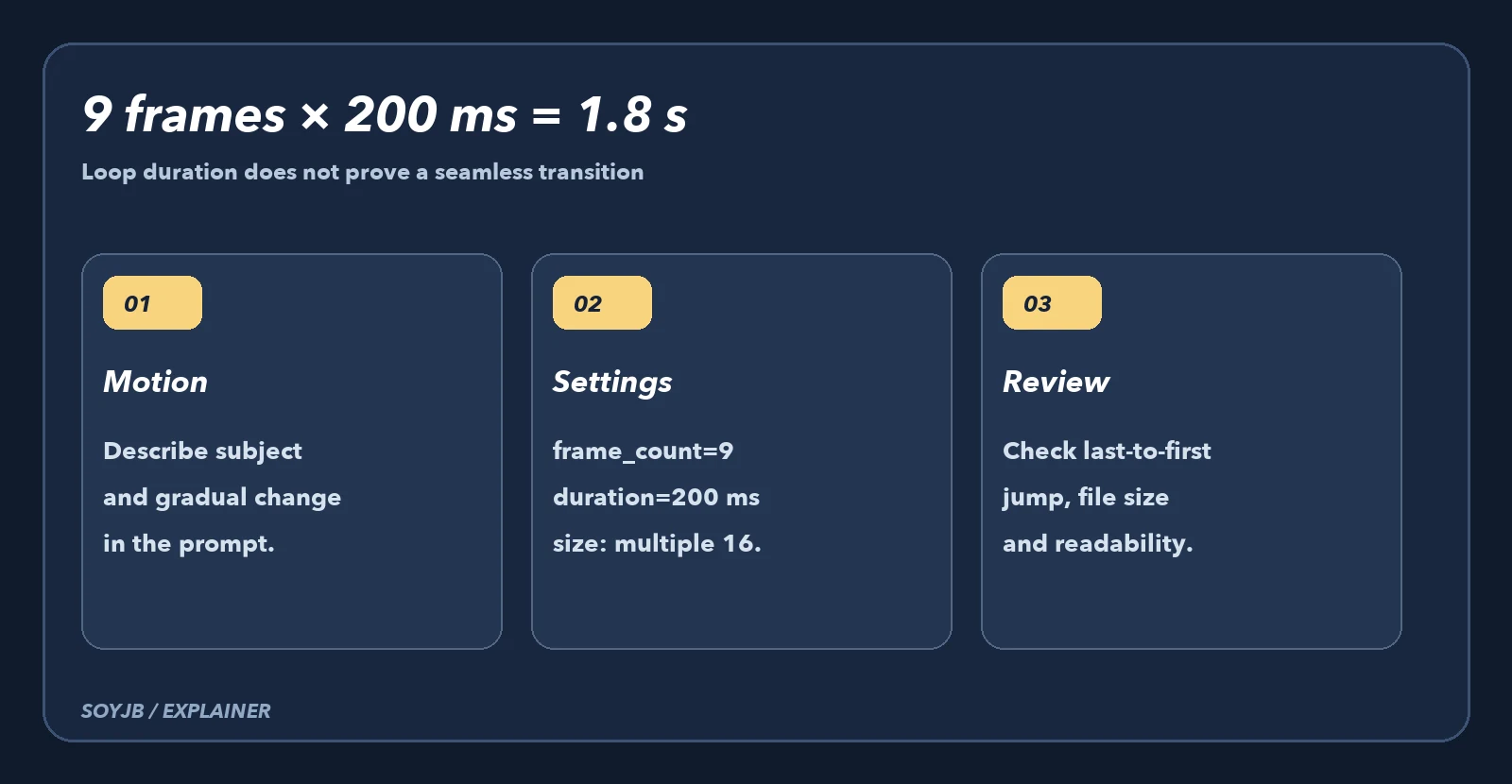
Choose a simple subject you own: for example, an unbranded paper lantern that gently brightens against a fixed background. Avoid text, logos, and camera movement. Define opening and closing states that are nearly identical so the loop has a chance to close. Install the openai SDK, set OPENAI_API_KEY as an environment variable, and run this example using documented parameters:
import base64
from pathlib import Path
from openai import OpenAI

client = OpenAI()
result = client.images.generate(
    model="gpt-image-2.6-flare",
    output_format="gif",
    frame_count=9,
    frame_duration_ms=200,
    size="auto",
    quality="medium",
    prompt=(
        "A simple unbranded paper lantern on a fixed dark background. "
        "It gradually glows brighter, then returns to the original dim glow. "
        "Nine consistent frames, fixed camera, identical shape and background. "
        "Make the final frame flow naturally into the first. No text or logo."
    ),
)
Path("lantern-loop.gif").write_bytes(
    base64.b64decode(result.data[0].b64_json)
)
The prompt is a starting point, not a continuity guarantee. Open lantern-loop.gif and compare frame nine against frame one. Confirm that the subject keeps its shape, the camera stays fixed, and no artifacts appear. If there is a jump, reduce the distance between the opening and closing states or simplify the motion. Increasing quality alone is unlikely to solve a bad loop design.
A local check before publishing
With pillow installed, this block reads objective properties of the generated file: frame count, dimensions, approximate duration, and byte size. It cannot decide whether the motion looks natural.
from pathlib import Path
from PIL import Image

path = Path("lantern-loop.gif")
with Image.open(path) as gif:
    durations = []
    for frame in range(gif.n_frames):
        gif.seek(frame)
        durations.append(gif.info.get("duration", 0))
    print("frames:", gif.n_frames)
    print("size:", gif.size)
    print("duration_ms:", sum(durations))
    print("bytes:", path.stat().st_size)
Nine frames of 200 ms produce a nominal 1,800 ms cycle. Then view it on a phone and on the actual page: a heavy GIF can slow loading or pull attention away from a call to action. Add alt text describing the action and do not place essential information only in motion. For voice, captions, or a long sequence, video is usually the better format.
Test status: parameters and limits are verified in the official docs. The Python blocks passed syntax checks, and the GIF reader was tested with a small local fixture. We did not run the billable Images 2.6 generation or claim this prompt yields a perfect loop. Estimate the cost at your size and quality before automating it.