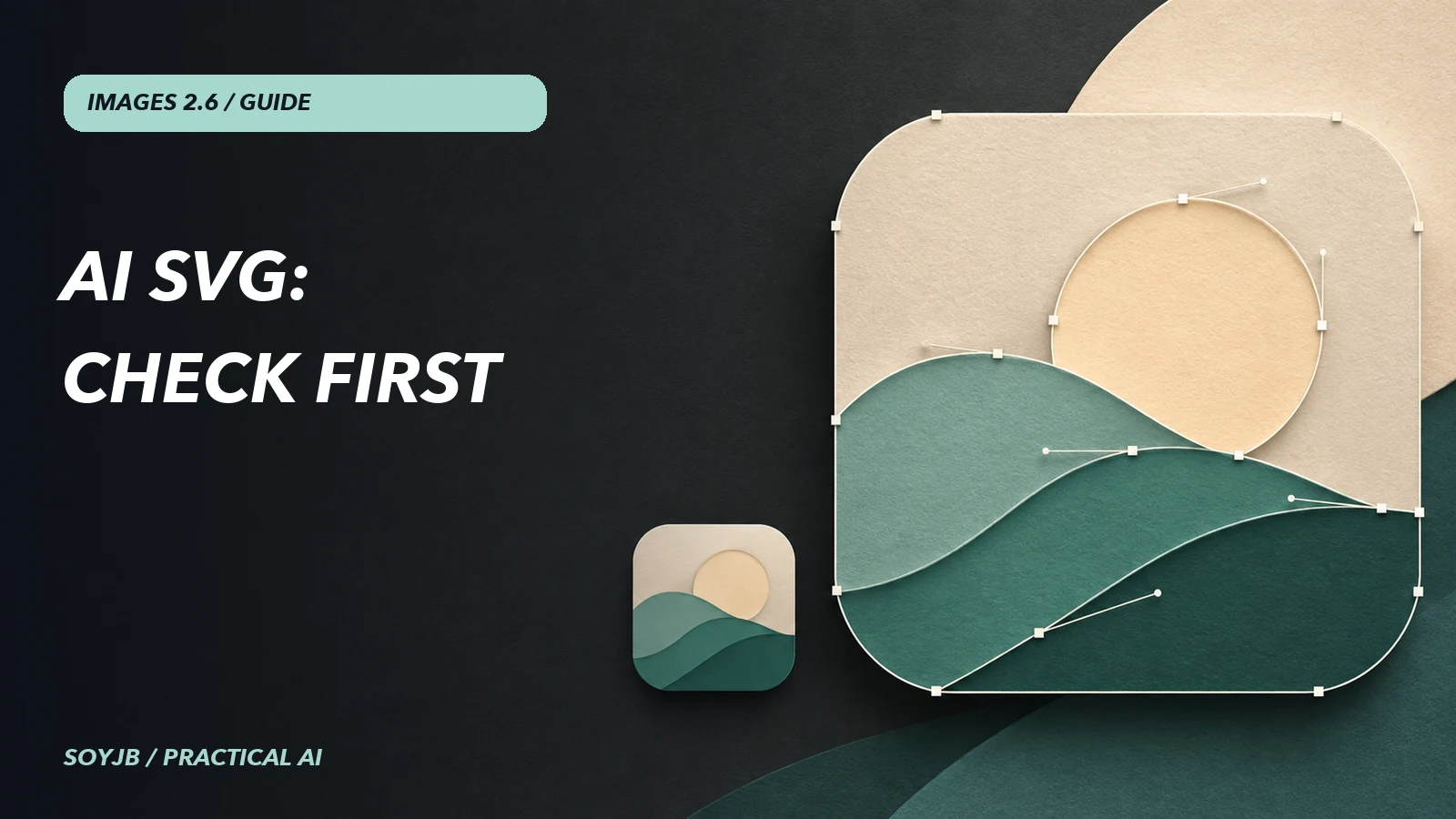
You need an icon for an app. The generated PNG looks good on a large cover, but its shape disappears at 24 pixels. Images 2.6 can return SVG through the Image API: editable paths and shapes that scale without the same resolution loss. The practical value is not an instant finished logo; it is a starting point you can inspect and refine before adding it to a product.
What the new output supports
OpenAI's official guide says to set output_format="svg" on POST /v1/images/generations with n=1. The response contains base64-encoded XML bytes. SVG output is unavailable on the image-edit endpoint and cannot be used as a raster input in that workflow. It also does not combine with streaming, partial images, output compression, or prompt_rewriter. The model first makes a reference image and then authors the vector document, so billing includes both the image and SVG-authoring work rather than a flat “one icon” price.
The docs say the resulting SVG has static vector content, without scripts, external resources, or embedded raster images. Still, treat it as generated material requiring review. Valid SVG may be cluttered at small sizes, contain too many nodes, or unintentionally resemble an existing brand.
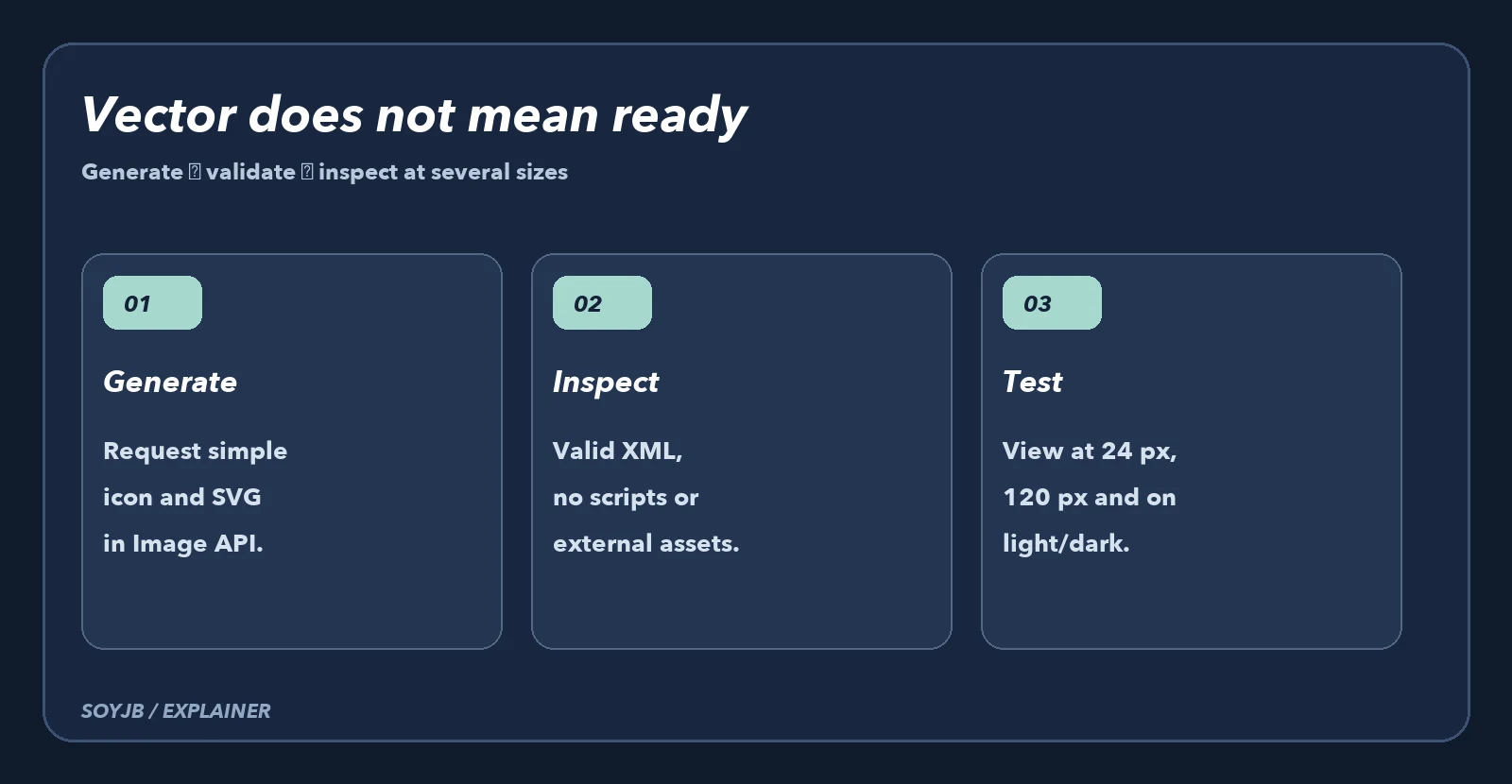
Generate a vector draft
Install the openai SDK and set OPENAI_API_KEY outside your source file. This example requests a geometric abstract icon for a private notes app. Specify colors and simplicity; avoid asking for a logo that imitates another brand. The call uses documented parameters, but we did not run it against the paid API here.
import base64
from pathlib import Path
from openai import OpenAI

client = OpenAI()
result = client.images.generate(
    model="gpt-image-2.6-sunburst",
    output_format="svg",
    n=1,
    quality="medium",
    prompt=(
        "Create a simple abstract app icon for a private notes tool. "
        "Use two rounded geometric shapes, teal and cream. "
        "Clear silhouette at 24 pixels, no text, no letters, no gradients, "
        "no resemblance to a known brand. Center the shape on a square canvas."
    ),
)
Path("notes-icon.svg").write_bytes(
    base64.b64decode(result.data[0].b64_json)
)
Check the file before using it
Standard Python can confirm that the XML parses, the root is svg, and some obvious classes of unwanted elements are absent. This is intentionally partial; it does not replace an SVG sanitizer if your public site accepts files from other people.
from pathlib import Path
from xml.etree import ElementTree as ET

path = Path("notes-icon.svg")
root = ET.parse(path).getroot()
name = lambda tag: tag.rsplit("}", 1)[-1].lower()
assert name(root.tag) == "svg", "The file is not an SVG"
blocked = {"script", "foreignobject", "image"}
found = {name(node.tag) for node in root.iter()} & blocked
assert not found, f"Review unsupported elements: {sorted(found)}"
print("XML valid; elements:", sum(1 for _ in root.iter()))
Next open the file in a vector editor and inspect paths, colors, and dimensions. View it at 24, 120, and 512 pixels on light and dark backgrounds. If detail disappears or a contour breaks, simplify the paths and shapes. Do not mark it finished merely because the XML passes. Also check rights for visual references and search for similarity to existing marks before commercial use.
When SVG fits, and when it does not
SVG suits icons, clear-shape illustrations, and graphics that need color or scale variants. A photographic scene, detailed texture, or cover with lighting usually belongs in a raster format. If your goal is to edit one area of a photo, use the markup editing workflow; that endpoint does not return SVG. For a final brand mark, a designer still needs to decide proportions, accessibility, originality, and usage rules.
Test status: we syntax-checked the example and ran the XML validator against a local sample SVG. We did not generate a billable SVG through the API or claim the model always creates easy-to-edit paths. Check current costs before automating variants.