You pay for ChatGPT Pro or Business and want to prototype an app on the OpenAI API. Before adding a payment method or budgeting a test, check whether your subscription already includes API credits. OpenAI announced the benefit on October 28, 2026: eligible subscribers can claim up to $500 per month. The limit is not a blanket $500 grant. Your plan determines the amount, the first grant can be prorated, and you must activate it.
OpenAI's official guide gives the monthly amounts: Pro at the $100 tier gets $100 in API credits, Pro $200 gets $200, and Pro $500 gets $500. Business Standard contributes $20 per paid seat; Business Premium contributes $100 per paid seat. Business credits are pooled and capped at $500 per workspace per month. An annual Business workspace receives the year's grant in one issuance, expiring at the end of its annual billing cycle. These are promotional API credits, not cash back or extra ChatGPT usage.
Check eligibility before linking accounts
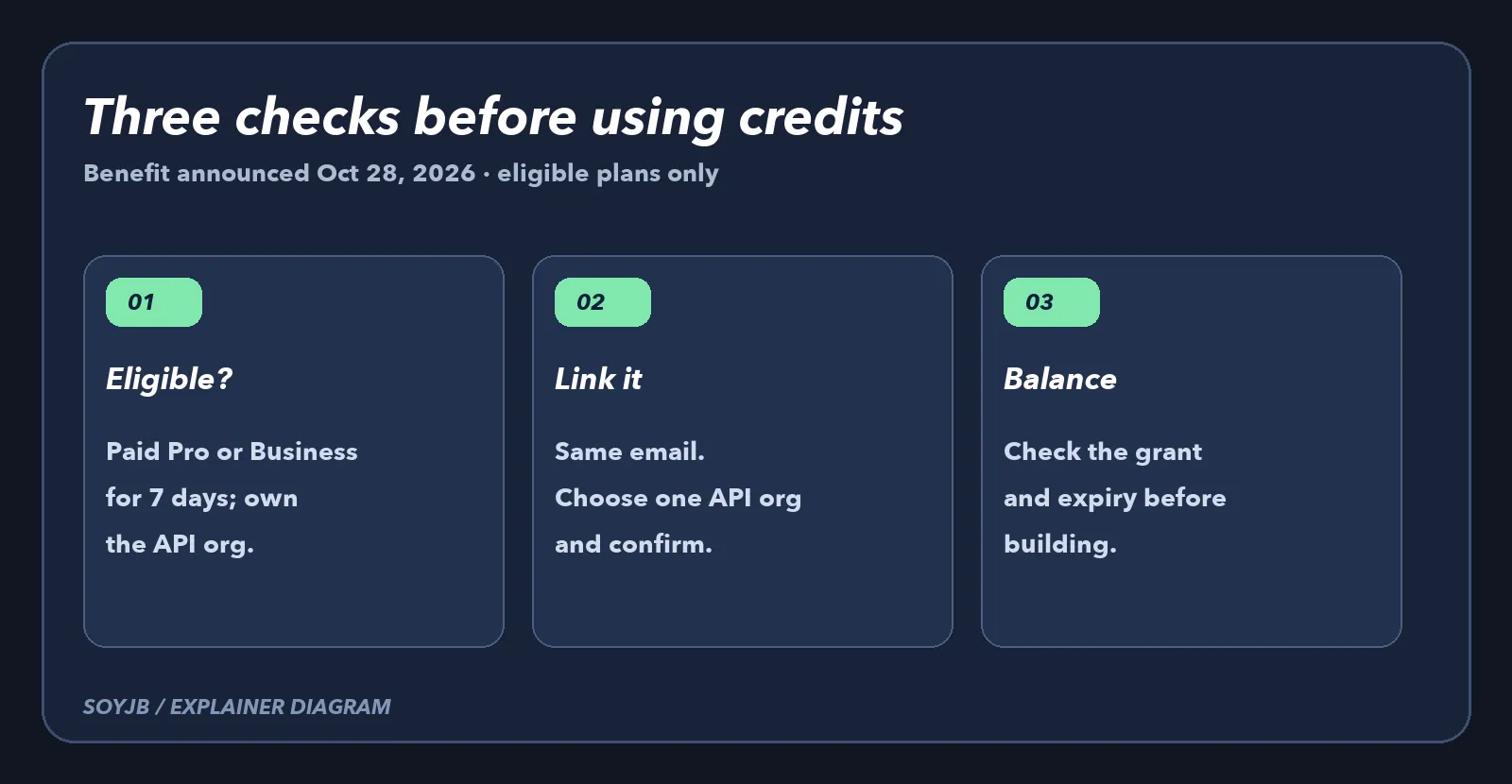
Your Pro or Business subscription must be active, paid, and at least seven days old. Trials and complimentary plans do not qualify. You must own the subscription or Business workspace and also own the receiving API organization. The email address on the ChatGPT account must match the API account used to link the organization. If you own several API organizations, choose deliberately: the grant is tied to the selected one, and OpenAI says changing that organization requires contacting support.
Claim the benefit and confirm the balance
- Sign in to ChatGPT as the subscription owner. For Pro, open Settings → Billing; for Business, use workspace billing or the Admin Console.
- Find the API credits benefit. Review the API organization that will receive it, then confirm the link.
- Alternatively, start in API Platform Billing with the matching email and select your eligible ChatGPT subscription.
- Return to API Platform Billing to check the actual grant, expiration date, and linked organization. Use a project API key from that organization, and watch Usage while you test.
The first grant is prorated for the remaining subscription cycle. Unused credit expires at the end of that cycle and does not roll over. After activation, eligible renewals grant credits automatically while the benefit remains available. Active free credit can power API calls without an API payment method. If purchased credits remain, they are consumed after free credits. With no balance left, requests fail with HTTP 429 and credit_balance_exhausted. Decide on a budget before enabling automatic recharge.
Where the credits apply
OpenAI lists Responses API, Agents API and hosted sandboxes, Decisions API, Realtime, image generation, and built-in tools among covered API Platform charges. A founder could use a limited portion to prototype a customer-support agent and another portion for test images, as long as calls use the linked organization. The benefit does not cover Codex usage through API keys and does not raise ChatGPT or signed-in Codex usage limits. Organization and model rate limits still apply.
SoyJB did not claim credits in Joseph's account or inspect his balance. The amounts and rules above come from OpenAI's documentation. The useful action is to inspect Billing, confirm your specific grant and expiry, estimate a small experiment, and set spending controls before production. Plus, Go, Free, and Enterprise are not listed as eligible for this benefit.