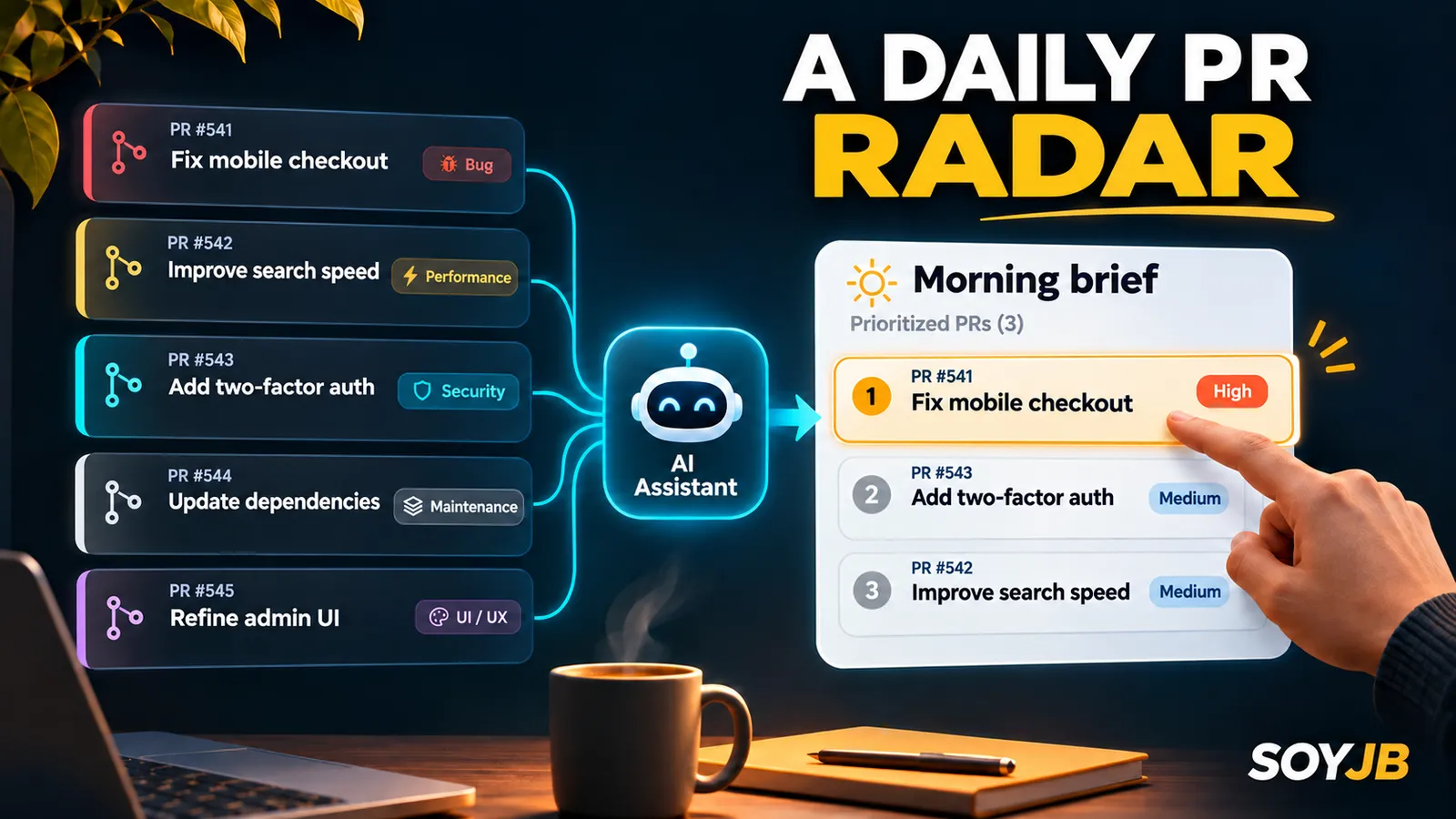
It's Monday and your repository has eight open pull requests. Two have failing checks, one touches payments, and the rest can wait. An agent that comments on every PR will give the team another inbox to clear. A better first experiment is a private morning brief that tells you what to inspect, with evidence and links.
Cursor Automations runs cloud agents on a schedule or in response to GitHub and other events. You can create one in the Agents Window or at cursor.com/automations. This walkthrough uses one repository, a scheduled trigger, and a report for a human to review. I have not run this workflow in your account; setup details and limitations come from Cursor's documentation.
The outcome
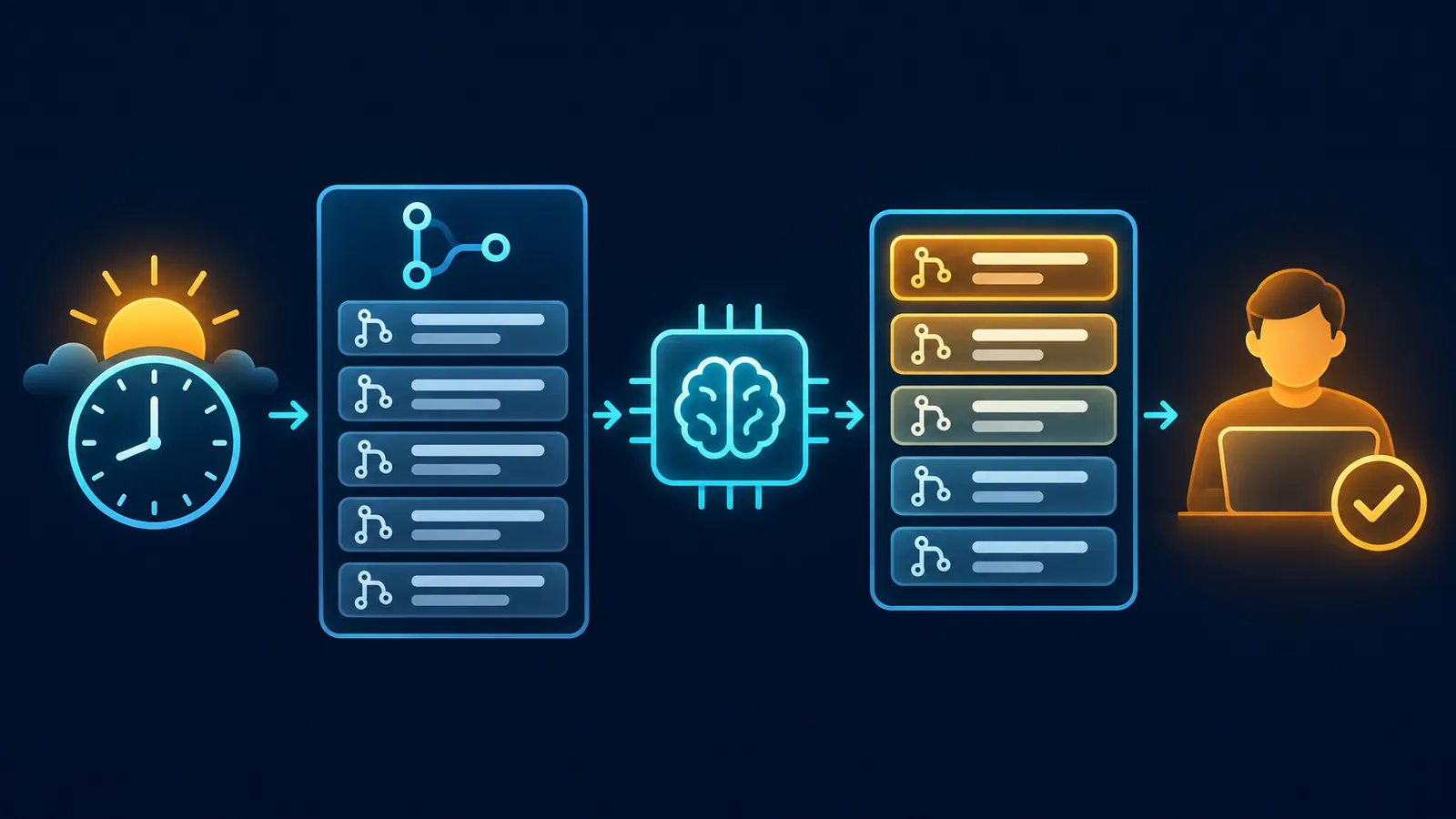
You want a shortlist of at most five PRs, each with its original link, evidence, risk, and next decision. The agent should not approve, comment on, close, or open PRs. Keep that judgment with the person who can inspect the actual diff. This is a useful starting point for a solo founder, a small engineering team, or a vibe coder who wants situational awareness without granting an agent write access.
Set up the first run
- Connect your Git provider and check that the agent can access the intended repository.
- Create a new automation and choose a scheduled trigger, such as weekday mornings. Cursor offers presets and cron expressions. Check the time and time zone shown in the product before you activate it.
- Select the repository and branch explicitly. Cursor says cron triggers may default to no repository. Without code context, your brief may be empty or misleading.
- Paste the prompt below. For the initial trial, leave optional Send to Slack and Comment on Pull Request tools off. Inspect all available actions: Cursor documents that PR creation is enabled by default for repo-backed automations, so a read-only prompt is an instruction, not a perfect permission boundary.
- Save and activate the automation. Inspect the first runs, original links, and usage. Cursor bills Automations as cloud-agent usage. Scheduled runs can start late, but they do not start before the scheduled time.
Copyable prompt
Review the open pull requests in this repository and prepare a private brief for me.

Prioritize changes since the previous run: a new PR, new commits, a changed CI result, or a review requesting changes. If you cannot verify the previous run, use an explicit 24-hour window and say so. Do not claim you reviewed PRs you could not access.

Return at most five PRs. For each include: title and original link; one-sentence change summary; concrete evidence (file, test, CI state, or review comment); risk or blocker; and the next human decision. Separate observed facts from hypotheses.

Do not comment on, approve, close, or open PRs. Do not edit code. Do not send external messages. If nothing is relevant, say: “No priority changes in the reviewed window.” State the actual time window and repository you checked.
“Since the previous run” needs a reliable reference. Cursor offers persistent Memories for the same automation, but memory can become stale or be influenced by untrusted material. For a first trial, an explicit 24-hour window is easier to audit. Later, you could keep the previous report date in memory and compare it against GitHub timestamps. A memory entry alone should never be the evidence for claiming that nothing changed.
Measure whether it helps
For five mornings, record how long it takes to find the important PRs, how many recommendations were useful, and what the brief missed. Follow the links before making a decision. If it repeats closed PRs or invents a CI failure, fix the prompt or repository access before granting more autonomy. If the shortlist is consistently useful, you can consider delivery to a private Slack channel, after reviewing the tool's messaging permissions.
This is not a security review or a guarantee that CI is healthy. Its value is a faster path from “the repository is busy” to “here is the next decision.” Cursor also has source-control event triggers if you need immediate reaction when a PR opens, but that requires separate rules to avoid repeated output. Primary source: Cursor Automations.