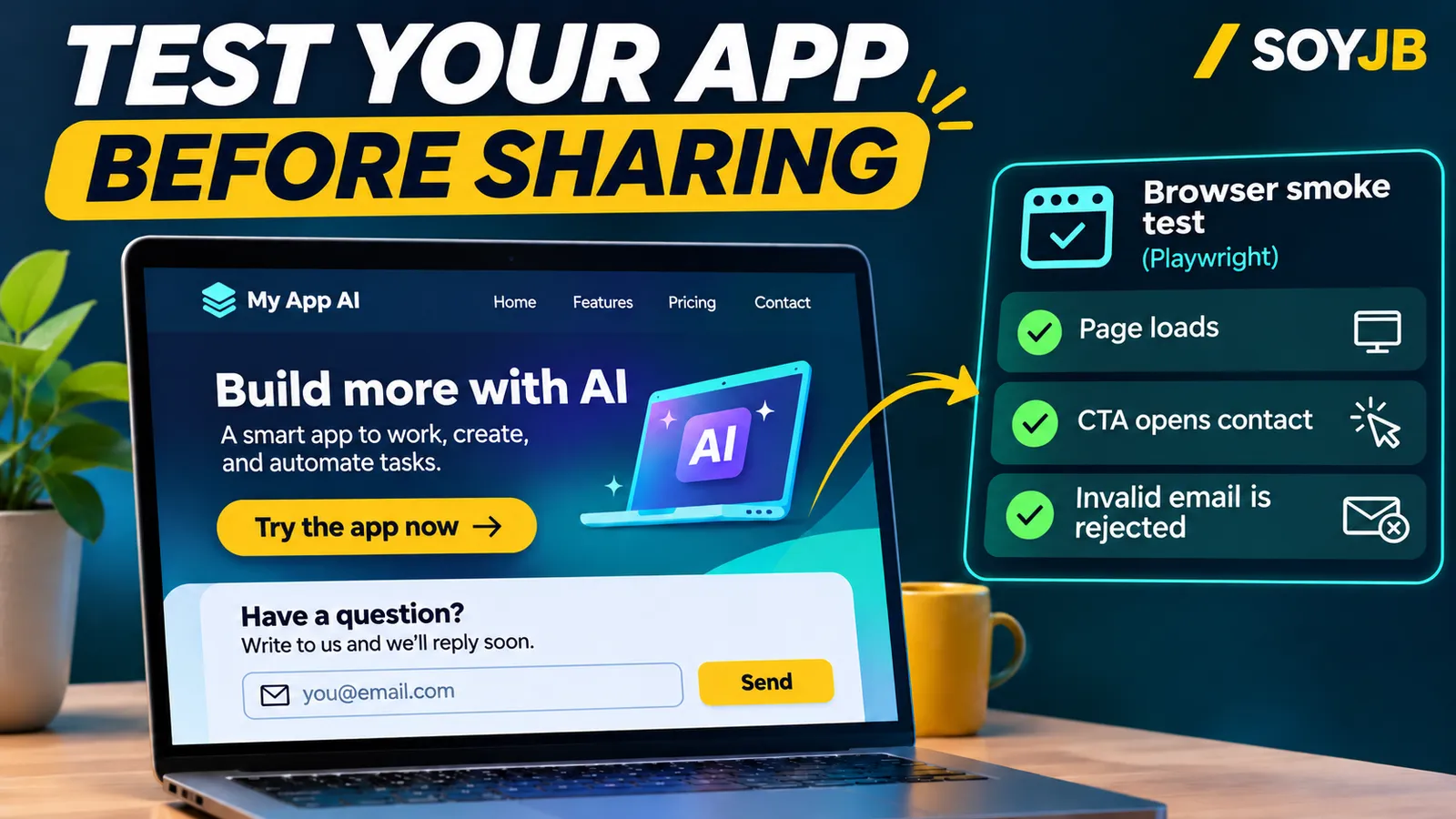
Your coding agent hands you a landing page that looks ready to ship. The hero is polished, but the primary button points to a missing route and the email field accepts junk. A screenshot will not catch either problem. Before you share the link, spend ten minutes checking one path a real visitor will take.
Playwright Test opens your app in a browser and checks observable behavior. Its official installation guide shows how to add it to a project, and the test-writing guide explains actions and assertions that wait for the interface to be ready. The workflow below applies to a project built with Cursor, Lovable, Replit, or another AI builder when you can access its code. It is a template to adapt; I have not run it against your app.
Pick one journey that matters
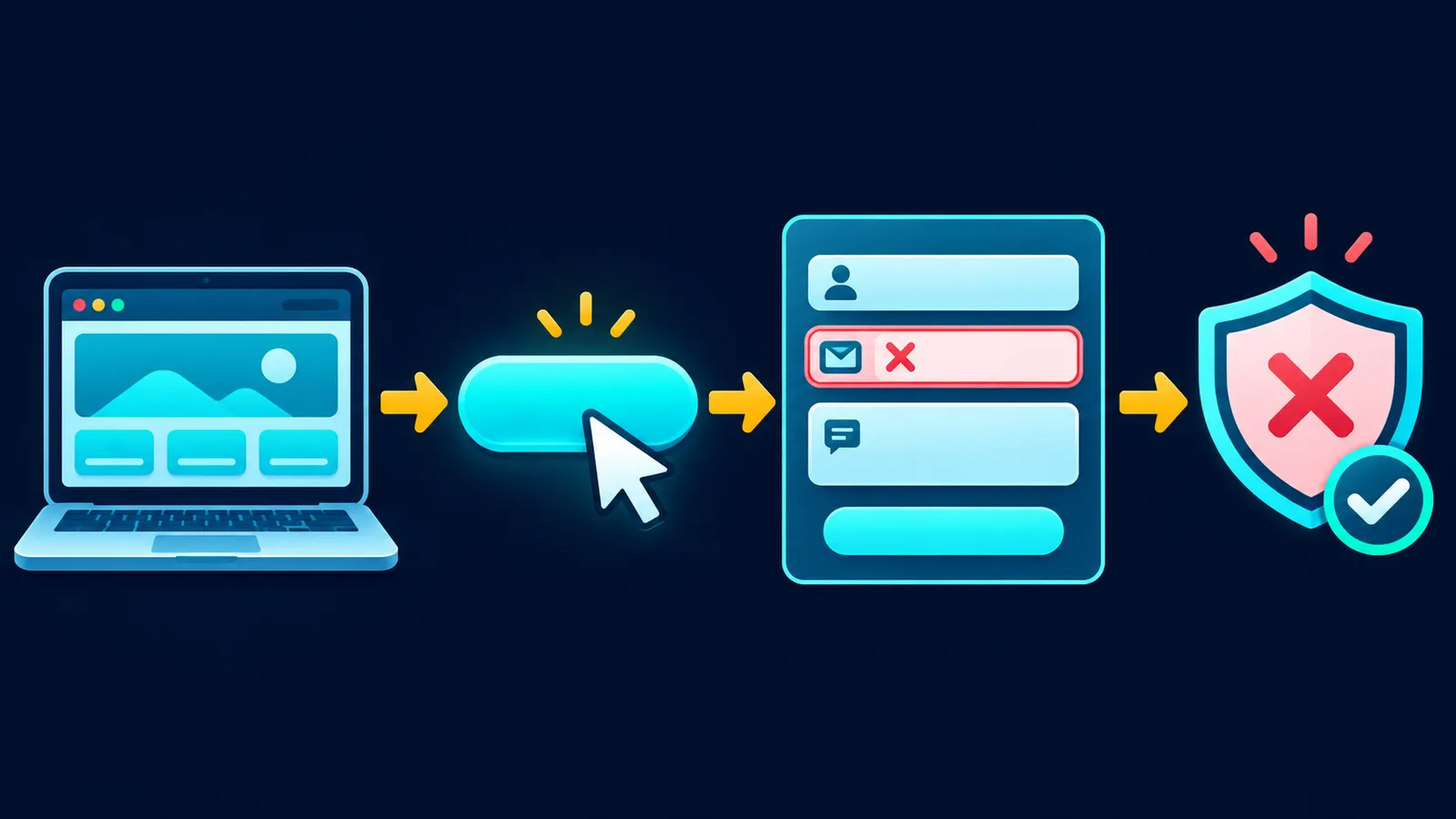
Start with the promise your page makes: load the landing page, locate the call to action, reach the contact page, and confirm that an obviously invalid email is rejected. If you sell a subscription, replace the contact step with the first checkout step in a test environment. A smoke test should not submit real leads or make payments.
At the project root, run npm init playwright@latest. The installer asks about TypeScript or JavaScript, the test folder, and browsers. Start your app in another terminal using its normal command. The example assumes port 3000; use BASE_URL if your app runs elsewhere.
Copyable test
Save this as tests/main-journey.spec.ts. Replace “Request a demo”, “/contact”, and “Email address” with the actual accessible names and route in your app. Role and label locators reflect how people encounter the controls and are less brittle than random generated CSS class names.
import { test, expect } from '@playwright/test';

const baseURL = process.env.BASE_URL ?? 'http://localhost:3000';

test('visitor reaches contact and invalid email is rejected', async ({ page }) => {
  const response = await page.goto(baseURL);
  expect(response?.ok()).toBeTruthy();

  await expect(page.getByRole('heading', { level: 1 })).toBeVisible();
  const cta = page.getByRole('link', { name: 'Request a demo' });
  await expect(cta).toBeVisible();
  await cta.click();

  await expect(page).toHaveURL(/\/contact\/?$/);
  const email = page.getByLabel('Email address');
  await expect(email).toBeVisible();
  await email.fill('not-an-email');
  const isValid = await email.evaluate(
    (element) => (element as HTMLInputElement).checkValidity()
  );
  expect(isValid).toBe(false);
});
Run npx playwright test tests/main-journey.spec.ts. For a different port on a Unix-like shell, use BASE_URL=http://localhost:5173 npx playwright test tests/main-journey.spec.ts. Windows shells set environment variables differently; you can also set a local URL in the file. The test stops before submitting anything to a live backend.
Read a failure before asking the agent to fix it
If navigation fails, check that the app server is running and the base URL is correct. If the CTA is missing, inspect the visible name and control role; it may be a button rather than a link. If the route differs, decide whether the product link or the expected route is wrong. If invalid email passes, check whether the input has type email or uses custom validation. For custom validation, assert the error message that the visitor actually sees.
After a fix, rerun the same test and inspect the page on a phone. Playwright supports Chromium, WebKit, and Firefox, but a pass in one browser does not prove that the whole product works or is secure. This smoke test does not cover payments, data integrity, or another user's permissions. Add targeted tests for those risks before a real launch. Playwright's assertion guide documents URL, text, visibility, and other checks without arbitrary sleep calls.
Use AI to repair the cause
Give your coding agent the exact failing output and a rule: “Fix the cause, keep the test's intent, and show me the diff.” Reject a change that simply removes the failing assertion. The point is to turn a product promise into a repeatable check, not to make a green badge appear at any cost.