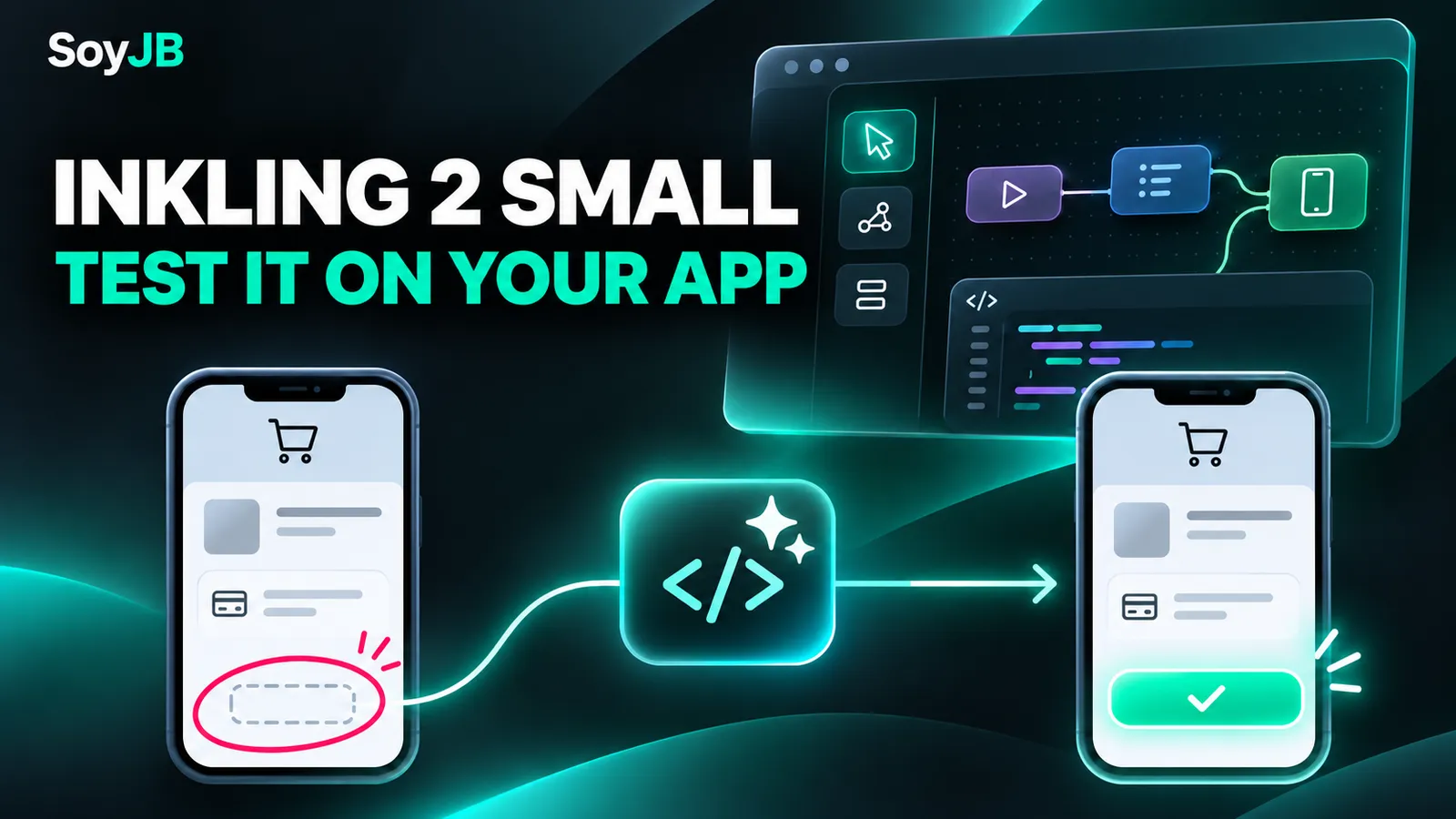
Your mobile checkout screenshot shows a missing payment button. You can ask an agent to change CSS from a text description, or give it the actual screenshot and component, then inspect the proposed fix yourself. That second workflow is a useful test for Inkling 2 Small, a text-and-image input model built for agentic coding. It is not, by itself, a reason to replace your current model.
There are two dates to keep straight: Thinking Machines introduced Inkling 2 Small on November 5, 2026. On November 12, it released the weights on Hugging Face under Apache 2.0 and announced additional integrations. Vercel added the model to AI Gateway that day under thinkingmachines/inkling-2-small. The model did not first launch on November 12. Original announcement and update · Vercel changelog.
What changed for builders
You now have three practical access paths: use Tinker Playground for a quick evaluation, call an API through a provider such as Vercel, or download the weights for your own deployment. Those paths have very different costs. Open weights do not imply that the full model runs on a normal laptop: the model repository lists at least 500 GB of aggregate VRAM for the NVFP4 checkpoint. For most solo builders, an API is the sensible first experiment.
Vercel currently lists $0.30 per million input tokens and $1 per million output tokens; pricing and provider conditions may change. Token price is only one variable. An agent that needs extra calls, makes a bigger patch or requires manual rework may be slower and more expensive overall. Vercel says its gateway does not add an inference markup; still check your own billing and limits.
A 20-minute test on your own product
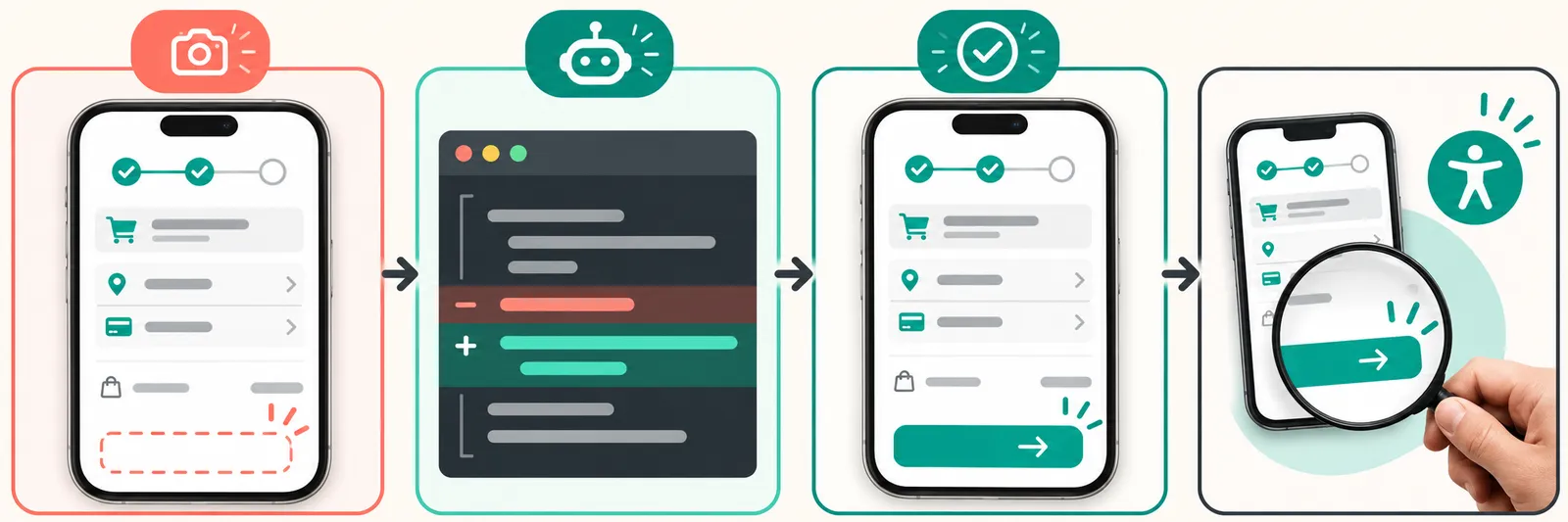
- Pick one visible interface bug. Save a real before screenshot and identify the responsible component.
- In Tinker Playground or an agent connected to AI Gateway, provide the screenshot, code and two hard constraints, such as preserving checkout behavior and keyboard accessibility.
- Ask for a diagnosis, the smallest possible patch and an observable acceptance check. Apply it in a branch, not directly in production.
- Run existing tests, open the view on mobile and desktop, and take another screenshot. Judge the rendered result and behavior, not the agent's confidence.
Copyable prompt for the first pass:
Review the attached screenshot and this component. The primary checkout button is not visible at a 390 px viewport. Identify the most likely cause in the code and propose the smallest fix. Do not change checkout behavior or remove accessibility attributes. Return: 1) hypothesis and relevant line; 2) patch; 3) verification steps at 390 px and desktop; 4) what you cannot establish without running the app. If the screenshot or code is insufficient, request the missing input instead of inventing a cause.Run the same case through your existing model. Record elapsed time, calls, spend, lines changed, passing tests, and whether the button appears and works at both widths. A vendor benchmark cannot answer that question for your repo. Thinking Machines describes visual feedback in its product announcement; this SoyJB workflow is a proposed experiment, not a test result we have already measured.
Which access path makes sense?
Start in Tinker if you only want to see whether the model reads your screenshot correctly. If you already use Cursor, Claude Code or another coding agent and want usage and budget tracking, Vercel documents npx vercel ai-gateway setup, followed by selecting the model in your agent. Review the authentication flow and set a spending cap first. Consider the Hugging Face weights when deployment control or customization justifies the substantial hardware requirement.
Important limits: the model accepts images but returns text, not finished image assets. Thinking Machines says it can be verbose and can choose suboptimal tools in codebases with many skills. It does not support audio. A screenshot shows a symptom, not necessarily its cause. Run the application, check accessibility, and review the patch before merging. Model card · Official limitations.