A sales team needs a tool to assign accounts and see who should call today. The prototype works on one person's laptop but never reaches colleagues because it still needs a database, login, and deployment. On November 5, Cursor announced “Build Live Apps”: a Cloud Agent can build the app, provision Postgres and authentication, and return a published link. For a vibe coder, the meaningful change is the last mile from “I built it” to “my team can actually use it.”
What Cursor announced, and who can use it
According to Cursor's official November 5 changelog, you start a cloud agent and explicitly ask it to build an app. Cursor scaffolds the web app, creates a Postgres database if needed, sets up authentication behind Cursor SSO, and hosts the result. It can start from a new or existing repository on Cursor Origin or GitHub. Support for other Git providers is still coming. When publishing, you select a unique domain and receive a live link.
The feature is available on paid plans with cloud agents enabled. Teams can share an app with people, groups, or the entire organization behind Cursor sign-in. Individual plans can also share apps publicly. That difference is important: a founder building a public-facing product should not assume an internal team app has the same access model. Confirm your plan and account configuration before promising customer access.
A concrete test: account assignments
Start with fictional data, not a real CRM. Define three roles: an admin who imports accounts, a seller who sees only their assignments, and a reader who can view an aggregate dashboard. Ask for an account table with a fictional name, owner, status, and next action; a reassignment form; and a change log. The success criterion is not a polished screen. It is that one seller cannot read or modify another seller's accounts.
Build an internal app for assigning fictional sales accounts.
Users: admin, seller, and reader.
Data: account, owner, status, next action, date, and change author.
Rules: sellers may view and edit only their own accounts; readers cannot edit; admins can reassign.
Create sample data. Do not connect my real CRM.
Before publishing, show the schema, routes, role permissions, and denied-access tests.
Ask for explicit approval before connecting secrets, changing real data, or publishing.
Expected result: a private link for three colleagues and a list of remaining limitations.
This prompt is a starting specification, not an app SoyJB has built. Start a cloud agent, review its proposed plan, and see whether it provisions a database only when needed. Ask it to show the server-side query or policy that filters records by user; hiding buttons in the browser is not access control. Test with two accounts and a copied URL to another user's record. Reload the app and check that the change log records who made each update.
Cursor's checks and your own checks
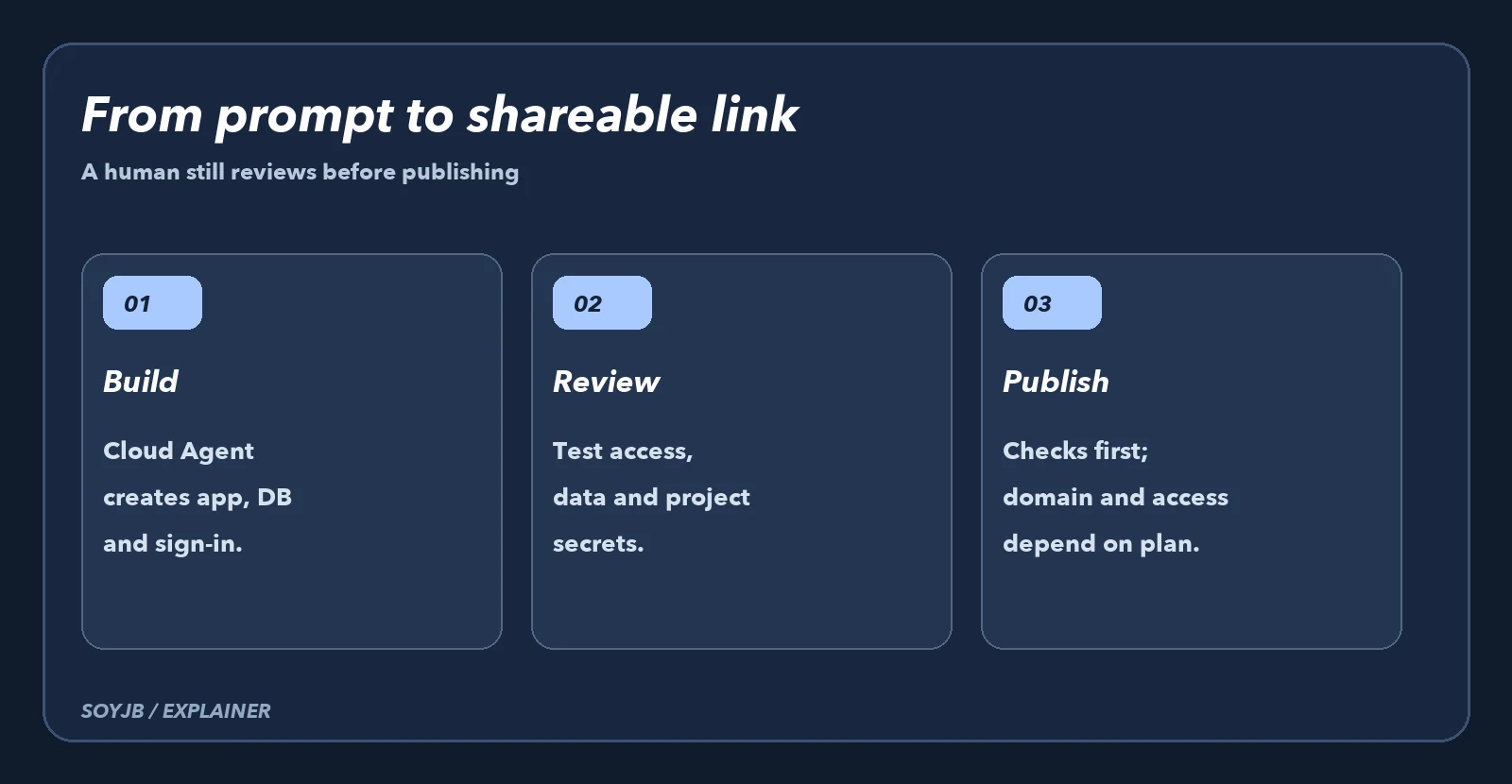
Cursor says it runs deterministic and agentic security checks before publishing, including checks for secrets committed in app files and exposed credentials. When a check fails, the agent reports what to fix; nothing goes live until checks pass and a person explicitly publishes. Team admins can see the team's apps and secrets, add review rules, approve a blocked publication, or unpublish an app. Those controls help, but they do not replace testing authorization with real user roles or deciding which data belongs in the app.
Use a five-point final review: server-side roles, disposable test data, narrowly scoped secrets, the correct domain, and the exact audience. Publish to a small group first. If a test fails, unpublish, repair, and repeat the access check. Cursor also mentions API keys for scripts that use an app, which widens the access surface. Do not enable that path merely for convenience.
The founder decision is straightforward. If your bottleneck is getting an internal tool into teammates' hands, this feature merits a small test this week. If you need a public product with billing, compliance, and complex operations, the live link is only a starting point; costs, permissions, support, portability, and maintenance still need review. SoyJB has not tested a deployment or the final cost of a real app. This separates Cursor's announcement from the experiment worth running.