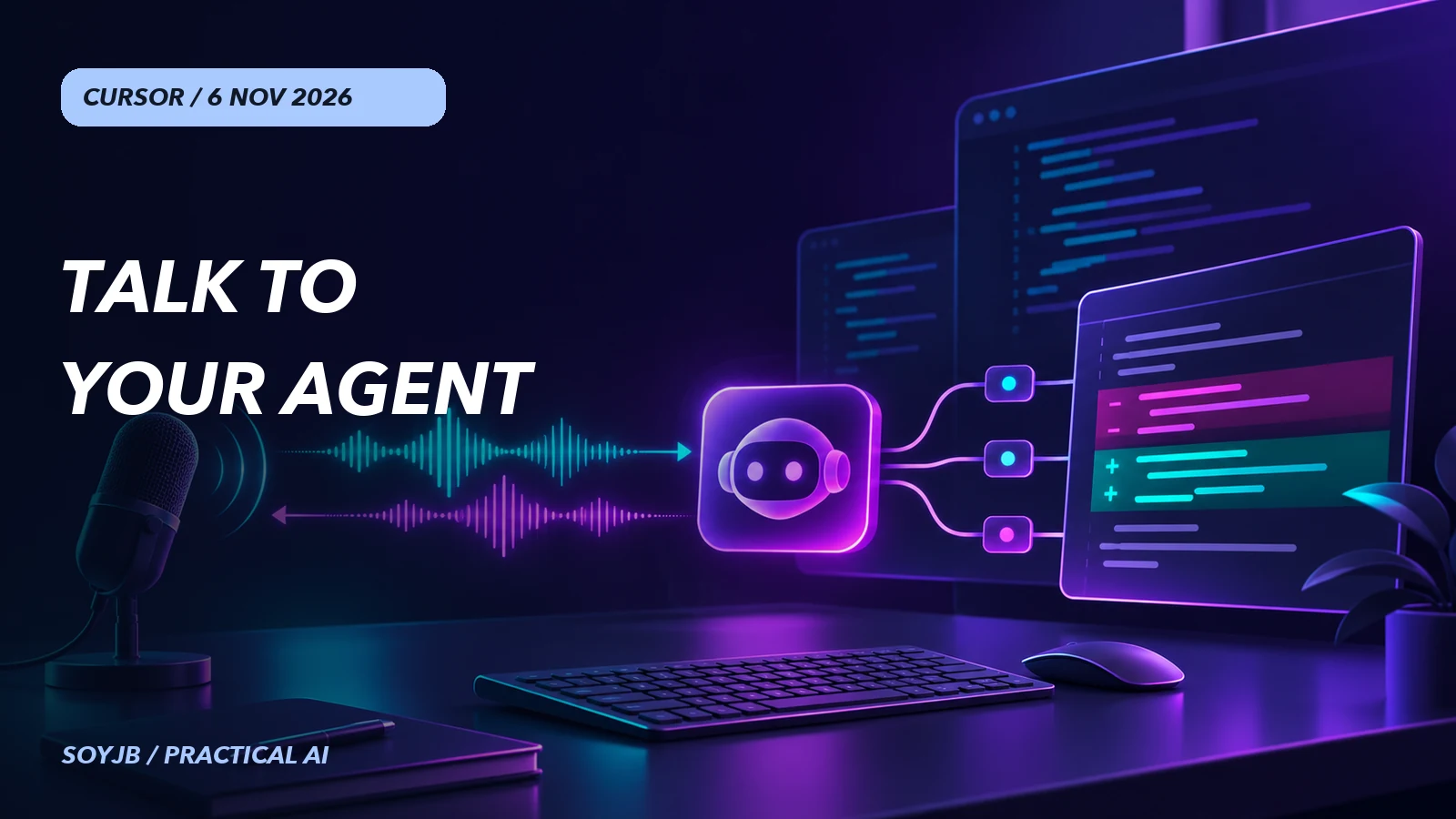
You are fixing a signup form and want to know whether your coding agent has found the failure without stopping to type another prompt. Cursor now offers a two-way voice call: describe a change, hear progress, and ask about the diff while the coding agent keeps working. For an independent builder, the interesting part is not speech input alone. It is the ability to stay in the conversation during execution and then decide, from the actual change, whether the work is good.
Cursor announced Voice Chat with Agents on November 6, 2026. It works in the Agents Window, the IDE, on the web, and in the iOS app. Cursor explicitly separates it from dictation: the familiar microphone turns speech into text for you to review and send, while the waveform button starts a call in which the agent speaks back.
What happens when you request code work
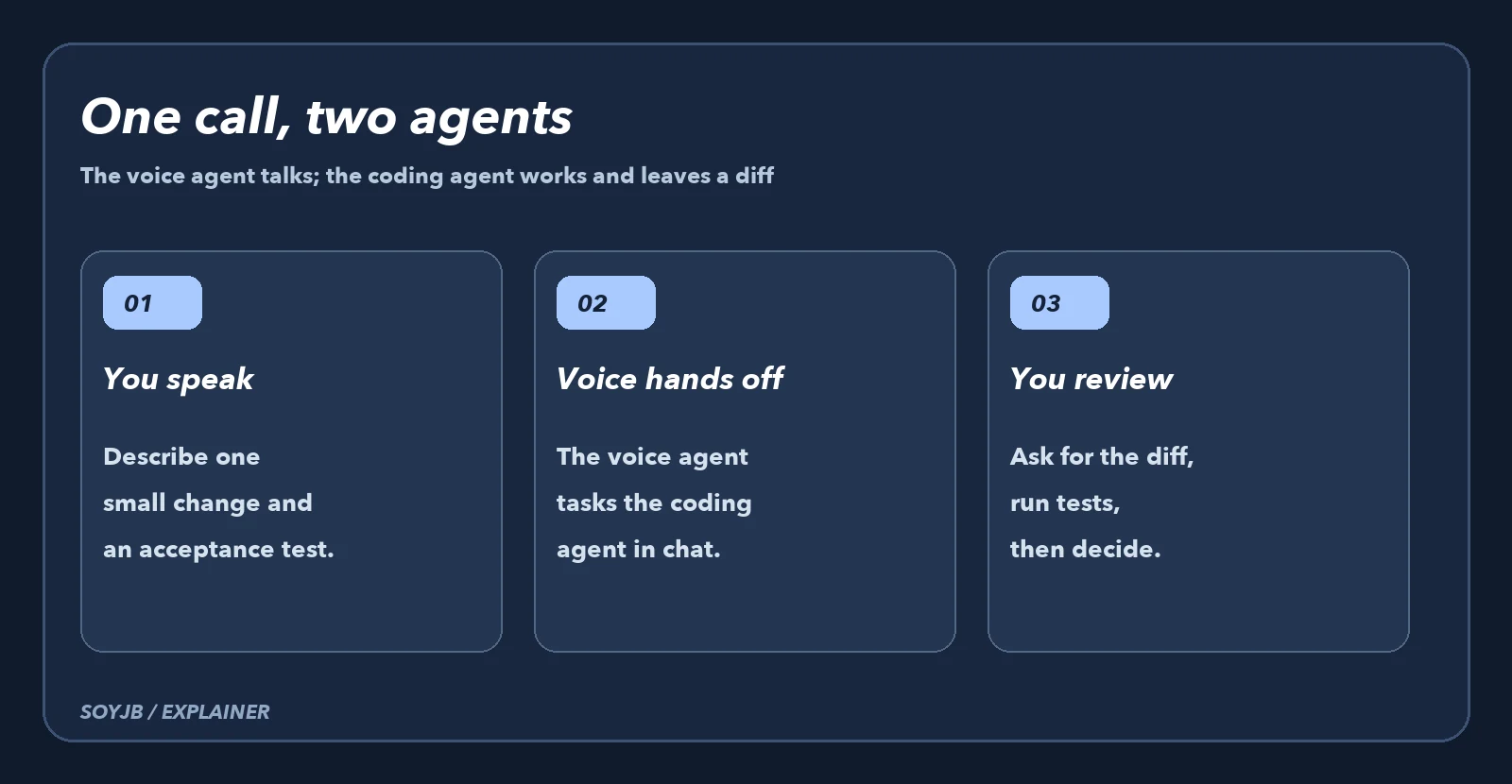
The official guide explains that you speak to a voice agent, which can hand a task to the coding agent in the same chat. The conversation remains live while that coding agent works. You can ask the voice agent to read diffs, runs, and current status; those lookups are read-only. At the end, the coding agent normally speaks a short update and leaves the full written answer in the chat. The call transcript appears there too.
One distinction matters when choosing a workflow: Grok Voice handles listening and speaking, while the coding agent keeps the programming model you selected. Turning on voice does not silently replace the model that edits your project. Cursor says voice chat has zero data retention with Privacy Mode enabled. Check your own account and team settings before discussing sensitive work.
A ten-minute acceptance test
- Update Cursor, sign in, and open an agent chat. In the IDE, that chat needs at least one existing message. Wait until the agent is idle and clear the input field.
- Click Start voice chat, the waveform next to the dictation microphone, and grant microphone permission. If you cannot see it, check those conditions before concluding that your account lacks access.
- Work in a test branch and request one bounded change: “In this signup form, show a clear error when the email is empty. Do not change server-side validation. When done, tell me which files changed and how I can verify it.”
- While it runs, ask: “What changed in the diff? Which test did you run? What remains unverified?” After completion, inspect the real diff, run the test or manual flow, and check both an empty and a valid email.
The success condition is not a convincing spoken answer. The change must meet the agreed case, avoid unrelated routes, and have a reproducible check. If you have no automated test, record that the check was manual. This is a SoyJB evaluation protocol, not a claim that we ran a Cursor voice call ourselves.
Access, limits, and when to use dictation
Cursor requires an account sign-in and microphone permission; API-key-only sessions cannot start calls. The waveform is hidden in subagents, Project workers, archived chats, Claude Code chats, and a teammate's chats. Cursor documents a daily call limit but does not state its numerical cap or a voice-specific price on the page we reviewed. Check the limits shown in your account. A call can also end after roughly ten minutes of your silence when no work is in progress.
Choose dictation when you need to inspect and edit a precise prompt before sending it, such as instructions containing exact filenames. Choose Voice Chat for exploring a bug, asking for updates, or following a bounded task without interrupting your work. Either way, review the code and outcome. The practical promise of this release is lower friction in the feedback loop, not proof that an agent wrote correct software unaided.
Sources: Cursor announcement, Nov 6, 2026; official Voice Chat guide. Access and limits reviewed Nov 7, 2026. The acceptance test is an editorial recommendation, not a measured result.