Your app already calls gemini-3.8-flash. You replace the model string with gemini-4-hydrogen, deploy, and discover that some calls fail, others spend more on thinking, and explicit caching no longer works. Google's official migration checklist, published with Hydrogen on November 12, 2026, gives you a safer route: make the change small, measurable, and reversible.
This guide is for developers already using the Gemini API. Gemini app users do not need to change code. Hydrogen is available in AI Studio and the API on a rate-limited free tier and a paid tier; check your quota before running tests.
1. Save a baseline before editing production
Choose three representative inputs: a simple request, a tool-using task, and a long-context task. Save each request, expected outcome, latency, token counts, and estimated cost on Flash. If an agent edits files, preserve the test repository and an executable check. A model that sounds better in one chat turn can still fail at the decisive step of a workflow.
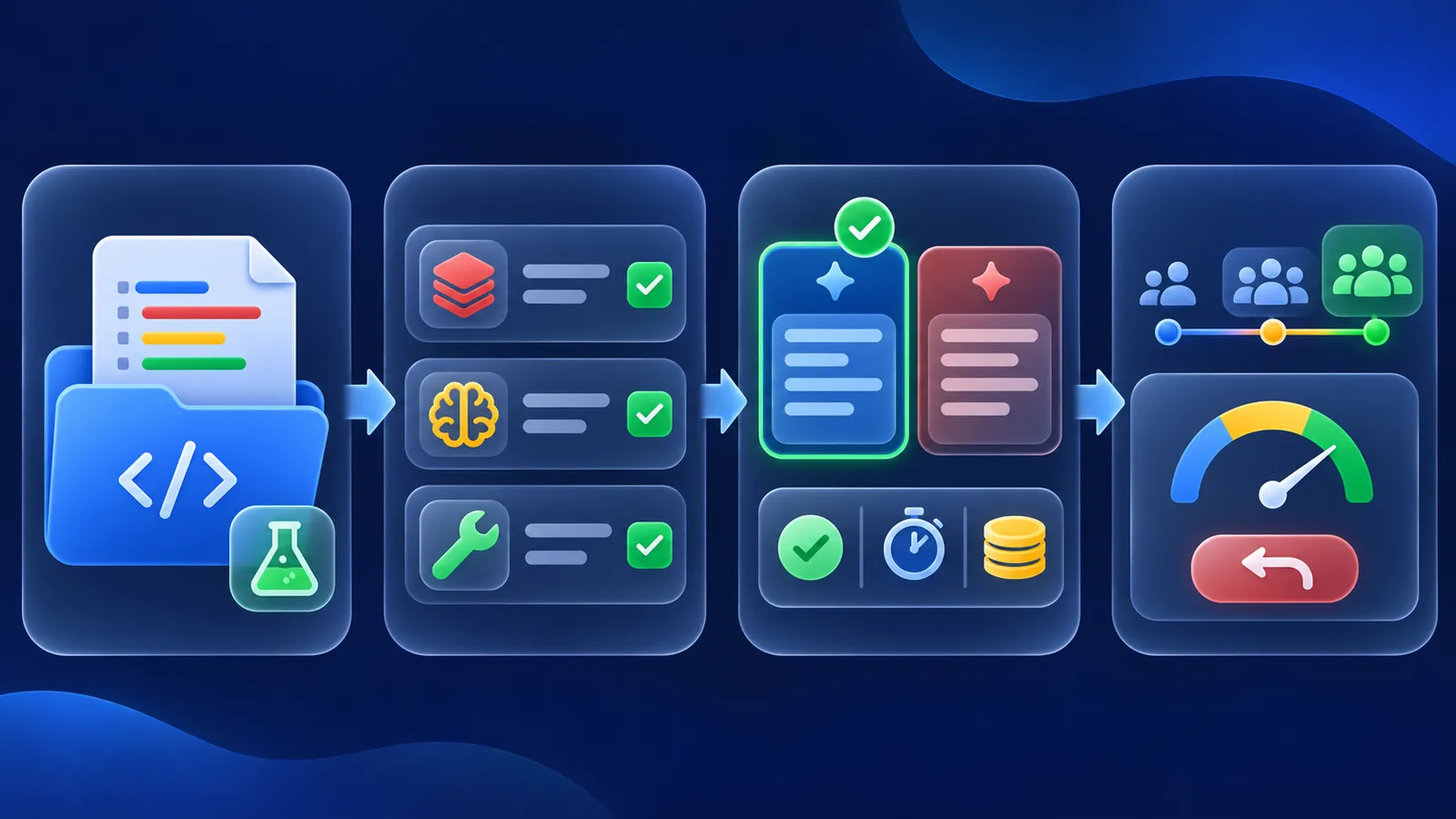
2. Change the ID and audit incompatible settings
Use gemini-4-hydrogen in the Gemini API. Vercel AI Gateway uses google/gemini-4-hydrogen; the two ID formats are not interchangeable. Google calls out these changes from Gemini 3.8 Flash:
- Thinking: Hydrogen defaults to
high, notmedium. It acceptslow,medium,high, andxhigh;minimalerrors. Comparemediumandhighon the same evaluation set. - Caching: remove
cached_contentand explicit cache creation. Hydrogen does not support explicit caching. Implicit caching is enabled by default for prompts of at least 4,096 tokens and discounts cache hits; do not assume every request hits. - Sampling: remove
temperature,top_p, andtop_k; custom values are ignored. - Context and output: input, thinking, and output share 1,048,576 tokens. A synchronous response is still capped at 65,536 tokens per hop. Remove old low output caps only when your task needs more room, and set a spending boundary.
- Tools: declare native functions or a structured-output schema. Do not ask the model to invent raw JSON tool calls in text.
3. Send one minimal request
With your Gemini API key stored in GEMINI_API_KEY, this example uses the Interactions API shown in Google's guide. The task is intentionally small: it checks access and response structure, not an entire agent's quality.
curl -sS https://generativelanguage.googleapis.com/v1beta/interactions \
  -H "x-goog-api-key: $GEMINI_API_KEY" \
  -H 'Content-Type: application/json' \
  -d '{
    "model": "gemini-4-hydrogen",
    "input": "Summarize a pull request review in three steps."
  }'
Run it in a test environment first. Without a key, you can validate the JSON locally, but that does not prove API access or model behavior. Never paste the key into a repository or screenshot.
4. Keep agent conversation state intact
Tool-using conversations need accurate history. In the Interactions API, use previous_interaction_id to continue a session. If you manage history with generateContent, preserve prior model turns and thought signatures unchanged. Do not copy a signature between parallel function calls. Google's documentation warns that undeclared tools or malformed state can cause failures such as MALFORMED_FUNCTION_CALL.
5. Decide on actual cost and failures
Google lists $1.50 per million input tokens and $7.50 per million output tokens, including thinking. The free tier is rate-limited. For every case record completion, errors, human fixes, elapsed time, input/output tokens, and spend. Repeat on Flash and Hydrogen at medium and high. Choose the cheapest level that passes your quality bar. Reserve xhigh for hard cases that justify extra time and tokens.
To produce more than 65,536 output tokens, Google requires background=true with a larger max_output_tokens, or client-side continuation. That is a separate workflow; do not turn on giant outputs in production to mask a truncation problem. Roll out gradually and retain the previous model configuration so you can revert if task success or tool reliability drops.
Verification scope: we checked the example structure and migration steps against Google's documentation. We did not make an authenticated Gemini call or measure an independent performance gain.
Sources: Google guide and checklist, Gemini API changelog, Vercel AI Gateway model ID.