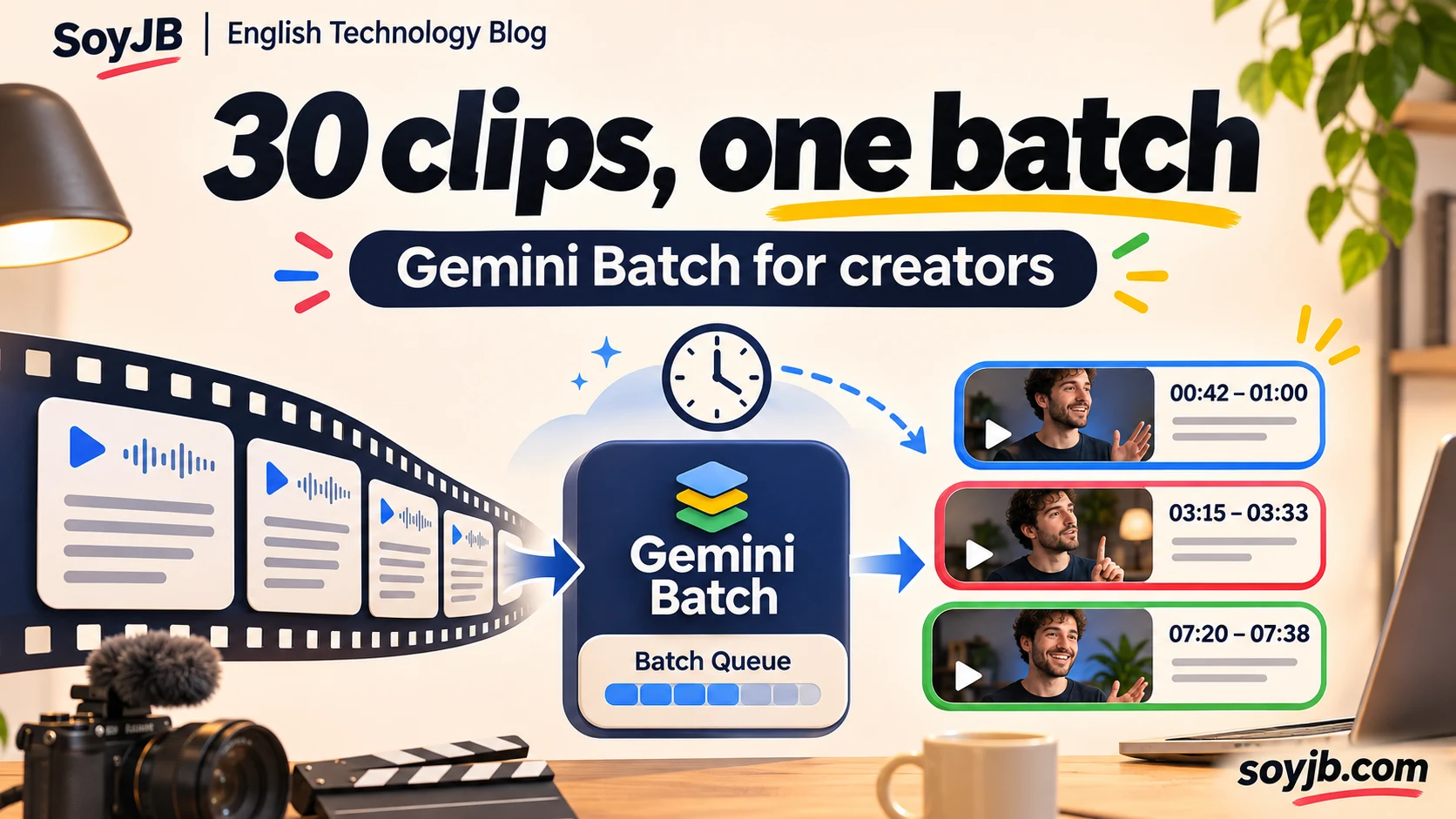
You have thirty timestamped transcripts from long recordings. You want to find moments worth turning into Shorts, but no editor is waiting for thirty answers in ten seconds. Sending each transcript to a live model call adds interruptions, rate-limit surprises, and repeated manual work. Gemini Batch offers a queue for this kind of independent analysis.
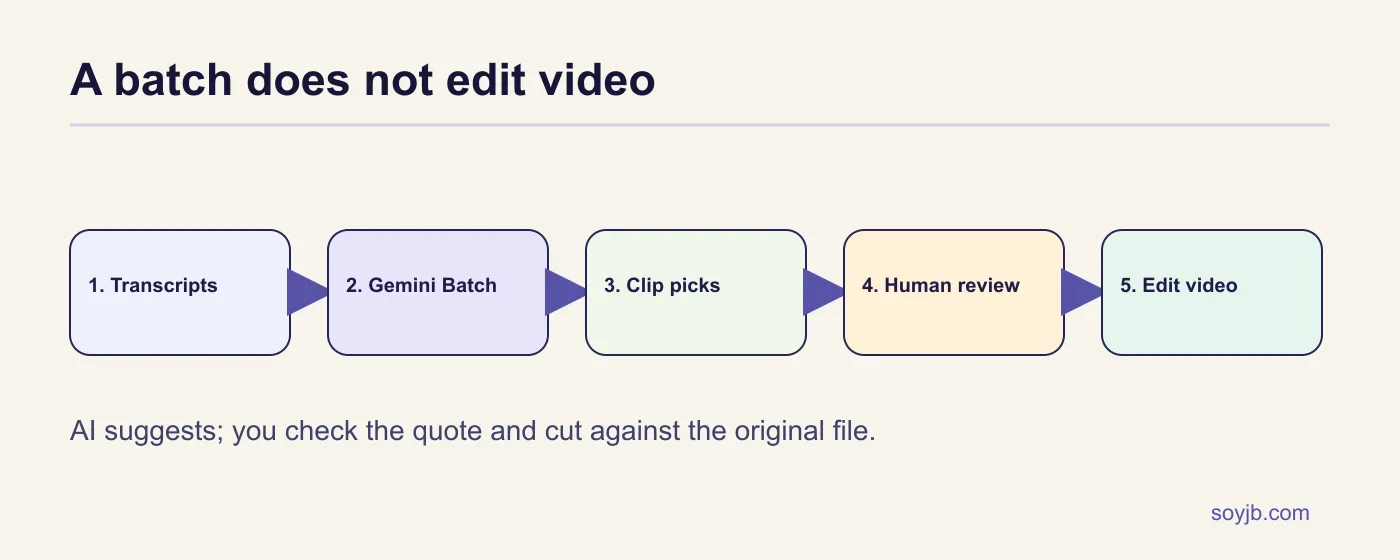
Google's official Batch API guide lets you submit many requests and collect results later. Its optimization documentation lists Batch inference at 50% of the same model's standard price and a target turnaround of up to 24 hours; check the actual model price before estimating savings. This workflow does not edit video. It reads transcripts you already have, suggests timestamps and quotes, and leaves the cut to a human.
When the queue makes sense
Choose Batch for many independent jobs that can wait: screening transcripts, proposing clip titles, or drafting description variants for tomorrow. Choose the standard API when a viewer is waiting in the UI. Google's Flex tier is aimed at background chains where later calls depend on earlier output, but its preview availability and behavior differ from Batch. Batch has separate limits for concurrent jobs and queued tokens; inspect your project's current limits.
The published discount compares Batch inference with standard inference for the same model. It does not halve editorial review time, nor does it guarantee thirty good clips. If your starting point is video rather than a transcript, add an actual transcription step and preserve the reference to the original file. This example does not transcribe media.
Before uploading real transcripts, remove names, email addresses, and third-party details that are irrelevant to selecting a clip. This sample uses fictional material. For interviews or client recordings, confirm you are allowed to process the content with this provider and decide how long to retain both inputs and responses. A lower inference price does not make sensitive uploads an automatic choice.
A small batch you can copy
Save this JSON as batch.json. It has three fictional timestamped transcripts and distinct tasks. Each request includes a metadata.key to tie the result back to its clip. Asking for an exact quote matters: a plausible paraphrase may not occur in the recording. The three-item sample is easy to inspect; you can scale the structure within your model and project limits.
{
  "batch": {
    "display_name": "soyjb-clips-demo-en",
    "input_config": {
      "requests": {
        "requests": [
          {
            "request": {
              "contents": [
                {
                  "parts": [
                    {
                      "text": "Pick one self-contained 10-to-20-second moment. Return a literal sentence from the transcript and a short title. If none is good, say DISCARD.\n\nTranscript:\n00:00 Someone asks why their AI app feels slow. 00:08 I show three serial API calls. 00:18 I compare a parallel call. 00:30 I conclude: measure the whole task."
                    }
                  ]
                }
              ]
            },
            "metadata": {
              "key": "clip-01"
            }
          },
          {
            "request": {
              "contents": [
                {
                  "parts": [
                    {
                      "text": "Select a 10-to-20-second educational clip. Return start, end, one exact quote, and one claim still needing verification.\n\nTranscript:\n00:00 A founder asks whether a 429 means Gemini is down. 00:12 I explain it can be a request or spending limit. 00:27 I show where to inspect the project."
                    }
                  ]
                }
              ]
            },
            "metadata": {
              "key": "clip-02"
            }
          },
          {
            "request": {
              "contents": [
                {
                  "parts": [
                    {
                      "text": "Suggest a 10-to-20-second clip for a technical creator. Give timestamps and a claim to verify in the video.\n\nTranscript:\n00:00 I visually test a landing page. 00:14 The mobile layout clips the CTA. 00:22 I fix the CSS. 00:35 I capture it again."
                    }
                  ]
                }
              ]
            },
            "metadata": {
              "key": "clip-03"
            }
          }
        ]
      }
    }
  }
}
I validated the file as JSON and confirmed it contains three requests. I did not submit a live batch to a Gemini account. Set GEMINI_API_KEY and GEMINI_MODEL in your terminal for a Batch-compatible model. The official REST reference documents models.batchGenerateContent under v1beta. Keep the key out of your frontend and repository.
curl -sS -X POST "https://generativelanguage.googleapis.com/v1beta/models/${GEMINI_MODEL}:batchGenerateContent" -H "x-goog-api-key: ${GEMINI_API_KEY}" -H "Content-Type: application/json" --data-binary @batch.jsonThe creation response contains an operation name. Save it exactly as returned, such as batches/.... Poll that operation rather than creating the same batch again while you wait:
curl -sS "https://generativelanguage.googleapis.com/v1beta/${BATCH_NAME}" -H "x-goog-api-key: ${GEMINI_API_KEY}"When the operation finishes, inspect its error or response. With inline input, the API reference says inline responses preserve request order. Keep the metadata key too, and inspect each result: individual requests can fail. Large JSONL input can produce a result file that requires a separate download. Batch limits are independent of interactive limits, but they still exist.
Turn suggestions into real clips
Open the original video at each suggested timestamp. Confirm the quote exists, that the beginning and end form a complete idea, and that the cut does not remove a caveat that changes the meaning. Reject vague or invented quotes. Only then cut the video in your editor or FFmpeg. Record the video_id, start and end times, verified quote, editorial decision, and final URL so you do not publish the same segment twice. Human judgment is what turns a model suggestion into a useful clip.
To decide whether Batch helps, take ten transcripts and measure human review minutes, inference cost, accepted suggestion rate, and total time to publication. Compare with ten similar recordings handled by your current process. If clips must ship today, queue time may erase the API savings. If you are preparing tomorrow's slate, the trade may work.
Sources and scope
Google Batch API guide; REST and response reference; price and latency comparison; Batch limits. Reviewed November 10, 2026. The local check validates JSON structure, not model output.