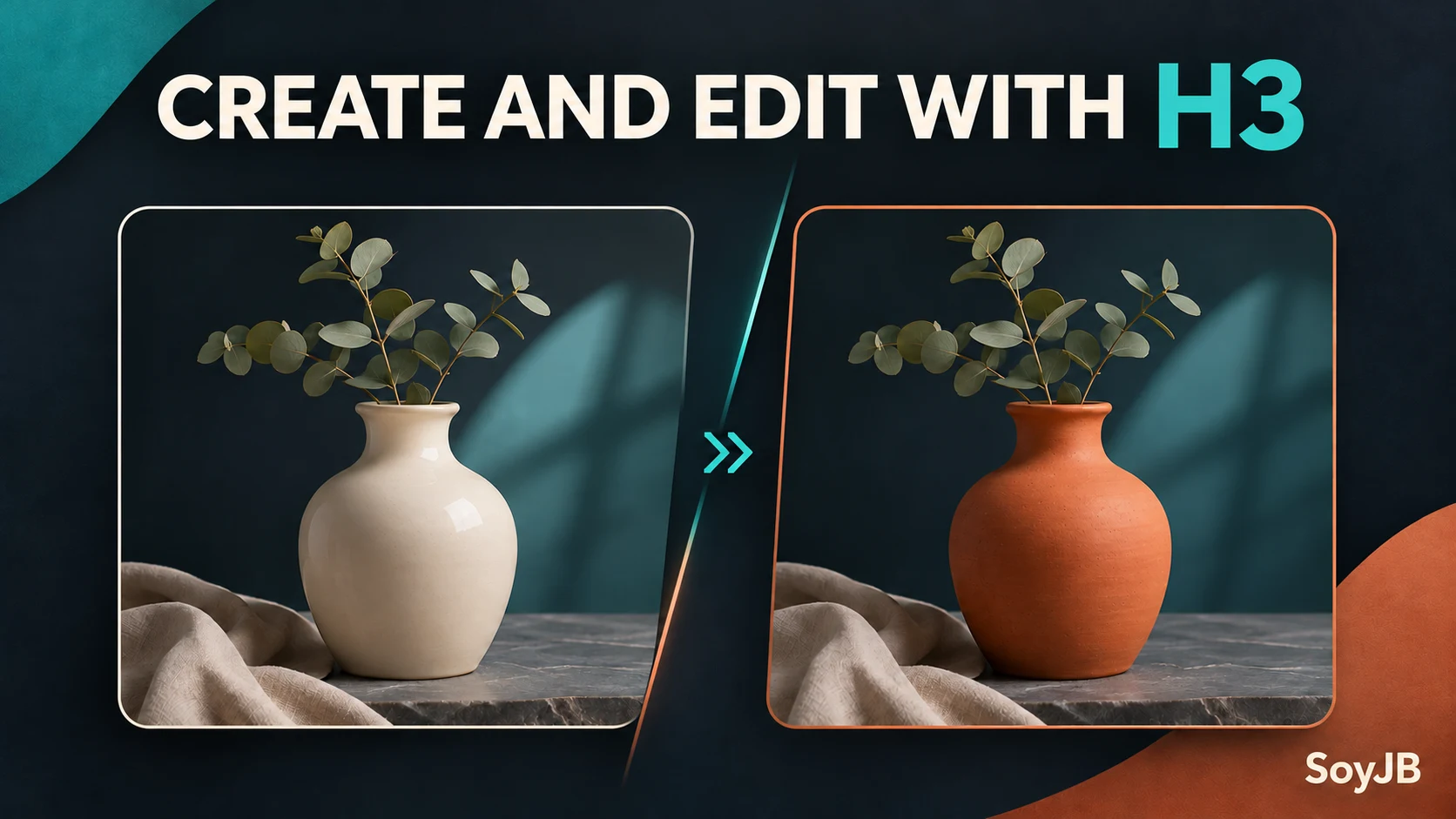
If you produce ten variations of a campaign image, writing the prompt is only part of the work. You also need to change one object without disturbing the layout and decide whether faster output is worth a higher bill. On November 10, 2026, Vercel added MiniMax H3 Image and H3 Image Highspeed to AI Gateway. Both can generate and edit images through one Gateway account without a separate MiniMax account. The useful question is whether an edit preserves your brand's constraints and what the speed difference actually costs.
What you can use now
Both variants support text-to-image generation and editing an existing image. Vercel describes custom dimensions and aspect ratios, including 2K and 4K in its announcement; the model cards list JPEG, PNG, and WebP output. Call the standard model with minimax/minimax-h3-image and the faster variant with minimax/minimax-h3-image-highspeed. Highspeed is positioned as faster, but we have not measured its latency on our own workload.
The standard model card lists $2.30 per million input tokens and $3.80 per million output tokens. The Highspeed card lists the same input rate and $7.60 per million output tokens. Those rates are not a fixed price per image. Resolution, editing inputs, and actual billable tokens affect the total; check the live model card before running a large batch.
A test that leads to a decision
Choose a product photo you have the right to use, such as a cup. Generate a clean product visual with a specified light and background. Then request a single edit: change the cup color while preserving framing, shadows, and every other object. Keep the prompt, reference image, resulting files, elapsed time, token counts, and Gateway charge. Run the same case on Highspeed. Use the standard variant for batch work if the saved time does not justify the higher output rate; reserve Highspeed for time-critical iteration if it does.
This minimal example follows Vercel's published AI SDK snippet. It requires a Node project with the ai package and AI Gateway authentication configured for your environment. Keep the key outside the source file:
import { writeFile } from 'node:fs/promises';
import { generateImage } from 'ai';

const { image } = await generateImage({
  model: 'minimax/minimax-h3-image',
  prompt: 'Cream ceramic cup on a wooden desk, soft side light, clean horizontal product photo, no text',
  size: '2048x2048',
  maxRetries: 0,
  providerOptions: { minimax: { outputFormat: 'png' } },
});

await writeFile('h3-image.png', image.uint8Array);
Run the file in Node after configuring Gateway. Confirm that h3-image.png exists, inspect the output, and check the actual charge in your dashboard. Vercel's edit example replaces the string prompt with { text: 'Change the cup to terracotta; preserve the lighting and framing', images: [image.uint8Array] }. The square size above tests the basic call; use a supported wide size for a real horizontal cover.
What to judge before shipping
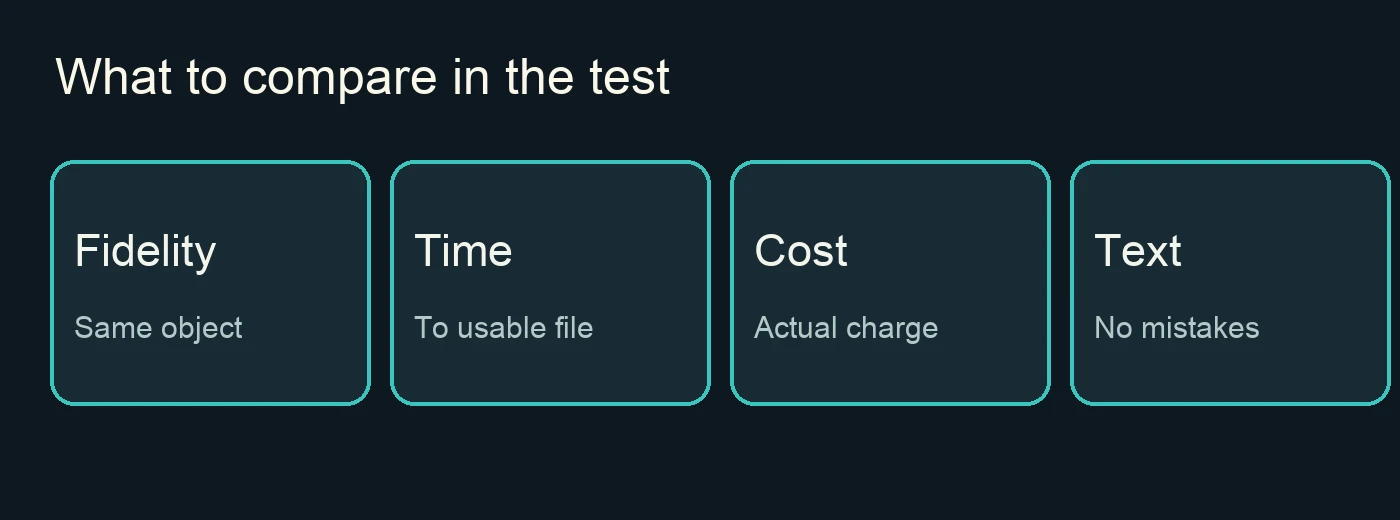
Score edit fidelity, text accuracy if requested, time to a usable file, and total cost. A visually attractive image that changes the product or mangles the headline is a failed asset. A generated illustration should not be presented as a real product screenshot or documentary photo. This article's cover is a SoyJB concept illustration, not output from MiniMax H3.
The Vercel playground can help you test, but its model card says usage is billed to your team. We verified the announcement, model cards, and sample call; we did not run a paid generation or claim a benchmark. A useful next step is a three-image trial on each variant with a short record of latency, edit errors, and spend.