
Your coding agent says a deployment failed because of vercel.json and offers to rewrite it. The actual cause might be the wrong team, an unlinked project, an outdated CLI, or a Vercel incident. Editing configuration on a guess can make the failure harder to understand. On November 3, 2026, Vercel added vercel doctor to its CLI so you can inspect those conditions before changing anything.
Vercel's official announcement says Doctor checks the CLI version and installation, login and current team, project link, vercel.json, and active incidents on the Vercel status page. Every check is marked OK, Warning, Failed, or Skipped. If vercel upgrade cannot update an installation, the install check identifies where the CLI is running from and offers a reinstall path.
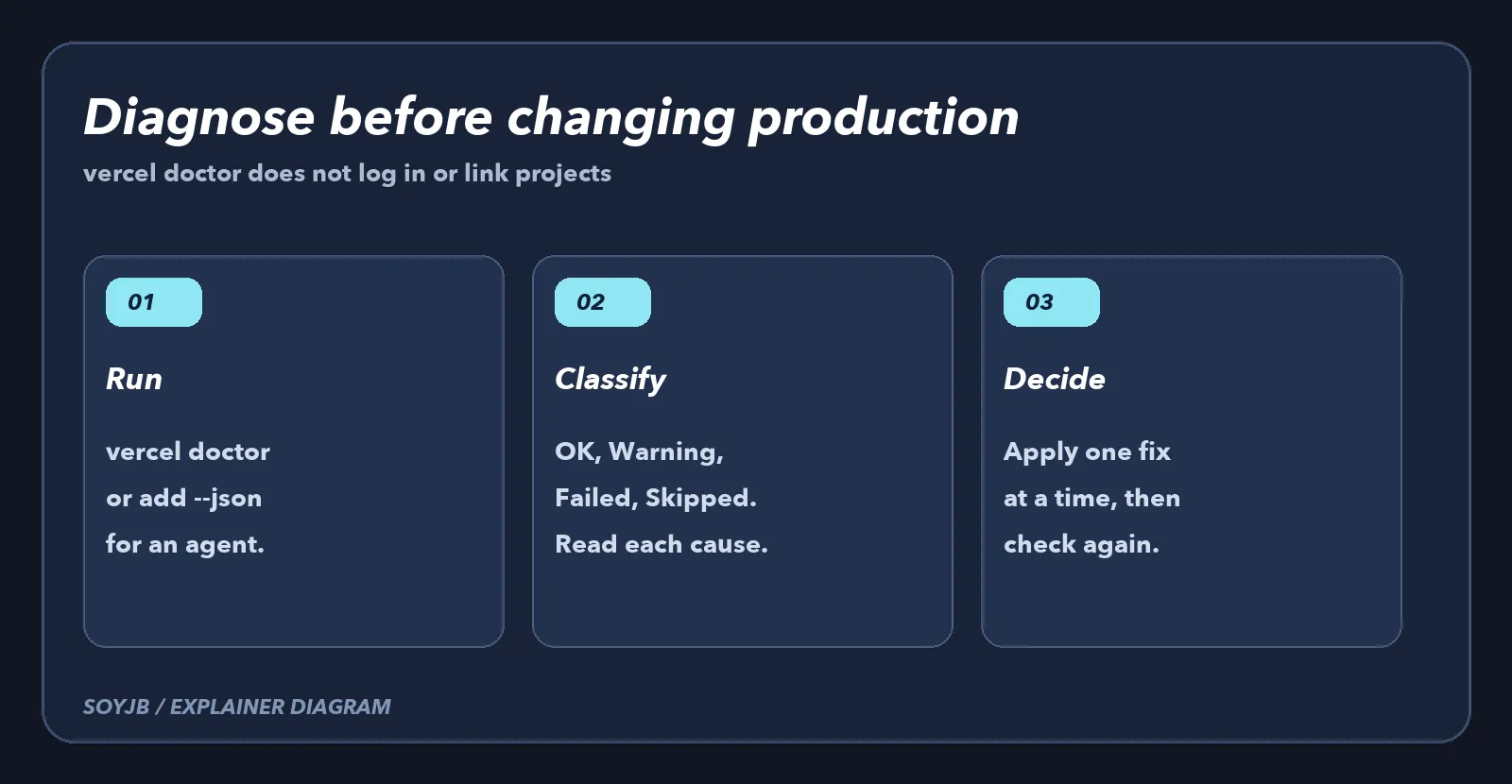
Run it before you ask an agent to fix deployment
Update to a recent Vercel CLI version and run this from your project directory:
vercel doctorIf an agent or automation will consume the result, use vercel doctor --json. The structured output contains each check's status and suggested repair commands. Have the agent read that output before it proposes vercel login, vercel link, or an edit to the project configuration. Vercel says Doctor does not prompt, log in, or link a project, and it works without a login or linked project. That makes it useful as an observational first step.
Turn findings into one controlled action
- If the current team is wrong, resolve account context before touching
vercel.json. A permission problem is not a routing problem. - If the project is unlinked, decide which project should be linked. Do not let an agent choose one because its name looks similar.
- If
vercel.jsonfails a check, compare the reported value with the versioned configuration. Change one thing, rerun Doctor, then attempt a deployment. - If Vercel reports an active incident, consult the status page and decide whether to wait or use a fallback. Repeating the same failed deploy can obscure the cause.
- Treat
Skippedas an unchecked condition, not a pass. Find out which prerequisite prevented the check.
For an AI-built app, a useful instruction to your coding agent is: “Run vercel doctor --json. Summarize failed checks with evidence and propose the smallest change. Do not edit configuration or link another project until I approve the diagnosis.” The tool supplies observations; you still choose the account, project, and fix. In a team, review the terminal output before sharing it so credentials or other sensitive context are not exposed.
Where Doctor stops
Doctor checks CLI and project setup. It does not prove your app builds, your tests pass, or the deployed URL serves users correctly. An all-OK report is not a security certificate. Use build logs and a real URL check to finish the investigation. SoyJB has not run Doctor against its own Vercel account for this article; the workflow is a proposed evaluation based on Vercel's announcement. The practical change is to give an agent diagnostic evidence before asking it to “fix Vercel.”