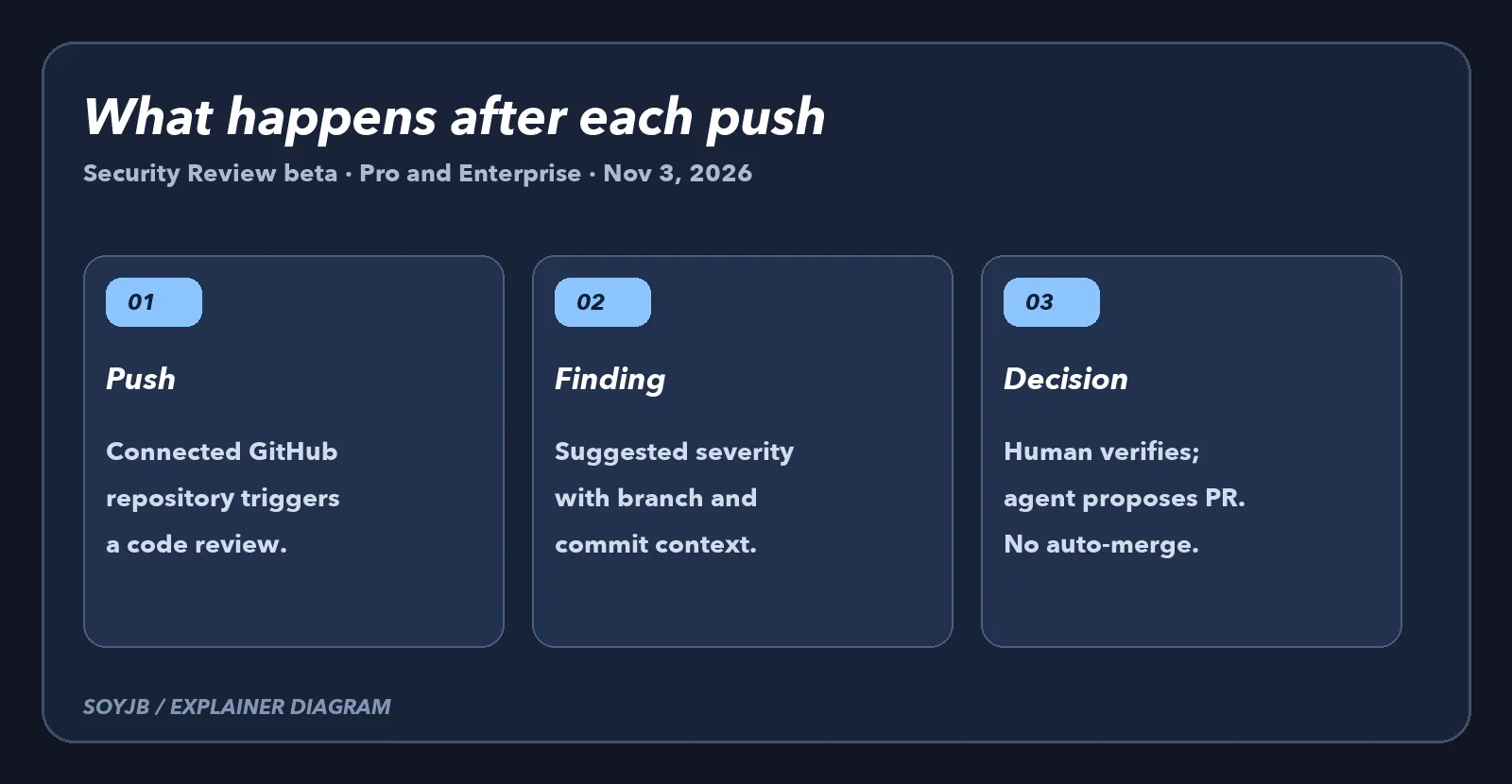
Your coding agent edits an authentication route and pushes before anyone reviews the diff. The build may pass while the change still introduces a vulnerability. On November 3, 2026, Vercel released Security Review in public beta. It automatically examines code on each push to a connected GitHub repository and reports findings with project, environment, branch, and commit context. For a small team shipping AI-built apps, the useful change is another signal between a push and a human decision to accept a fix.
Vercel's official announcement says the beta is available to Pro and Enterprise teams after they enable it. Reviews are triggered by pushes, not just pull requests. A direct or force push to production is included, and one push affecting multiple projects is reviewed together. That trigger matters if your coding workflow makes frequent small changes without opening a PR first.
What a finding actually gives you
A finding includes a summary, a suggested fix, and an AI-generated severity rating. Vercel attaches its own check to the commit. When a pull request exists, it can add review comments linking to the findings. For public repositories, finding details remain in the dashboard instead of being exposed in public comments. Treat the severity as a prioritization hint, not as a certified audit; confirm the vulnerable path and scope before changing code.
Choosing “Fix with Vercel Agent” hands a finding to an agent that proposes a change and opens a pull request. Nothing merges without your approval. If you prefer another coding agent, the CLI command vercel security vulnerabilities can export the findings; it requires Vercel CLI 65.10.0 or later. Either way, inspect the diff, run tests, and confirm the fix has not broken the user flow. Team and project policies written in plain language can add context, but you should check which policies apply to the repository in question.
A small acceptance test
- Enable Security Review in a low-risk Pro or Enterprise project and verify the connected GitHub repository.
- Make a controlled, benign push. Find the new GitHub check and its result in Vercel. Do not create a real production vulnerability just to test the tool.
- For a finding, check file, line, branch, and commit. Classify it as real, false positive, or requiring reproduction. If you ask Agent for a fix, review its PR before merging.
- Track push count, review count, and observed spend for a week. One convincing report does not establish broad coverage.
There is a cost boundary. Vercel says Security Review is free until November 10, 2026. After that, reviews use the Vercel Agent rate: provider inference at its token rate with no markup plus a $0.25 Vercel fee per million input, cached, and output tokens. Agent fixes are already billed at that rate. Since every push triggers a review, teams with busy repositories should watch usage before enabling it widely.
Security Review analyzes source code. It is not runtime testing or penetration testing, and it cannot guarantee a vulnerability-free app. Use it alongside human review, tests, dependency scanning, and permission checks. SoyJB has not enabled the beta in a Pro account or measured real findings. The test above is a proposed workflow grounded in Vercel's announcement and documentation.