Your agent finishes its answer while the reader stares at a static screen. When a workflow writes many small chunks, transport between each step and the visible response can add noticeable delay. On November 9, Vercel announced that Workflow SDK 5.2 sends event and stream writes to Vercel Workflows over a WebSocket by default. Previously, writes used an HTTP request per event or write group.
In a replay of an AI agent's token stream, Vercel measured a complete response delivered 4.2 times faster than with version 4.8.12. That is the vendor's benchmark for that workload. It is not a promise that every chatbot will respond 4.2 times faster.
What changes in an existing app
If you already stream text with Workflow SDK, your streaming logic can stay the same. The new transport takes effect after upgrading to workflow@5.2.0 or later and deploying. New runs use the updated deployment; runs already in flight finish on the deployment where they started. Step-start and step-completion events also travel over the WebSocket, reducing HTTP requests for workflows with many steps.
This is relevant to a support agent showing progress, a writing assistant streaming a draft, or a research workflow exposing partial findings. It does not make the model itself faster, unblock a slow tool call, or fix a UI that buffers the stream until the answer is complete.
Run a small before-and-after check
- In a staging environment, record your installed
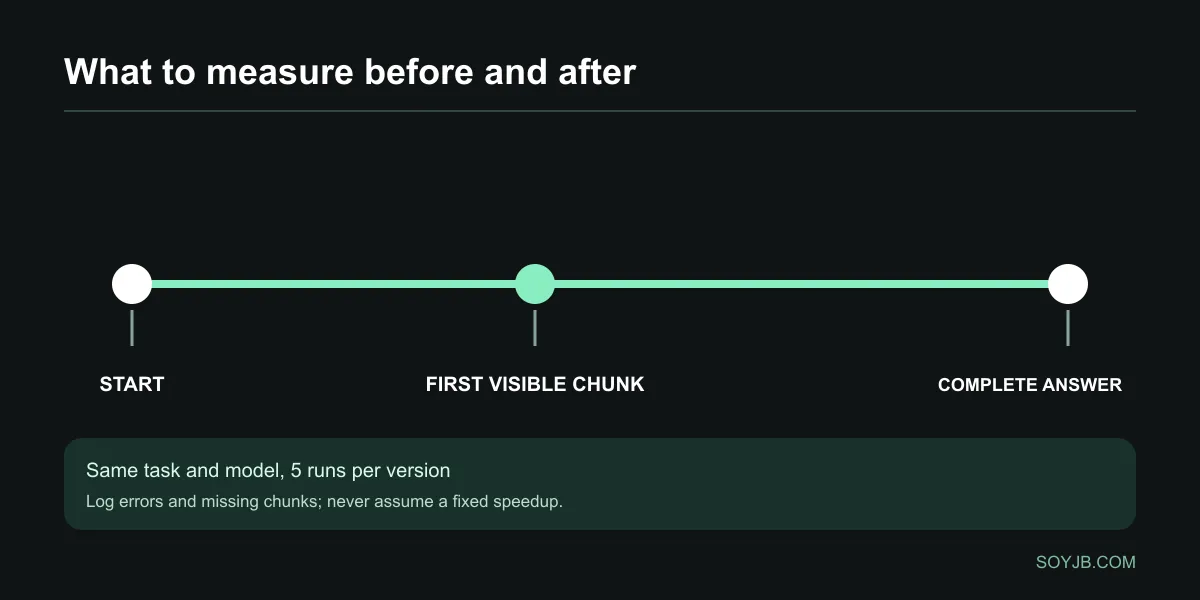
workflowversion. Use a fixed task that generates 300–500 words progressively, with the same model and input each time. - Before upgrading, run it five times and record time to first visible chunk and time to full answer. Also check errors, missing chunks, and ordering.
- If you are already on 5.x, use
npm install workflow@latestand confirm the lockfile resolves to at least 5.2.0. If you are on 4.x, follow the v5 upgrade guide first: this is a major version update with possible changes unrelated to transport. - Deploy to staging, repeat five runs, and compare medians. Interrupt one response and include one slow tool call to check that the interface reports the state accurately.
Log version, start, first_chunk_ms, complete_ms, chunks, errors. If the final answer arrives sooner but no text appears earlier, the reader may not feel a benefit. If a regression appears, roll back the deployment and preserve the measurements rather than assuming WebSockets alone caused it.
Who should upgrade now
Prioritize this if you already stream agent output through Vercel Workflows and users experience pauses between chunks. If your workflow never streams, or most time is spent waiting for an external API, the change may have little visible effect. Review request volume and spend in your dashboard too: Vercel claims better efficiency, but savings for your app depend on its actual workload.
Sources: Vercel's November 9 changelog and Workflow SDK documentation. A live latency test on our own deployment has not been performed.