
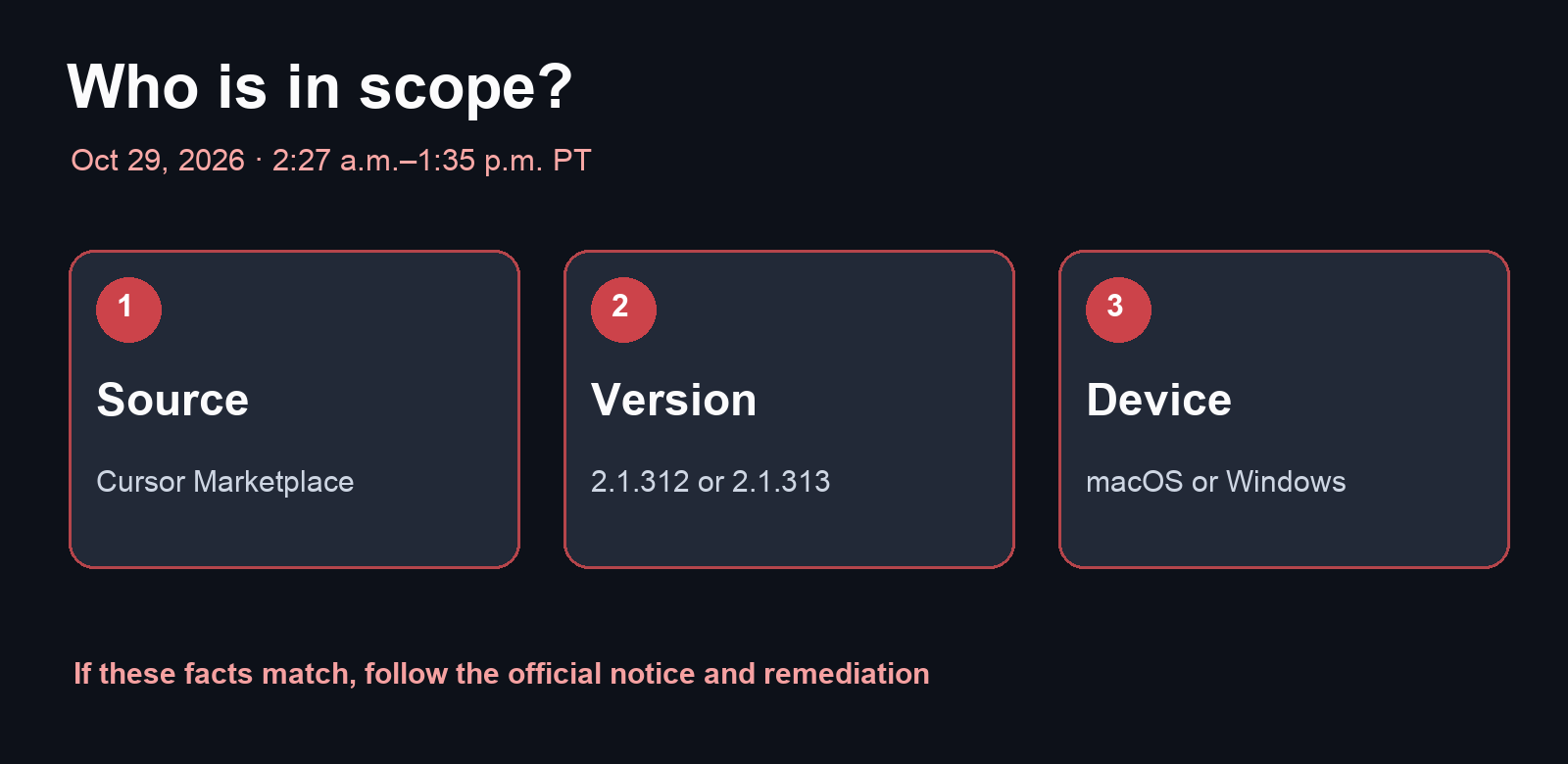
If you use Claude Code inside Cursor, the most useful first question is not “Was I hacked?” It is “Did I install or update the extension from Cursor's marketplace during the affected window?” Cursor's security notice, published October 29, 2026 and updated October 30, identifies modified versions 2.1.312 and 2.1.313 of Anthropic.claude-code for macOS and Windows. They were available in the Cursor VS Code Extension Marketplace from approximately 2:27 a.m. to 1:35 p.m. Pacific Time on October 29. Cursor says Anthropic did not create these packages and reports no evidence that other versions or the official distribution were affected.
What the package attempted
Cursor says the modified extension collected host and user details, including OS, working directories and environment-variable names, and tried to report them to the attacker. It also attempted to add an unauthorized SSH key, enable the local SSH service and maintain a reverse tunnel. On most machines without administrator privileges, the SSH-enablement step failed because of errors in the malicious code. Cursor also says the attacker-controlled server is now offline. Those facts lower one immediate risk, but they do not establish that a host which ran the package is clean: the notice describes a key and persistence mechanisms that may remain.
Check whether the notice applies to you
- Open Cursor's installed extensions and locate
Anthropic.claude-code. Record its version and source. The notice concerns the Cursor VS Code Extension Marketplace, not every Claude Code installation. - If you use macOS or Windows and may have installed or updated 2.1.312 or 2.1.313 during the October 29 window, follow the official impact-check section. Cursor provides checks for both systems and published indicators. If you cannot establish the time, inspect installation history or ask your device administrator before ruling yourself out.
- If you find evidence of payload execution or a backdoor, isolate the machine, preserve what is needed for investigation and follow the platform-specific official remediation. Cursor warns that uninstalling the extension alone may be insufficient, because standalone persistence files or processes could remain.
- From a separate trusted device, rotate credentials and sessions that the affected machine could access. Prioritize Git hosting, repositories, API credentials and deployment systems according to actual permissions. Do not assert that every secret was stolen: the notice describes collecting environment-variable names and recommends rotation because subsequent access through a backdoor cannot be excluded.
What a small team should do
Checking only your own laptop misses teammates who may have installed the extension. Ask each collaborator for the source, version, platform and installation or update time, then record the result per device. Someone outside the stated combination is not shown to be compromised by this notice. Someone inside it should not treat the absence of obvious symptoms as proof of safety. Cursor's original notice provides package hashes and remediation scripts; obtain those scripts directly from the official page and review their scope before running them.
This incident was announced on October 29. This article is appearing on November 1 because an earlier editorial scan missed it; it is not a new attack announced today. I have not inspected readers' devices or run the remediation scripts. The immediate value is to identify the precise group that needs action, avoid a blanket alarm and follow through beyond a simple uninstall where Cursor's notice requires more.