Your app has React components in src/components and API handlers in src/server. You ask Cursor to adjust a form, but the agent carries a broad backend instruction into UI work—or invents a visual convention while changing authentication. A huge repeated prompt is hard to maintain. Two short, version-controlled project rules can supply different context for different files.
Cursor's current Rules documentation places Project Rules in .cursor/rules as .mdc files. They can apply always, to matching paths, manually, or by relevance. For a mixed application, path-scoped rules reduce irrelevant context: the interface rule attaches when a component is in the agent's context; the API rule attaches when a handler is. They are model instructions, not file permissions or a replacement for executing tests.
Two files you can adapt
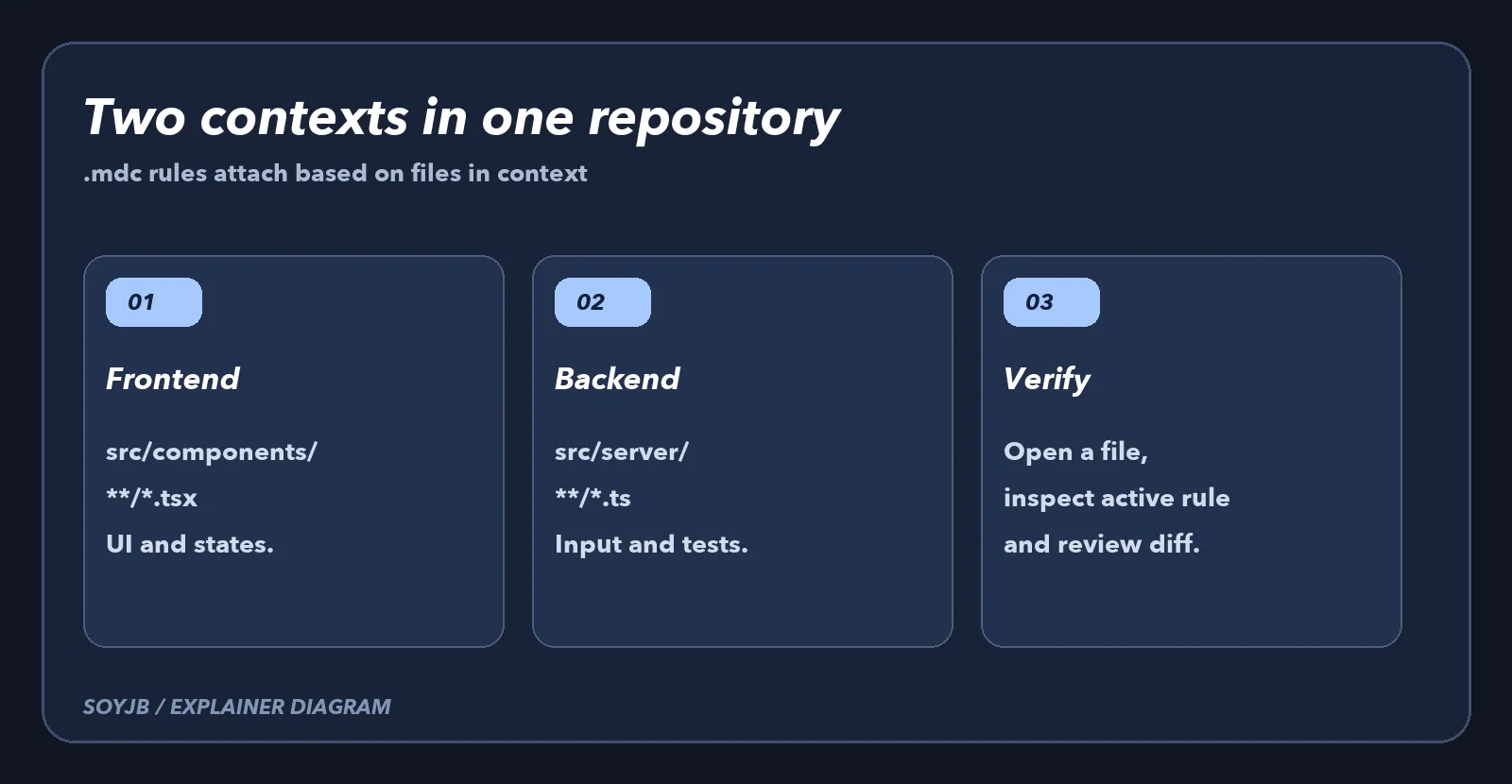
Create .cursor/rules/frontend.mdc. Change the path if your project does not use src/components:
---
description: UI conventions for React components
globs: "src/components/**/*.tsx"
alwaysApply: false
---
- Before editing, inspect one existing component in this folder.
- Keep loading, empty, and error states visible to users.
- Run the project's typecheck after changing components.
Then create .cursor/rules/backend.mdc for handlers under src/server:
---
description: API conventions for server handlers
globs: "src/server/**/*.ts"
alwaysApply: false
---
- Validate input at the request boundary before calling a service.
- Keep secrets out of logs and responses.
- Add or update a test for a changed handler.
In both examples, alwaysApply: false avoids injecting the rule into every conversation. The globs field scopes it to files in context. Cursor documents ** as a recursive directory matcher and says plain .md files inside .cursor/rules are ignored as project rules; use .mdc. These examples are short on purpose. “Write clean code” is less actionable than a known component to inspect and an actual check to run.
Verify that the right rule attaches
- Open a real component under
src/components, include it in the conversation, and inspect active rules in Cursor. The frontend rule should appear. Ask for a small change, such as an empty state for a list. - Open a handler under
src/server. Confirm the backend rule appears and ask for input validation in a test branch. - Review the diff and run the typecheck and tests that actually exist in the repository. If the agent claims a test passed, inspect its output or run it yourself.
- If both rules appear because both kinds of file are in context, decide which instruction belongs to each file. A path pattern alone will not resolve conflicting guidance.
I checked locally that both sample .mdc files contain parseable YAML frontmatter with a description, glob, and alwaysApply: false. I did not run Cursor in Joseph's account or benchmark code quality. Verify actual rule attachment in your own editor. If your layout uses app/api or packages/ui, update the globs first. Otherwise a rule may be saved but never attach to your work.
Run a negative check too: open a nonmatching file such as README.md in a new conversation. Neither path-specific rule should appear merely because it is stored in the repository. If one does, inspect whether you set it to “Always Apply” or duplicated it in a global rule. If neither appears while editing a component, check the .mdc extension, folder, glob, and whether that file is actually in the agent context. Record this quick activation check in the pull request that introduces the rules.
What belongs in AGENTS.md instead?
Cursor also supports a root AGENTS.md for project-wide instructions. Put facts there that every agent needs: how to run tests, where the architecture lives, or a release rule that applies to all changes. Keep .mdc rules for one area of the code. Avoid copying the same instruction into both locations, because contradictions make it difficult to know what the agent followed. Commit the files with the project and revisit patterns when directories move.
This pattern improves context and consistency. For access permissions, secrets, and command review, see our three guardrails for Cursor Agent. A rule saying “never publish secrets” does not prevent a tool with access from reading them. The goal here is to attach the relevant instruction to the relevant file and verify the resulting diff before accepting it.