If you build an iPhone app in Xcode, you could already use the GitHub Copilot extension, but Xcode's built-in coding assistant was a different workflow. On November 4, 2026, GitHub announced that Copilot now works directly inside that assistant. There is an important condition: it is a public preview starting with Xcode 27.3 beta, not a feature that automatically appears in every stable installation today.
Who can try it?
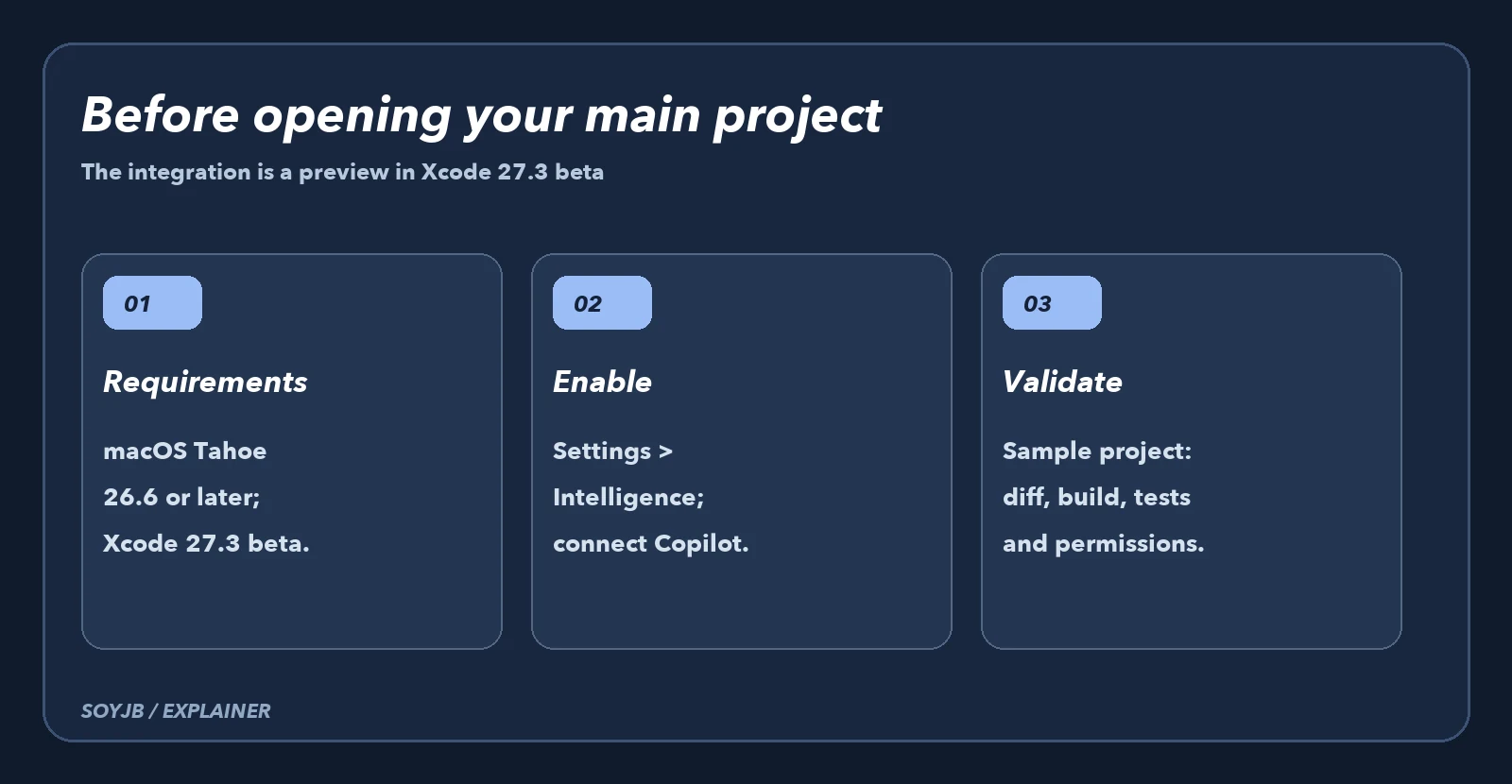
GitHub's official announcement requires a Mac running macOS Tahoe 26.6 or later and Xcode 27.3 beta from Apple Developer Downloads. Inside Xcode, go to Xcode → Settings → Intelligence. GitHub says all Copilot plans are supported. The GitHub Copilot for Xcode extension remains a separate option, so installing the beta does not require replacing your current workflow.
Apple presents the Xcode 27 coding assistant as part of its environment for editing, testing, and debugging apps. That puts the integration where a SwiftUI developer already works. It does not prove Copilot will build an entire app, see more context than the extension, or perform better: GitHub's announcement gives no controlled comparison. Treat this as a new entry point, not a productivity guarantee.
A useful iOS vibe-coding test
Do not start with your production app. Create a small SwiftUI project with an in-memory task list and an existing test that fails if item ordering breaks. Open the built-in assistant and request one bounded change: local search by title, with no persistence or new permissions. That scope lets you see whether the suggestion understands state, edits the right files, and leaves a buildable app.
In this SwiftUI project, add local search to the task list.
Do not add dependencies or storage.
Before editing, list the files you would change and the expected behavior.
Then implement the smallest change.
Finish by summarizing the diff, empty-state cases, and tests I should run.
Do not claim a build or test passed unless you actually ran it.
After accepting a proposal, review the diff line by line. Run a build and tests in Xcode; try a query with no results and one with mixed case or accented characters. Compare against your existing extension on the same task: time to a correct diff, files touched, clarity of explanation, and manual fixes. A more convenient interface says little about solution quality until you check it.
The practical decision and its limits
If your Mac does not meet the OS requirement or you do not want a beta Xcode installation, keep the extension or your current editor. If you do qualify, try it on a branch and an isolated project. Beta behavior can change in both the integration and the development tool itself; save a copy of the project and do not let an experiment disrupt the environment you ship from.
A Copilot account also means checking your organization's policies: which code can be sent to an assistant, which repositories are authorized, and how generated edits are reviewed. “All plans” does not imply identical features or limits across plans. Check your plan terms and current docs before committing a team workflow.
Test status: GitHub confirms the date, requirements, setup route, and preview status. We did not run Xcode 27.3 beta on a Mac for this article. The proposed experiment lets you decide from an observable diff, build, and tests instead of inferring results from an announcement.